Unlock your creative potential and dive into the exciting world of Roblox hat creation. This comprehensive guide provides everything you need to know about designing, modeling, and uploading your very own custom hats to Roblox. Learn about essential tools like Blender, discover the latest 2026 platform requirements, and navigate the submission process with ease. Whether you are a beginner or looking to refine your skills, this resource covers crucial steps from concept to final publication. Explore monetization opportunities and community engagement strategies for your unique digital accessories. This trend-setting information will help you craft amazing virtual wearables that stand out on the platform.
How do you make a hat on Roblox Studio?
To make a hat in Roblox Studio, you first need to model it in a 3D software like Blender, then create its textures. Export your model as an FBX, import it into Studio, and use the 'Accessory Fitting Tool' to ensure it fits properly on avatars before submission.
Can you make your own custom hats in Roblox?
Yes, you can absolutely create and upload your own custom hats in Roblox. This is done through the User-Generated Content (UGC) Program, which requires applying and meeting specific creator criteria to gain permission to publish items to the Avatar Shop.
What software do Roblox hat creators use?
Roblox hat creators primarily use 3D modeling software such as Blender for sculpting and designing the hat's geometry. For creating detailed textures and decals, they often rely on image editing programs like Adobe Photoshop or GIMP. Roblox Studio is then used for importing and configuring the final asset.
How much Robux does it cost to upload a hat?
The cost to upload a hat to the Roblox Avatar Shop can vary and is typically a small Robux fee per item. This fee helps cover the moderation process. However, to even get to the upload stage, creators must be accepted into the exclusive Roblox User-Generated Content (UGC) Program.
Is it hard to make Roblox UGC?
Making Roblox UGC, including hats, requires learning 3D modeling and texturing skills, which can be challenging but highly rewarding. With dedication and practice using tools like Blender and Roblox Studio, creators can successfully design and publish their own unique accessories.
Can a free player make Roblox hats?
A free player can certainly learn the skills and create the 3D models and textures for Roblox hats using free software like Blender and GIMP. However, to actually upload and sell these hats on the Roblox Avatar Shop, they must be accepted into the official UGC Program.
how to make a roblox hat FAQ 2026 - 50+ Most Asked Questions Answered (Tips, Trick, Guide, How to, Bugs, Builds, Endgame)
Welcome to the ultimate living FAQ for making Roblox hats in 2026, updated with the latest tips, tricks, and insights from the cutting edge of virtual fashion! The landscape of Roblox UGC is constantly evolving, bringing new tools, challenges, and opportunities for creators. Whether you are a budding artist or an experienced designer looking for advanced strategies, this guide is your go-to resource. We've compiled over 50 of the most frequently asked questions, covering everything from fundamental modeling techniques to advanced monetization and community engagement. Get ready to elevate your hat-making game!
Beginner Questions & Getting Started
What is the absolute first step to designing a Roblox hat?
The very first step is concept generation and sketching your hat idea. Think about its shape, theme, and how it will appeal to Roblox players. This initial phase helps solidify your vision before diving into complex 3D modeling software.
Which free 3D modeling software is best for Roblox hats?
Blender is widely considered the best free 3D modeling software for Roblox hats. It offers powerful tools for sculpting, modeling, and UV unwrapping, making it a comprehensive solution for any beginner. There are countless free tutorials available to help you get started.
Do I need to be a professional artist to make good Roblox hats?
Not at all! Many successful Roblox hat creators started as beginners. What matters most is creativity, a willingness to learn 3D software, and consistent practice. Your unique ideas and dedication will shine through your designs.
How do I import my finished hat model into Roblox Studio?
After exporting your hat as an FBX file from Blender, open Roblox Studio, go to the 'Model' tab, and click 'Import 3D'. Select your FBX file, then position and scale it correctly. Ensure all textures are linked or re-uploaded as needed.
Modeling & Texturing Techniques
What are UV maps, and why are they important for hats?
UV maps are a 2D representation of your 3D model's surface, essential for applying textures accurately. They dictate how an image wraps around your hat, preventing stretching or distortion. Proper UV mapping makes your hat look polished and professional.
What is PBR texturing, and should I use it for Roblox hats?
PBR (Physically Based Rendering) texturing uses multiple maps (albedo, normal, roughness, metallic) to simulate how light interacts with materials realistically. Yes, you should definitely use PBR for Roblox hats in 2026 for a modern, high-quality appearance, as Studio fully supports it.
How do I add details to my hat without increasing polygon count too much?
Use normal maps! You can sculpt high-detail models in Blender, then 'bake' those intricate details onto a low-polygon version of your hat as a normal map. This creates the illusion of complexity without adding heavy geometry.
Myth vs Reality: Is it true that more polygons always mean a better-looking hat?
Reality: More polygons often mean a more detailed hat, but it doesn't always mean a *better-looking* or *better-performing* hat. Excessive polygons cause lag and reduce compatibility. Smart use of normal maps and efficient modeling achieves high quality with fewer polys.
Roblox Studio Integration & Setup
How do I ensure my hat attaches correctly to the avatar's head?
Your hat must have an 'Attachment' point, typically named 'HatAttachment', placed correctly on the hat model's pivot. In Roblox Studio, when you make the hat an accessory, it will automatically connect to the corresponding 'HatAttachment' on the avatar's head.
What is the 'Accessory Fitting Tool' and how do I use it?
The 'Accessory Fitting Tool' in Roblox Studio (under the 'Plugins' tab) helps you automatically adjust your hat's position and scale to fit various avatar body types. It's crucial for ensuring broad compatibility and avoiding clipping issues across different player characters.
Can I add special effects like particles or glowing elements to my hat?
Yes, you absolutely can! You can insert 'ParticleEmitters' or 'PointLights' into your hat model within Roblox Studio. These can create dynamic effects like sparkling, smoke, or a subtle glow, making your hat visually stand out. Experiment with different properties.
Myth vs Reality: Do I need to script my hat for it to work in games?
Reality: For a basic hat that simply attaches to the head, no scripting is required. Roblox Studio handles attachment automatically. You only need scripting if you want your hat to have unique interactive features, animations, or special abilities within a game.
UGC Program & Monetization
What are the requirements to join the Roblox UGC Program in 2026?
As of 2026, requirements typically include having a good standing on Roblox, demonstrating consistent high-quality 3D modeling skills, and adhering to strict community and asset guidelines. Applications are often competitive, focusing on portfolio quality and platform engagement.
How do I price my custom Roblox hats for sale in the Avatar Shop?
Pricing your hats depends on rarity, perceived value, design complexity, and market trends. Research similar items in the Avatar Shop to set competitive prices. Consider offering different tiers, like limited edition items at higher prices, to maximize appeal.
What percentage of Robux do creators earn from hat sales?
The exact percentage can vary based on Roblox's policies and any creator-specific agreements, but typically creators earn a significant portion of the Robux spent on their items. Roblox takes a platform fee, so understanding the current developer exchange rates is vital.
Myth vs Reality: Are only super popular creators accepted into the UGC Program?
Reality: While popularity can help, it's not the sole criterion. Roblox looks for talent, originality, and adherence to quality standards. Many creators with smaller followings but excellent portfolios have been accepted. Focus on skill and unique designs.
Advanced Tips & Tricks for 2026
How can I optimize my hat for mobile devices without losing too much detail?
Focus on aggressive polygon reduction, efficient UV layouts, and baking intricate details into normal maps. Use lower resolution textures (e.g., 256x256) for mobile versions. Roblox's automatic LOD (Level of Detail) system also helps, but manual optimization is crucial.
What are some advanced Blender techniques for complex hat designs?
Explore Blender's sculpting tools for organic shapes, procedural texturing for unique materials, and geometry nodes for intricate patterns. Learning advanced retopology techniques ensures clean, efficient meshes even for highly detailed hats. Mastering these makes your designs stand out.
How do I incorporate seasonal trends into my hat designs for maximum appeal?
Stay updated on real-world and Roblox-specific holidays, events, and popular themes. Design hats that align with these trends (e.g., Halloween, Christmas, summer events). Releasing seasonal items creates urgency and boosts sales during peak times. Watch social media for emerging trends.
Myth vs Reality: Is it possible to completely prevent my designs from being copied?
Reality: While impossible to completely prevent, you can make copying very difficult. Registering unique designs, creating complex geometry that's hard to replicate, and actively monitoring the marketplace for infringements are your best defenses. Roblox's moderation also helps.
Community Engagement & Marketing
What are the best platforms to showcase my Roblox hat designs?
Showcase your designs on Twitter, YouTube, TikTok, and dedicated Roblox creator Discord servers. Create compelling renders or in-game videos of your hats to attract attention. Engaging with potential buyers and fellow creators builds your brand.
How important is community feedback in the hat creation process?
Community feedback is incredibly important. It provides valuable insights into what players like, what they'd pay for, and areas for improvement. Share early concepts and prototypes to gather opinions; it helps refine your designs and ensures they resonate with your target audience.
Should I offer limited edition hats, and what are the benefits?
Yes, offering limited edition hats can create exclusivity and drive demand. Players often value scarcity, making limited items highly sought after. This strategy can generate significant buzz and higher prices, especially for unique or event-themed designs.
Bugs & Fixes
My hat isn't attaching correctly in Roblox Studio, what's wrong?
First, check if your hat model has a 'HatAttachment' named correctly. Ensure its pivot point is at the desired attachment location. Also, confirm the hat's 'Part' property is set to an 'Accessory' in Studio. Sometimes, re-importing the FBX can resolve minor issues.
Why do my hat textures look blurry or stretched in Roblox Studio?
Blurry textures usually indicate incorrect UV mapping or low-resolution texture files. Stretched textures are almost always a UV mapping issue. Revisit your UV unwrapping in Blender, ensure seams are properly placed, and use appropriate texture resolutions (e.g., 512x512).
Endgame Grind & Pro Tips
What's the next step after my hat is successfully uploaded and selling?
Once your hat is selling, focus on promotion and iteration. Market your hat through social media, collaborate with influencers, and gather player feedback. Start working on your next design, applying lessons learned, and continually expanding your portfolio. Consistency is key to long-term success.
How can I collaborate with other Roblox developers for hat creation?
Join Roblox developer communities on Discord or forums. Look for artists with complementary skills (e.g., a modeller partnering with a texture artist). Clearly define roles, expectations, and revenue sharing upfront. Collaborative projects can lead to more complex and successful designs.
Builds & Classes (of Hats)
What are the most popular 'classes' or types of hats on Roblox?
Popular hat 'classes' include classic caps, fantasy helmets, animal ears, futuristic headwear, and themed accessories for events. Unique, meme-inspired, and stylish modern hats also trend well. Observing current Avatar Shop bestsellers gives great insight into what players want.
Can I design hats that are modular or customizable by players?
Absolutely, and this is a growing trend! You can design hats with separate parts (e.g., a base hat and attachable pins or charms) that players can mix and match. This requires careful asset structuring in Studio but offers immense player personalization options. Scripting can handle dynamic changes.
Still have questions? The Roblox Developer Hub is a fantastic resource for in-depth technical guides. Also, check out our related guides on 'Advanced Blender Techniques for Roblox' and 'Monetizing Your UGC Creations'.
Ever wondered if you can truly create your own custom hats on Roblox, much like the celebrity designers churning out exclusive virtual fashion? The answer, my friends, is a resounding yes! Roblox has become a major hub for user-generated content, allowing talented individuals to craft unique items. We are talking about everything from quirky beanies to majestic crowns, all designed by players like you. In fact, the platform’s creator economy is absolutely booming, projected to reach incredible new heights by 2026. Developers are making real money selling their fantastic digital accessories right now. So, how can you join this exciting creative wave and design your very own Roblox hat? Let’s dive into the fascinating details.
Creating a Roblox hat involves several key steps, starting with 3D modeling and ending with official submission. This process requires patience, attention to detail, and a good understanding of various software tools. Mastering these techniques will empower you to bring imaginative ideas to life within the Roblox universe. Many creators find this journey incredibly rewarding as they see their designs embraced by the vast player community.
Understanding the Roblox Hat Creation Ecosystem
The Roblox platform provides a unique environment for creators to thrive. It offers a structured system for submitting, approving, and selling user-generated content (UGC). This ecosystem ensures quality and adherence to community guidelines, maintaining a positive experience for everyone. Successful creators often collaborate and share knowledge, fostering a supportive and innovative community atmosphere.
Essential Tools for Your Creative Journey
To begin your hat-making adventure, you will need a few powerful tools at your disposal. Blender is the industry standard for 3D modeling, offering extensive features for complex designs. Image editing software like Photoshop or GIMP is crucial for creating stunning textures and decals. Finally, Roblox Studio itself is where you will import your creations and prepare them for submission. Learning these tools opens up a world of possibilities for your digital artistry.
Beginner / Core Concepts
Here we tackle some fundamental questions that often come up when you are just starting out. Don't worry, it's totally normal to feel a bit overwhelmed initially, but we'll break it down together.
1. Q: What basic software do I need to start making a Roblox hat for beginners?A: Hey there, I totally get why this might seem like a maze at first. The absolute essentials you'll want to grab are Blender for your 3D modeling and an image editor like Adobe Photoshop or GIMP for texturing. Blender is free and incredibly powerful, though it has a bit of a learning curve. Your image editor will help you create those vibrant, detailed looks for your hat. You’ll also need Roblox Studio, of course, to test and eventually upload your creations. Think of it as your digital workshop where all the magic happens. Don't feel pressured to master everything immediately; just focus on learning the basics of each tool. Start with simple shapes and gradually build your confidence. You're doing great just by taking this first step, and the community is always here to help. You've got this! Try downloading Blender this week and explore its interface.
2. Q: Do I need Robux or a Premium subscription to create and upload hats?
A: That's a super common question, and I remember wondering the same thing when I started dabbling in UGC. Short answer: you don't necessarily need Robux or Premium just to *create* the hat files on your computer. However, to *upload* and *sell* your custom hats on the Roblox Avatar Shop, you'll need to be part of the Roblox UGC Program. Getting into this program involves meeting specific criteria, like having a good standing on the platform and demonstrating proficiency in 3D modeling. Once accepted, there might be a small Robux fee per upload to cover moderation, but the creation itself is free. Focus on honing your skills first, then look into the UGC program requirements. It’s a fantastic goal to work towards. You can totally build amazing hats without spending a dime upfront.
3. Q: What are the general size and polygon limits for Roblox hats in 2026?
A: This is crucial for performance, and the limits are actually pretty generous these days! For 2026, Roblox generally recommends keeping your hat models under 5,000 triangles (or 'tris') for optimal performance across all devices. This isn't a hard cap for all items, but it's a great target. Textures should ideally be 256x256 or 512x512 pixels. Going too high can cause lag on lower-end devices. Remember, efficiency is key to a wide reach. It's a balance between visual fidelity and performance, especially as Roblox expands to more platforms. Always test your creations in Studio to ensure they look good and run smoothly. This attention to detail will really set your work apart.
4. Q: How do I properly export my 3D hat model from Blender for Roblox Studio?
A: Ah, the export step! This one used to trip me up too, so you're in good company. The golden rule here is to export your model as an FBX file. In Blender, after you've finalized your model and applied any necessary transformations (like scaling and rotation), go to 'File' > 'Export' > 'FBX (.fbx)'. Make sure to select 'Selected Objects' if you only want to export your hat, and check 'Mesh' under 'Object Types'. Also, importantly, ensure your scale is set correctly, often 'All Local' or 'FBX All'. Roblox works best with a specific scale, so a little experimentation might be needed to get it just right in Studio. Don't forget to pack your textures externally or make sure they're in the same folder for easy import. This careful preparation makes the next steps much smoother.
Intermediate / Practical & Production
Alright, you've got the basics down, which is awesome! Now, let's talk about some more practical aspects and production tips that will elevate your hat designs.
1. Q: What are the best practices for creating textures and UV mapping for Roblox hats?A: UV mapping can feel like a puzzle, but it's where your hat really comes to life! The trick is to create clean, non-overlapping UV islands that make the most of your texture space. In Blender, use 'Smart UV Project' as a starting point, then manually adjust seams to minimize stretching and make texturing easier. For textures, aim for a consistent art style and use PBR (Physically Based Rendering) workflows if you're targeting higher fidelity. Bake ambient occlusion and normal maps from high-poly models onto your low-poly hat for incredible detail without extra polygons. Always use power-of-two resolutions (256x256, 512x512) for your texture maps. This will ensure your hats look sharp and optimized in Roblox Studio. You’ll see a huge difference with careful UV mapping.
2. Q: How do I ensure my hat fits correctly on different Roblox avatars and body types?
A: This is a critical challenge, as Roblox has a diverse range of avatar types! The best approach is to model your hat to fit the default R15 avatar base first. Then, in Roblox Studio, use the 'Attachment' system. You'll attach your hat to the 'Head' attachment point on the avatar. For optimal compatibility, use the 'Accessory Fitting Tool' available in Studio. This tool helps you automatically adjust the hat's position and scale across various body types. Sometimes, a 'Cage Mesh' is also used to define how the hat deforms with different body scales, ensuring it doesn't clip or float awkwardly. Test extensively with various avatar packages. Your diligence here pays off in player satisfaction.
3. Q: What are some effective strategies for optimizing hat performance without sacrificing visual quality?
A: Performance is key for player enjoyment, so optimizing without losing visual flair is a skill! The primary strategy is judicious polygon reduction. Use Blender's 'Decimate' modifier, but always check for visual degradation. Baking high-resolution details into normal maps from a sculpted high-poly version is incredibly effective. Also, combine textures into an atlas where possible to reduce draw calls. Using efficient, square texture resolutions (like 256x256) is better than larger, unnecessary ones. Avoid excessive transparency if it's not crucial to the design, as it can be more performance-intensive. It’s all about working smarter, not harder, to deliver a great experience.
4. Q: Can I use custom animations or special effects with my Roblox hat?
A: Absolutely, and this is where hats can truly shine and stand out! You can indeed incorporate subtle animations, like a gently swaying feather or a sparkling effect. This involves rigging parts of your hat in Blender and then animating those specific parts. For special effects, you'll use Roblox Studio's built-in particle emitters, beams, or even scripting. You can attach particle emitters directly to your hat model to create smoke, fire, or glitter effects. Scripting allows for even more dynamic interactions, like a hat that glows when a player performs a certain action. These elements add incredible value and appeal.
5. Q: What are the common reasons for a hat submission being rejected by Roblox moderation?
A: Oh, moderation rejections are a part of the learning curve, I promise! The most common reasons include violating Roblox’s Community Standards – think inappropriate content, copyrighted material, or anything deemed offensive. Technical issues like excessive polygon count, improper UV mapping, or textures that don't load correctly are also frequent culprits. Make sure your hat is correctly parented to an 'Attachment' point. And always double-check for clipping with default avatars. Read the official Roblox UGC guidelines carefully before submitting. Each rejection is a chance to learn and improve your design process. Don't get discouraged!
6. Q: How do I integrate my hat into a 'Loadout' or 'Build' system for a game on Roblox?
A: If you're building a game and want players to use your hats, it's pretty straightforward! First, ensure your hat is an 'Accessory' in Roblox Studio. Then, you'll use scripting to give players the hat. A common approach is to use a 'Tool' or a 'Script' that, when activated, calls `Humanoid:AddAccessory(hatObject)`. You'll want to store hat IDs in a 'ModuleScript' or 'Configuration' table, allowing players to select from a GUI. For 'Loadouts', you'd save the `AssetId` of selected hats in a DataStore and equip them when the player joins. This offers a seamless player experience within your game.
Advanced / Research & Frontier 2026
Now, let's explore some more advanced topics and look at what's on the horizon for Roblox hat creation in 2026. This is where we push the boundaries!
1. Q: What are the upcoming 2026 advancements in Roblox's PBR and material systems for accessories?A: The PBR and material systems on Roblox are constantly evolving, and 2026 is bringing some exciting updates! We're seeing much more robust support for advanced material properties like subsurface scattering for skin-like materials and improved anisotropy for hair and brushed metals. The goal is to allow creators to achieve hyper-realistic textures directly within Studio without complex workarounds. Expect more flexible shader graphs and possibly custom shader support, giving you unprecedented control over how light interacts with your hats. This means even more visually stunning and immersive accessories are on the way. Keep an eye on developer blogs for specific feature rollouts!
2. Q: How can I leverage AI/ML tools for faster hat design iterations or automatic texture generation?
A: This is where the frontier models come in, and it's super exciting! AI/ML tools are becoming indispensable for accelerating the design process. You can use AI-powered texture generators, like those based on Stable Diffusion or similar models, to quickly create PBR texture maps (color, normal, roughness) from simple prompts or base images. Some advanced tools are even experimenting with generative adversarial networks (GANs) to propose design variations for hats based on style guides. Imagine quickly generating five different visor designs based on your core concept! This isn't about replacing human creativity but augmenting it, making iteration cycles much faster. Try experimenting with some online AI art tools to see how they can aid your texture creation.
3. Q: What are the best practices for collaborating on hat designs with a team using version control?
A: When you're working with a team, version control is your best friend to avoid headaches! Git is the industry standard for this. You'll want to set up a shared repository (e.g., on GitHub or GitLab) for your Blender files, textures, and any associated Roblox Studio assets. Each team member works on their own 'branch' for specific parts of the hat (e.g., one person on the base model, another on textures). Regular 'commits' and 'merges' ensure everyone's work is integrated smoothly. Tools like Git LFS (Large File Storage) are essential for managing large binary files like 3D models and textures. This disciplined approach prevents conflicts and ensures a clear history of changes. It's a bit of setup, but it saves immense pain later.
4. Q: How can I protect my original hat designs from unauthorized copying or intellectual property theft on Roblox?
A: Protecting your creations is a real concern, and it's smart to think about it upfront. While Roblox has systems in place, proactive steps help. First, always register your unique designs where applicable; documentation is key. Within Roblox, utilize the 'AssetID' system; once uploaded, your asset has a unique identifier. Monitor the marketplace and report any direct copies to Roblox moderation. Watermarking your texture previews subtly can deter some casual theft. Furthermore, create complex geometry and unique texture details that are harder to replicate exactly. While complete prevention is difficult, making it harder for unauthorized copying and being vigilant are your best defenses.
5. Q: What emerging market trends in virtual fashion should I consider when designing new hats in 2026?
A: This is where you can truly get ahead! In 2026, we're seeing a massive surge in 'phygital' fashion – items that exist both digitally on platforms like Roblox and physically in the real world. Think limited edition drops. Also, personalization and modularity are huge; players want hats they can customize with interchangeable elements. Sustainability themes, even in virtual goods, are gaining traction, with eco-friendly design narratives. And, of course, cross-IP collaborations remain incredibly popular, bridging established brands with the Roblox universe. Focus on unique selling propositions and think about how your hats can tell a story or offer novel interactive elements. Stay innovative and watch player data closely!
Quick 2026 Human-Friendly Cheat-Sheet for This Topic
- Start simple with Blender and a free image editor – don't try to sculpt a masterpiece on day one!
- Always optimize your models for performance; keep those triangle counts low for wider appeal.
- Master UV mapping; good textures elevate your hat from basic to brilliant.
- Test your hat on different Roblox avatars in Studio to ensure a perfect fit every time.
- Read Roblox's UGC guidelines before you submit to avoid frustrating rejections.
- Explore PBR materials and AI tools to make your hats visually stunning and speed up your workflow.
- Collaborate with others; shared knowledge makes everyone's creations better and more fun.
Learn 3D modeling for Roblox hats, Understand Roblox Studio requirements, Master texture mapping techniques, Navigate the asset submission process, Discover monetization strategies, Stay updated on 2026 Roblox policies, Engage with the creator community.
35


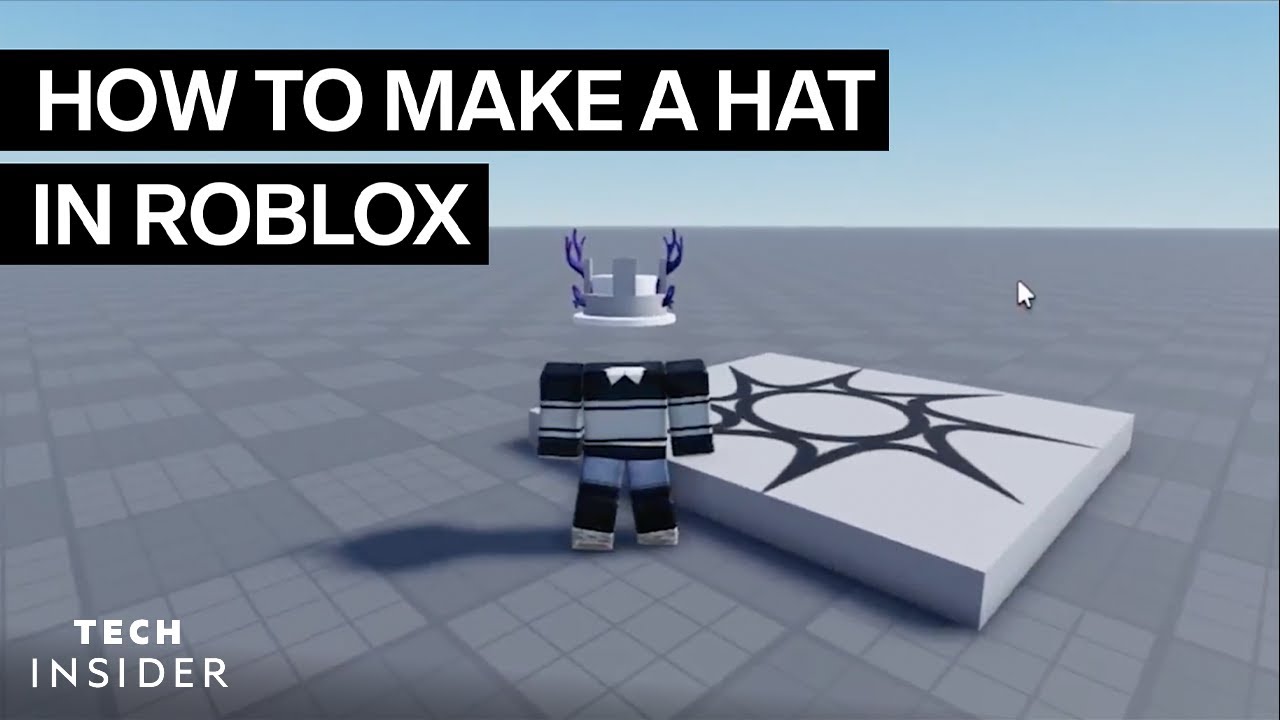

How To Make A Hat In Roblox YouTube . How To Create Hats In Roblox For Creators . HOW TO MAKE A HAT ON ROBLOX MAKING A BUCKET HAT YouTube . How To Make A Hat In Roblox YouTube . How To Create Your Own Hat In Roblox Tutorial YouTube


How To Make A Roblox UGC Top Hat YouTube . How To Create Hats In Roblox For Creators . HOW TO MAKE A CUSTOM HAT Roblox Studio Tutorial YouTube . How To Make A CUSTOM HAT In Roblox Studio Tutorial YouTube . How To Create Hats In Roblox For Creators



How To Make Roblox UGC Hat Hair FULL PROCESS Roblox UGC YouTube . FREE HOW TO DESIGN YOUR OWN ROBLOX HAT YouTube . How To Make Roblox Hats A Step By Step Guide How To Make Roblox Hats . How To Create Hats In Roblox For Creators . How To Make A Roblox UGC Hat Quick And Easy Roblox Studio YouTube


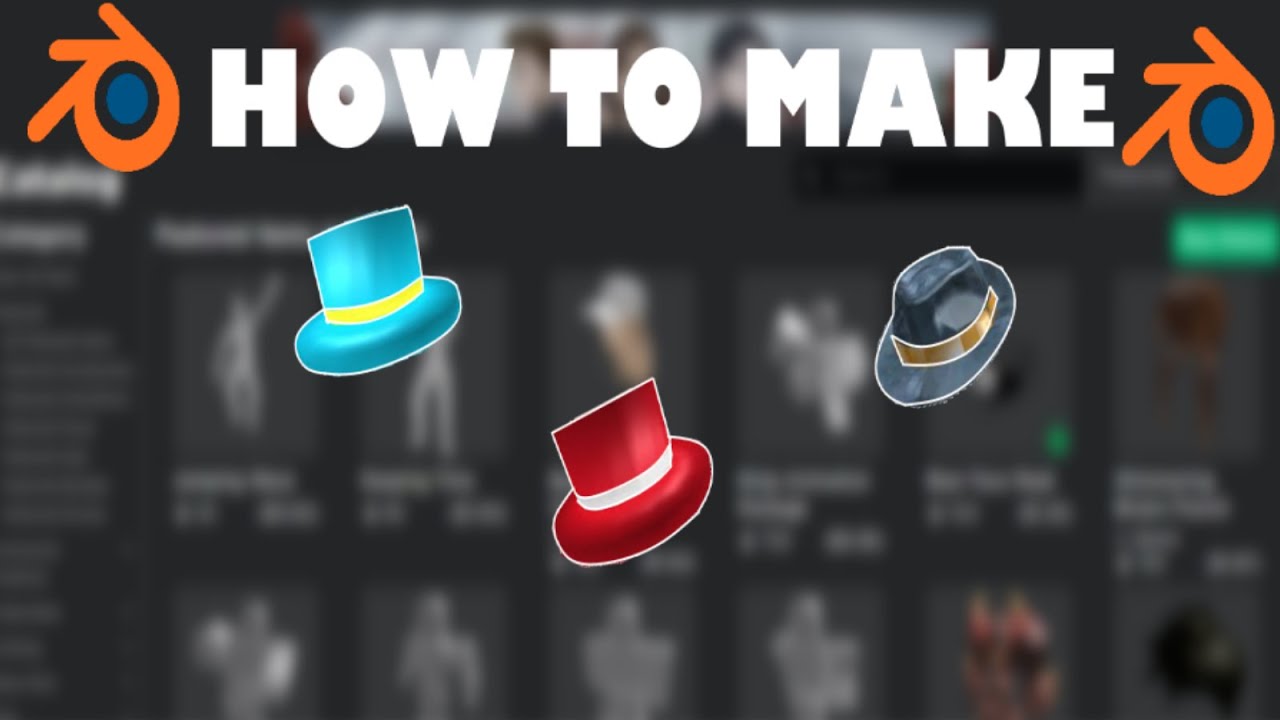

HOW TO MAKE YOUR OWN ROBLOX HAT Roblox Blender Tutorial YouTube Hqdefault . How To Create Hats In Roblox For Creators . How To Make Roblox UGC Hats Earn Robux FULL SIMPLE MESH TEXTURE . How To Make ROBLOX Hat S In Blender Tutorial YouTube . How To Make A UGC Top Hat For Roblox Beginners YouTube



How To Make A UGC Witch Hat For Roblox Beginners YouTube . HOW TO MAKE YOUR OWN ROBLOX UGC HAT ROBLOX UGC TUTORIAL YouTube . How To Insert A Hat Into Roblox Studio YouTube . How To Create Hats In Roblox For Creators . HOW TO MAKE A HAT SHOP IN ROBLOX STUDIO YouTube
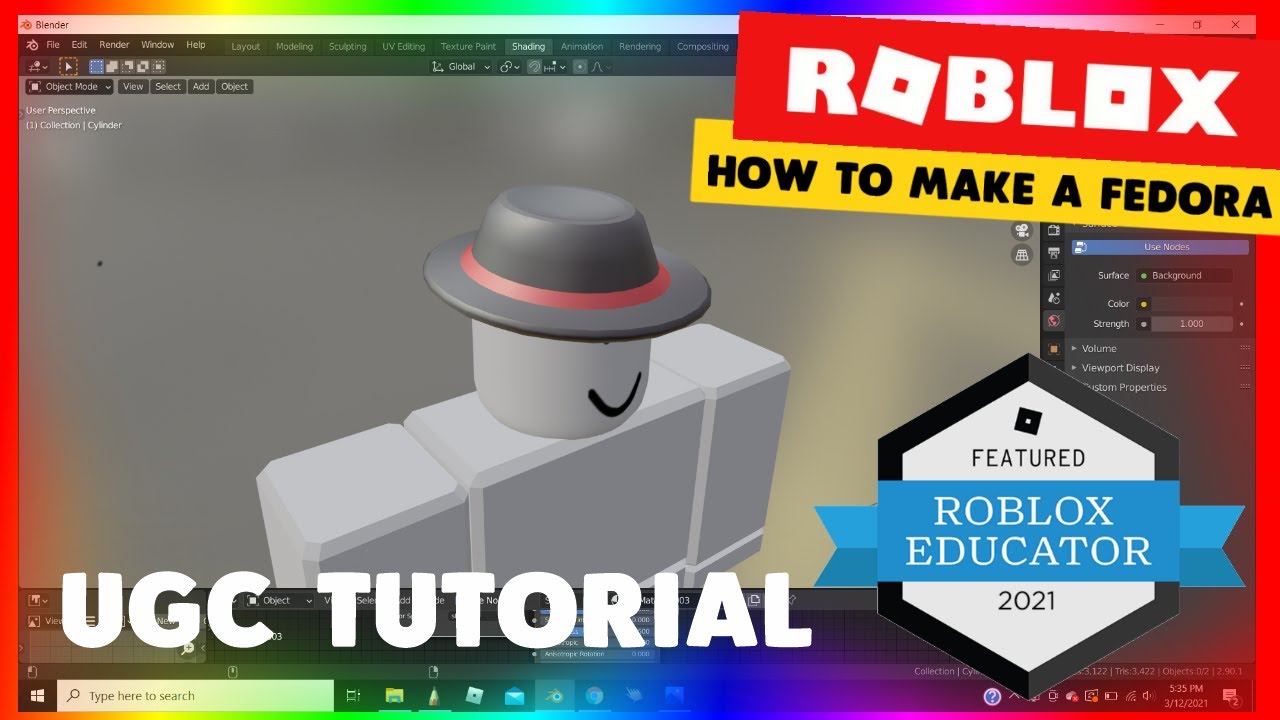


HOW TO MAKE YOUR OWN ROBLOX HAT 2021 Roblox Blender Tutorial . How To Make A Hat Giver In Roblox Studio THE RIGHT WAY YouTube . ROBLOX S First Page Of Hats NoFilter. HOW TO MAKE CUSTOM HATS ON ROBLOX NEW 2020 YouTube . How To Make A Roblox SHIRT In 2026 YouTube


How To Create Hats On Roblox A Simple Guide Playbite How To Create Hats On Roblox 1024x576 . How To Make A Roblox Hat 2020 YouTube Hqdefault . How To Make Your Own Hat On Roblox YouTube Hqdefault . Roblox How To Make Your Own Custom Hats YouTube . How To MAKE HATS HAIR ACCESSORIES WITHOUT ROBLOX STUDIO On ROBLOX 1675222397