Unlock the secrets to virtual fashion entrepreneurship with this comprehensive guide on how to sell a shirt in Roblox. Discover the essential steps from designing unique clothing to setting up your store pricing strategies and effective promotion. Learn how to navigate Roblox Premium requirements understand Robux payouts and maximize your creative earnings within the vibrant Roblox economy. This guide is tailored for busy gamers balancing life and play offering practical tips to turn your design skills into valuable in-game assets without major time commitments. Explore the trending opportunities for creators in 2026 leveraging mobile dominance and social gaming. Get ready to monetize your creativity and contribute to the bustling Roblox marketplace empowering your gaming journey.
What are the first steps for a beginner to sell shirts on Roblox?
For beginners, the very first steps involve obtaining a Roblox Premium subscription, as it's mandatory for uploading and selling custom clothing. Next, download the official Roblox shirt template from the Developer Hub. Then, use an image editor to create a simple, unique design within the template's guidelines. Focus on learning the tools and understanding how your 2D design translates onto a 3D avatar. Finally, familiarize yourself with the Roblox 'Create' page for the upload process.
Is it worth selling shirts on Roblox in 2026 given the competition?
Absolutely, selling shirts on Roblox in 2026 is still highly worthwhile, especially for creators who focus on niche markets or trending styles. With a player base that's consistently growing, including a large segment of adult gamers (average age 36) who appreciate unique items, the demand for fresh content remains strong. The key is to offer high-quality, distinctive designs and actively promote them through social media and in-game presence. Leveraging current trends, such as designs for social or cozy games popular this month, can also give you a significant edge.
How much Robux can I realistically expect to earn from selling shirts?
Realistically, earnings from selling shirts on Roblox can vary widely. Casual creators might earn a few hundred Robux over time, enough to buy other in-game items or fund new creations. Dedicated designers with popular items and effective promotion strategies can potentially earn thousands, or even tens of thousands, of Robux monthly. Remember, Roblox takes a 30% commission, so pricing strategically and focusing on consistent sales volume are critical to maximizing your 70% share. Success hinges on consistent effort and market appeal.
What tools do I need to design Roblox shirts effectively?
To design Roblox shirts effectively, you'll need reliable image editing software. Popular choices include Adobe Photoshop for professional results, GIMP or Krita as powerful free alternatives, and online tools like Photopea for browser-based editing. These tools allow you to manipulate the Roblox shirt template, add graphics, textures, and colors, and ensure proper transparency. A drawing tablet can enhance the design process for intricate details, though a mouse is perfectly sufficient for many designs. The most crucial 'tool' is your creativity and willingness to experiment.
Are there any hidden costs beyond Roblox Premium and the upload fee?
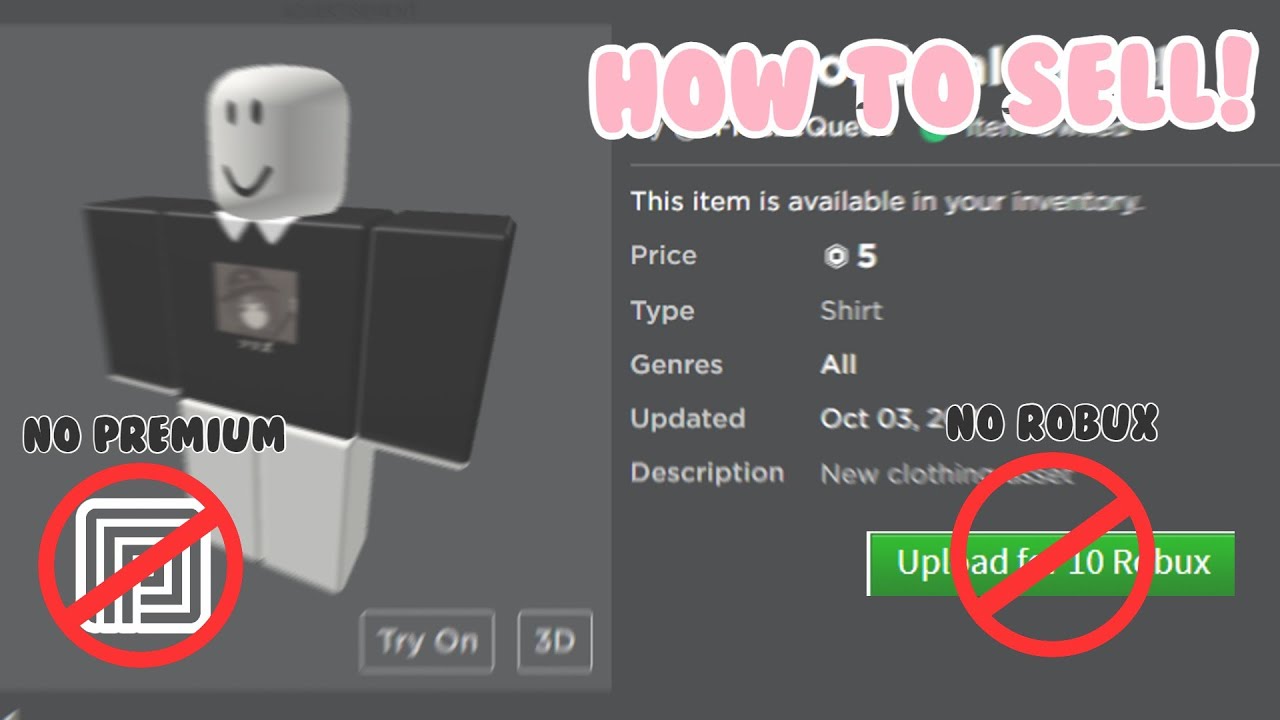
Beyond the mandatory Roblox Premium subscription and the small 10 Robux upload fee per item, there are no hidden direct costs for selling shirts. However, some creators might choose to invest in optional expenses such as premium design software subscriptions, advertising campaigns on Roblox (using Robux), or commissioning artists for complex designs if they're part of a team. These are strategic investments aimed at boosting visibility or design quality, not hidden fees required by Roblox itself. Focus on mastering the free tools first.
How do I know what kind of shirts are trending on Roblox right now?
To identify trending shirts on Roblox, actively engage with the community and observe popular in-game fashion. Spend time browsing the Avatar Shop's 'Trending' and 'Recommended' sections. Pay attention to what popular YouTubers or Twitch streamers are wearing. Join Roblox fashion groups on the platform and on Discord to see discussions and showcases. Look at real-world fashion trends and how they might translate into the Roblox aesthetic. Popular social games this month can also hint at what styles players are looking for. Consistent observation is key to spotting opportunities.
Can I make shirts for other players or groups and get paid?
Yes, you absolutely can make shirts for other players or groups and receive payment. This is a common practice for skilled designers. You can offer your services in Roblox communities, on social media, or through platforms like Discord. Payment is typically negotiated privately between you and the client, often in Robux transferred directly (via group payouts or game pass purchases) or sometimes even real-world currency depending on the agreement. Ensure clear communication and agreement on terms before starting any commissioned work to avoid misunderstandings and protect your creative effort.
In the dynamic world of Roblox, where creativity knows no bounds, turning your imagination into a marketable asset is more accessible than ever. For many US gamers, balancing a full-time job, family, and life commitments means gaming time is precious. Yet, there’s a growing desire to not just play, but to create and even earn within these virtual spaces. Imagine designing a cool shirt during a quick break and seeing other players wearing it, earning you Robux in the process. This isn't just a fantasy; it's a real opportunity, especially for the average gamer around 36 years old who values both relaxation and a sense of accomplishment. With 87% of US gamers regularly diving into virtual worlds, many for over 10 hours a week, and a clear trend towards social and creative play, understanding how to sell a shirt in Roblox offers a unique blend of fun, skill-building, and potential income. This guide is designed to cut through the noise, offering clear, actionable steps to help you navigate the Roblox creator economy, optimize your efforts, and ensure your virtual threads stand out without demanding endless hours. Let's transform your creative spark into tangible Robux, making your gaming experience even more rewarding.
You're not just playing; you're building. This detailed Q&A will equip you with all the knowledge needed to successfully sell your shirts on Roblox, addressing common pain points and providing practical solutions for even the busiest creator.
What Are the Essential Requirements to Sell a Shirt on Roblox?
To start selling shirts on Roblox, there are a few foundational requirements you need to meet. The primary one is an active Roblox Premium subscription. Without Roblox Premium, you cannot upload and sell custom clothing items like shirts and pants. This is a crucial step that many new creators overlook. Additionally, you'll need to have your design ready as a specific template image file, usually a PNG, which fits Roblox's clothing templates.
Beyond the technical requirements, a basic understanding of graphic design or access to a simple image editing software like Photoshop, GIMP, or even online tools like Photopea is necessary. You'll also need a Roblox account that is at least a few days old and has undergone email verification, which helps maintain platform security and integrity. Finally, patience and a willingness to learn are invaluable, as the creation and selling process involves a few distinct steps that become easier with practice. Meeting these initial criteria sets the stage for your entrepreneurial journey.
How Do I Design a Shirt for Sale on Roblox?
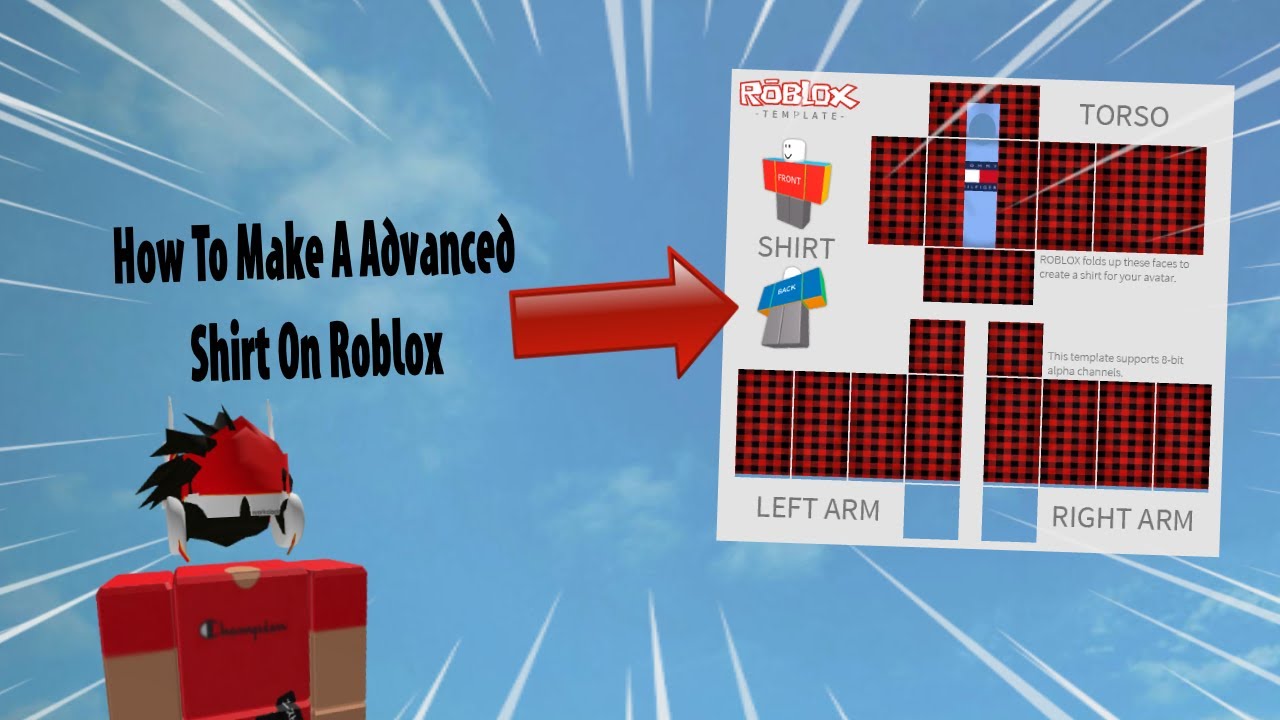
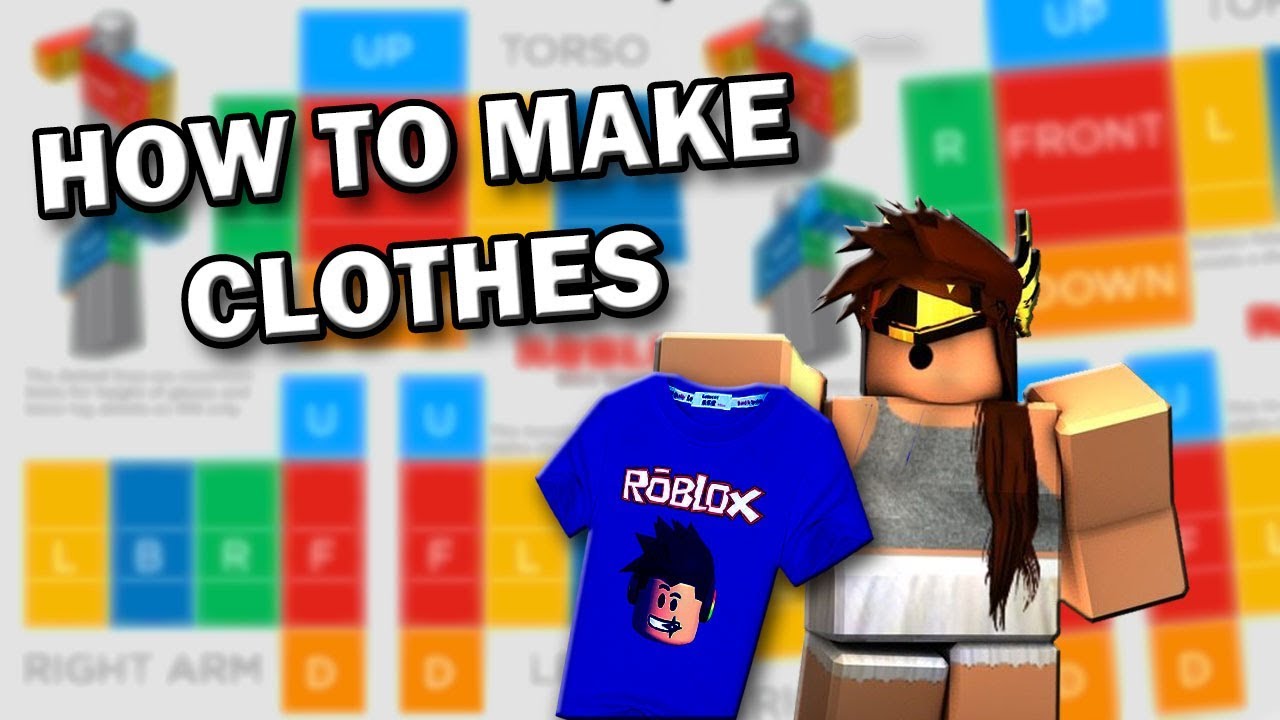
Designing a shirt for Roblox involves creativity and adherence to specific templates. The first step is to download the official Roblox shirt template, which can be found on the Roblox Developer Hub. This template is a PNG image with transparent areas indicating where the shirt will appear on the avatar.
Here's a simplified breakdown of the design process:
- Download the Template: Get the official shirt template from the Roblox Developer website. It's a grid-like image that maps out different parts of the avatar's torso and arms.
- Use Image Editing Software: Open the template in a program like Adobe Photoshop, GIMP, Krita, or even free online editors. These tools allow you to layer designs over the template.
- Create Your Design: Think about what’s trending. Are players looking for cozy sweaters, futuristic armor, or classic tees this month? Design sleeves, front, back, and sides, paying attention to how the different template sections connect. Use distinct colors, patterns, and graphics. Remember that vibrant, unique designs often catch the eye in a crowded marketplace.
- Transparency is Key: Ensure that any parts of the template you don't want visible (e.g., if you're making a t-shirt with short sleeves, the long sleeve parts of the template should be transparent) remain transparent. This prevents unwanted blocks of color on the avatar.
- Save Your Work: Save your completed design as a PNG file. This format supports transparency, which is vital for Roblox clothing. Double-check that the image resolution matches the template's specifications for optimal clarity.
Practice makes perfect. Many successful creators start with simple designs and gradually refine their skills, learning how colors and textures translate into the 3D Roblox environment.
What Is Roblox Premium and Why Is It Necessary for Selling?
Roblox Premium is a subscription service that offers several benefits to players, and crucially, it's a mandatory requirement for creators who wish to sell clothing items like shirts and pants. Think of it as your creator's license within the Roblox ecosystem. Without an active Premium subscription, the option to upload custom clothing and put it up for sale simply won't be available to you.
The necessity stems from Roblox's model for monetizing user-generated content. By requiring Premium, Roblox ensures a certain level of commitment from creators and helps manage the volume of items being uploaded. It also provides subscribers with a Robux stipend and access to exclusive items and experiences, making it beneficial for both play and creation. For adult gamers looking to invest a little into their creative hobby, Premium is a small but vital step towards potentially earning Robux back through sales. It's Roblox's way of empowering creators while maintaining a structured marketplace, a system that has supported millions of user creations and transactions.
How Do I Upload and Price My Custom Roblox Shirt?
Once your shirt design is complete and you have an active Roblox Premium subscription, the next step is uploading and pricing your creation. This process is straightforward but requires attention to detail.
Follow these steps to get your shirt onto the marketplace:
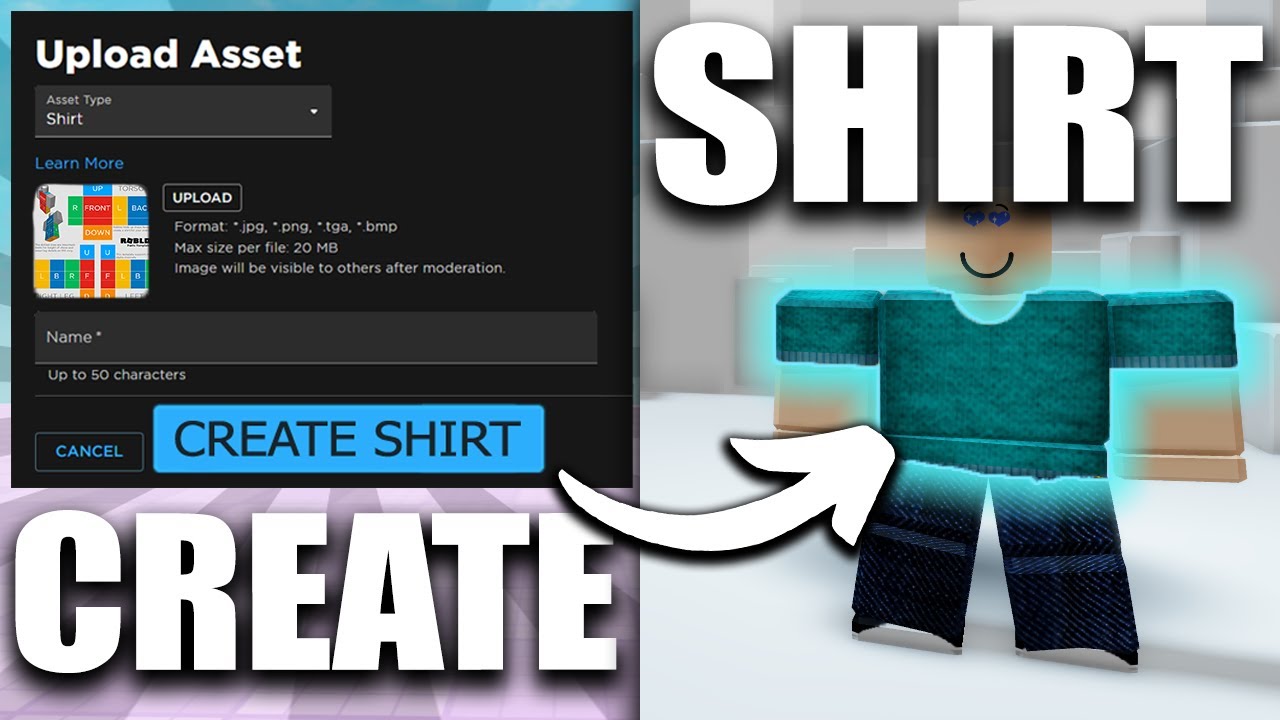
- Navigate to the Create Page: Log into Roblox and go to the 'Create' section. You'll find options for various creation types.
- Select 'Shirts': Under the 'My Creations' tab, choose 'Shirts' (or 'Pants' if you designed those).
- Upload Your Image: Click 'Choose File' and select the PNG file of your shirt design. Give your shirt a clear and appealing name. Avoid generic names; something descriptive and catchy will help it stand out.
- Confirm Upload: Roblox will then process your image. There's a small Robux fee (typically 10 Robux) to upload each clothing item. This fee is a one-time cost per item and helps prevent spam.
- Configure the Shirt for Sale: After uploading, go to the shirt's details page. Click the three dots (...) icon on the item and select 'Configure'.
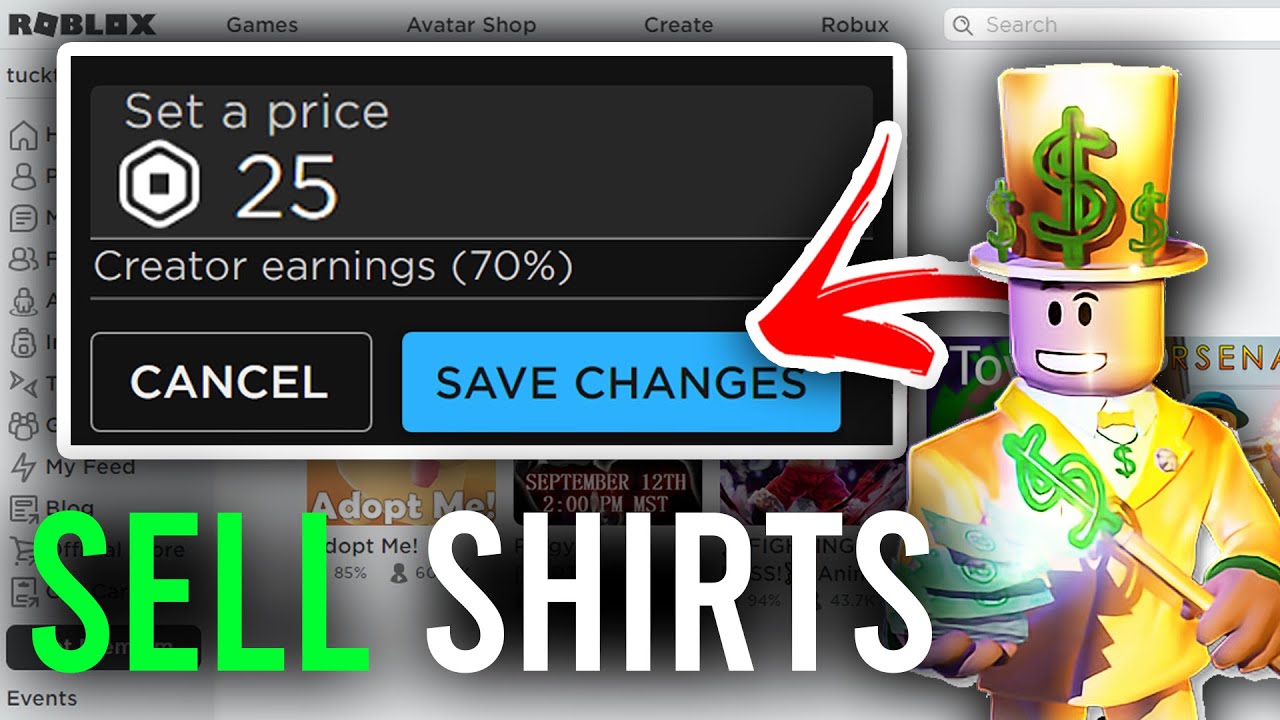
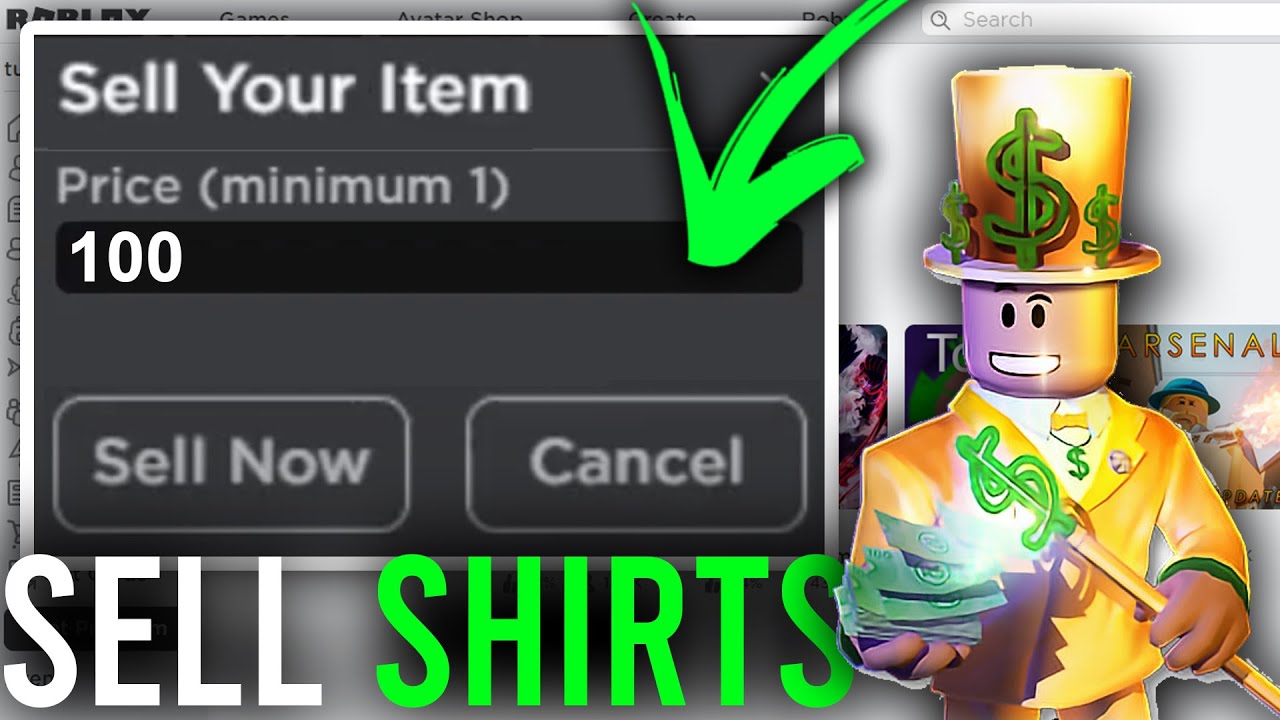
- Set the Price: In the 'Sales' tab, toggle 'Item for Sale' to ON. Here, you'll set the price in Robux. When determining your price, consider the quality of your design, current market trends, and how much Robux you want to earn. Roblox takes a 30% commission on all sales, meaning you receive 70% of the listed price. For example, if you sell a shirt for 10 Robux, you'll get 7 Robux.
- Save Changes: Once you've set your price, hit 'Save'. Your shirt is now officially for sale on the Roblox marketplace!
Remember, a well-thought-out name and a competitive price can significantly impact your shirt's visibility and sales. Many adult gamers, who value clear ROI for their efforts, find this process empowering as they see their creations become part of the larger Roblox economy.
How Can I Effectively Promote My Roblox Shirts?
Getting your shirt listed is just the first part; making sure players see it and want to buy it is the next challenge. Effective promotion is key, especially in a marketplace with millions of items. Here’s how you can promote your Roblox shirts effectively, appealing to today's social and community-driven gamers:
- Wear Your Own Creations: The simplest form of promotion. Wear your shirts in popular games. Other players will notice and might ask where you got it.
- Social Media Engagement: Share your designs on platforms where Roblox players hang out, like Twitter, Instagram, or TikTok. Use relevant hashtags (e.g., #RobloxFashion, #RobloxCreator, #RobloxShirt). Consider short video clips showing off your avatar wearing the shirt in different game environments.
- Roblox Groups and Forums: Join Roblox clothing groups or participate in developer forums. Share your designs and get feedback. Many groups are dedicated to showcasing user-created fashion.
- Collaborate with Influencers/Friends: If you have friends with popular Roblox games or active social media followings, ask them to wear or feature your shirts. Even small collaborations can boost visibility.
- Game Integration: If you or a friend have a Roblox game, create a in-game store or display where players can try on and purchase your shirts directly. This is a highly effective method as it targets players already engaged in a specific experience.
- Advertisements (Roblox Ads): Roblox offers an advertising system where you can spend Robux to promote your items. While this costs Robux, it can provide significant visibility if targeted effectively. Experiment with small bids first to see what works.
- Stay Current with Trends: Keep an eye on popular culture, memes, and Roblox-specific trends. Designing shirts that resonate with current interests can lead to a surge in sales. For instance, this month's popular social games might inspire new design themes.
Remember, consistency in promotion and engagement with the community are crucial. Building a brand for your creations over time will lead to a more loyal customer base and sustained sales.
What Are the Robux Payouts and Fees When Selling Clothing?
Understanding the financial side of selling shirts in Roblox is crucial for managing your expectations and planning your creative efforts. When you sell a shirt, the Robux you earn isn't the full price you set; Roblox takes a commission, and the payout happens after a pending period.
Here's a breakdown:
- Roblox Commission: Roblox charges a 30% commission on every sale of user-created clothing. This means you, the creator, receive 70% of the sale price. For example, if you list a shirt for 100 Robux, you will receive 70 Robux. This commission is standard across most user-generated content sales on the platform.
- Pending Robux: After a sale occurs, the Robux you earn doesn't immediately appear in your account. It goes into a 'Pending Robux' status. This pending period typically lasts 3 to 7 days. This is a security measure to ensure the transaction is legitimate and to process any potential refunds or chargebacks.
- Group Payouts: If you're selling shirts through a Roblox group, the Robux from sales will first go into the group's funds. From there, the group owner or those with appropriate permissions can distribute the Robux to members. This is a common way for collaborative design teams or larger communities to manage earnings.
- Premium Payouts (for game visits, not direct clothing sales): While direct clothing sales follow the 70% payout structure, it's worth noting that Roblox Premium also offers 'Premium Payouts' for game developers based on how much engagement Premium subscribers have with their games. This is separate from direct clothing sales but contributes to the overall creator economy.
For adult gamers looking to supplement their gaming budget or simply enjoy the satisfaction of earning from their creations, understanding this payout structure is key. It ensures you can accurately project your earnings and decide on competitive pricing strategies.
Can I Sell Roblox Shirts Directly From My Mobile Device?
Yes, you absolutely can manage certain aspects of selling Roblox shirts from your mobile device, though the initial design phase is typically more robust on a PC. Given that mobile gaming dominates the market, with millions of users accessing Roblox daily on their smartphones and tablets, Roblox has made efforts to streamline creator tools for mobile users.
Here’s what you can do on mobile:
- Uploading: While designing a complex shirt on a mobile app can be challenging, once your PNG template is ready (perhaps designed on a PC and then transferred), you can upload it via the Roblox website in your mobile browser. Ensure you request the 'desktop site' version of the website if the mobile view limits functionality.
- Pricing and Configuration: Setting the price, adding a description, and configuring other sales options for your already uploaded shirts can be done entirely through the Roblox app or mobile website. This makes it convenient to adjust prices or item details on the go.
- Monitoring Sales: You can track your pending Robux and sales history directly from the Roblox app, allowing you to monitor your virtual business performance from anywhere.
- Promotion: Social media promotion can be done entirely from your mobile device, sharing links and images of your shirts.
While dedicated mobile design software for Roblox templates is still evolving, the ability to manage the selling pipeline from your phone is a huge advantage for busy gamers. It allows you to stay connected to your creative ventures even when you're away from your main setup, a crucial feature for those balancing gaming with real-life demands.
Troubleshooting Common Issues When Selling Roblox Shirts
Even with a clear guide, you might run into a snag or two when trying to sell shirts on Roblox. Don't worry, many common issues have simple solutions. Here are some frequent problems and how to troubleshoot them:
- Shirt Upload Fails or Looks Distorted:
The most common cause is an incorrectly sized or formatted template. Double-check that your design is exactly 585 pixels wide by 559 pixels tall and saved as a PNG. Ensure all transparent areas are truly transparent and not filled with white. Sometimes, a slow internet connection can also cause upload issues.
- Shirt Not Appearing for Sale:
First, verify that you have an active Roblox Premium subscription. Without it, the 'Item for Sale' toggle will not function. Secondly, ensure you've paid the small Robux upload fee and configured the item for sale in the 'Sales' tab, setting a price and saving the changes. Remember that it might take a few minutes for the item to propagate across the marketplace.
- Low Sales or No Visibility:
This often comes down to pricing or promotion. Is your shirt competitively priced compared to similar items? Is your design appealing and unique? Review your promotion strategies. Are you sharing it on social media and in Roblox groups? Also, consider giving it some time; building a presence takes patience. Revisit trends and update your designs periodically.
- Robux Payouts Not Showing Up:
Remember the 'Pending Robux' period, which typically lasts 3 to 7 days. If it's been longer than a week since a sale and your Robux still haven't cleared, contact Roblox Support with details of the transaction. Also, ensure you're checking the correct Robux balance, differentiating between pending and available funds.
- Account Restrictions or Bans:
If you face any account issues, it might be related to violating Roblox's terms of service, often concerning inappropriate content. Always ensure your designs comply with Roblox's community standards and content policy. If you believe there's an error, contact Roblox Support immediately.
Facing challenges is part of any creative journey. By systematically checking these common points, you can quickly resolve most issues and get back to creating and selling.
Selling shirts in Roblox is a fantastic way for gamers to merge their love for play with a creative outlet, potentially earning some Robux along the way. Whether you're a seasoned developer or just starting, the platform offers immense opportunities for expression and monetization. With mobile gaming growing even more this month, and social play driving much of the engagement, your unique designs have a vast audience waiting. Remember, consistency, creativity, and community engagement are your best tools for success. So, dive in, design with passion, and watch your virtual fashion empire grow!
What's your biggest gaming challenge when it comes to creating in-game content? Comment below!
FAQ Section
Q: Do I need Robux to sell a shirt in Roblox?
A: Yes, you'll need a small amount of Robux (typically 10 Robux) to pay the upload fee for each shirt you create and put on sale. This fee is separate from the Roblox Premium subscription.
Q: How much Robux do I get from selling a shirt?
A: You receive 70% of the sale price. Roblox takes a 30% commission on every clothing item sold. For example, if you sell a shirt for 100 Robux, you will earn 70 Robux.
Q: Can free-to-play players create and sell shirts?
A: No, an active Roblox Premium subscription is required to upload and sell clothing items like shirts and pants. Free-to-play accounts can wear created clothing but cannot sell it.
Q: How long does it take for Robux from sales to appear in my account?
A: Robux from sales typically goes into a 'Pending Robux' status for 3 to 7 days before it becomes available in your account. This is a standard security and processing period.
Q: Are there any content restrictions for shirt designs?
A: Absolutely. All designs must adhere to Roblox's Community Standards and Terms of Use. Avoid copyrighted material, inappropriate images, or anything offensive. Roblox has strict moderation, and violations can lead to your item being removed or account penalties.
Q: Can I update my shirt design after uploading it?
A: No, once a shirt image is uploaded, it cannot be directly edited. If you want to change the design, you'll need to upload it as a new shirt, which will incur another upload fee.