Welcome to the ultimate guide for GeForce Now cloud gaming, your gateway to high-performance PC gaming without the hefty hardware investment. In 2026, as US gamers increasingly balance demanding careers and family life with their passion for interactive entertainment, GeForce Now offers a transformative solution. Discover how this innovative service liberates you from hardware limitations, allowing you to stream your favorite AAA titles across nearly any device, from your old laptop to a smartphone, with stunning fidelity. This resource will navigate you through setup, optimization, and maximizing your gaming sessions, addressing common concerns about performance, game libraries, and cost effectiveness. Whether you are a seasoned veteran looking to upgrade your experience without upgrading your rig, or a new player seeking an accessible entry point into the vast world of PC gaming, understanding GeForce Now is crucial. Learn how it lets you play your owned games instantly, keeps them updated automatically, and connects you to a thriving global community, ensuring your gaming time is always optimized for fun and skill-building.
Q: What devices are compatible with GeForce Now cloud gaming?
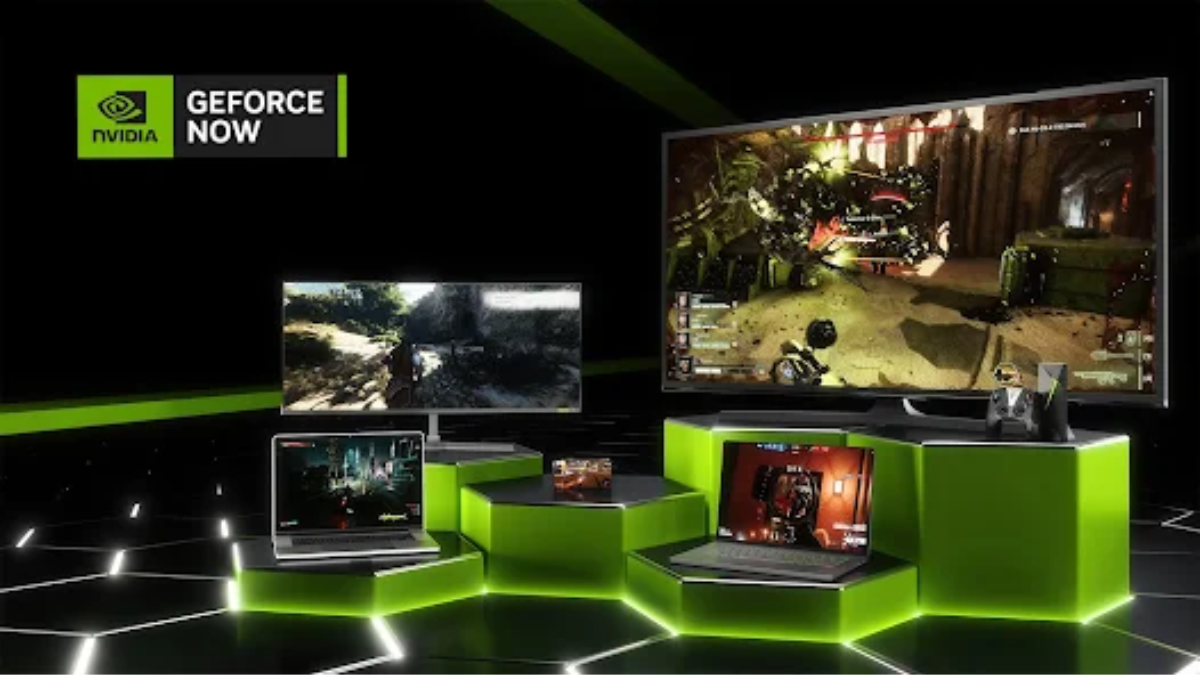
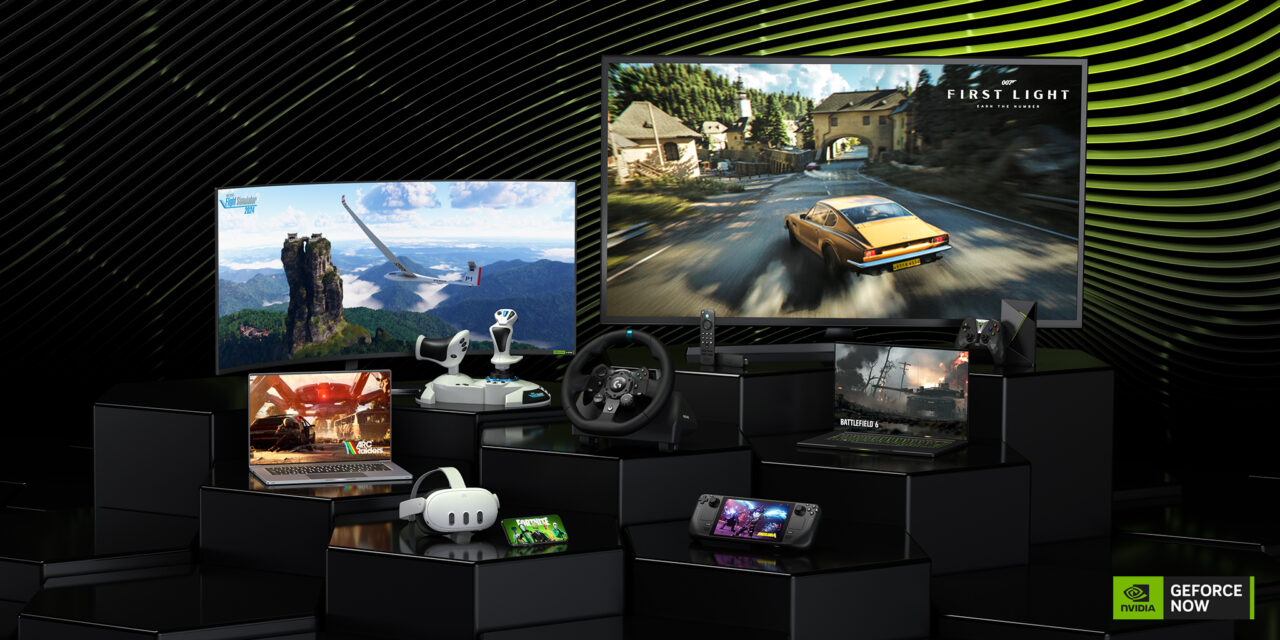
A: GeForce Now is incredibly versatile, supporting a wide array of devices including Windows PCs, macOS computers, Chromebooks, Android smartphones and tablets, NVIDIA SHIELD TVs, and iOS/iPadOS devices via Safari web browser. This means you can transform almost any internet-connected screen into a powerful gaming rig.
Q: How much does GeForce Now cost, and are there different membership tiers?
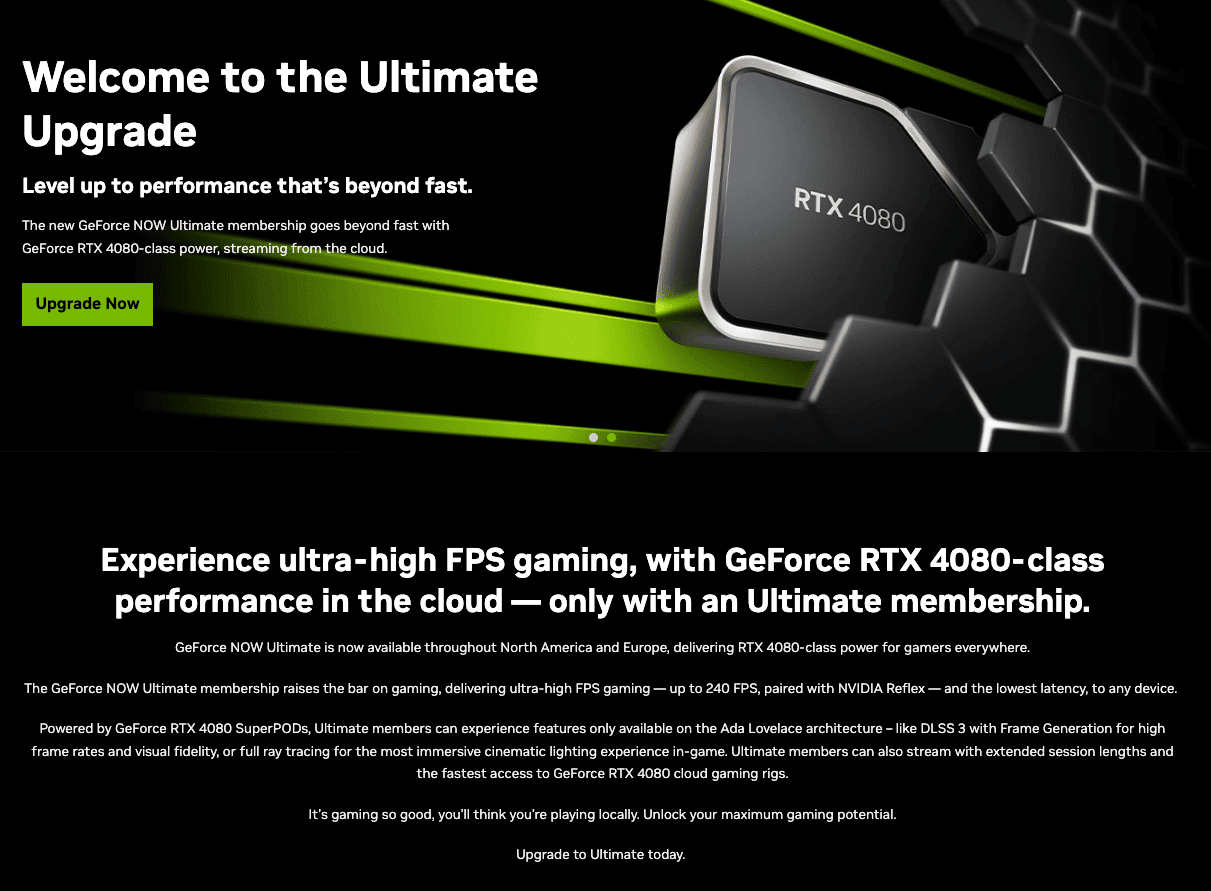
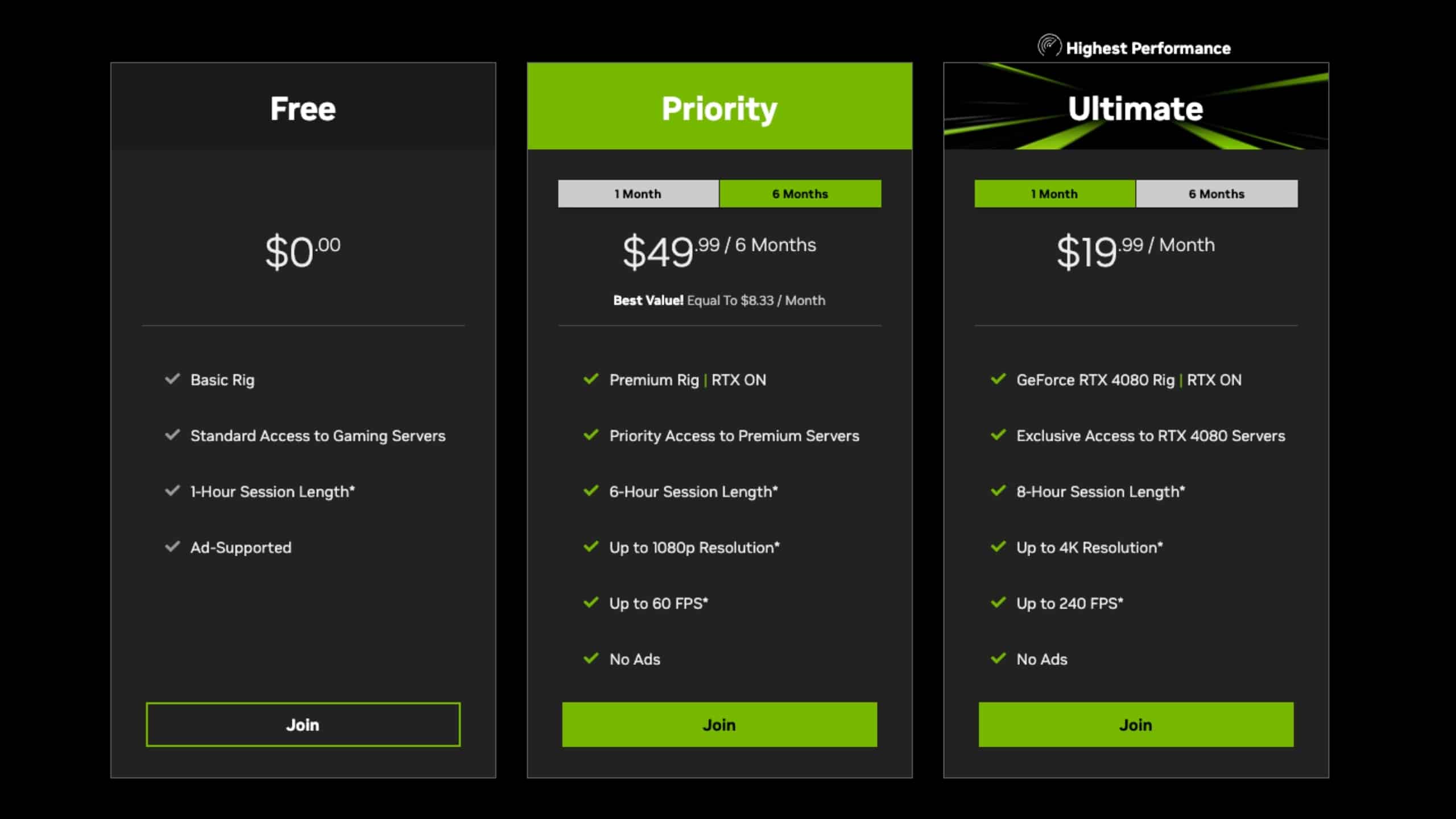
A: GeForce Now offers a Free tier with standard access and one-hour session limits. For enhanced experiences, there are paid Priority and Ultimate tiers. Priority provides premium access, longer sessions, and RTX ON, while Ultimate delivers the most powerful RTX 4080 rigs for 4K 120fps gaming with ultra-low latency, offering superior performance for dedicated gamers.
Q: Can I play games I already own on Steam or Epic Games with GeForce Now?
A: Yes, absolutely! GeForce Now integrates directly with your existing digital game libraries on platforms like Steam, Epic Games Store, and Ubisoft Connect. You simply link your accounts within the GeForce Now app, and you can stream supported games that you've already purchased, without having to buy them again.
Q: What internet speed is recommended for the best GeForce Now experience?
A: For a smooth 1080p 60fps experience, NVIDIA recommends a minimum stable internet connection of 25 Mbps. For 4K 120fps streaming on the Ultimate tier, 50 Mbps or higher is advised. A wired Ethernet connection is always preferred over Wi-Fi to minimize latency and ensure consistent performance, especially for competitive titles.
Q: Does GeForce Now require me to download or install games?
A: No, that's one of the biggest benefits! GeForce Now handles all game downloads, installations, patches, and driver updates on its powerful cloud servers. You simply select a game you own from the GeForce Now app, and it streams instantly, allowing you to jump straight into playing without any waiting or management on your end.
Q: Is GeForce Now suitable for competitive esports titles where low latency is crucial?
A: Yes, especially with the Ultimate membership tier. GeForce Now's Ultimate plan provides access to NVIDIA's most powerful RTX 4080 cloud rigs and utilizes NVIDIA Reflex technology for ultra-low latency. Many competitive players find the experience comparable to a local high-end PC, making it a viable option for esports and fast-paced competitive gaming.
Q: How does GeForce Now ensure my game progress and saves are kept safe?
A: GeForce Now integrates with the cloud save features of your linked game stores. For example, if you play a Steam game, your progress is saved to Steam Cloud, allowing you to seamlessly pick up where you left off on any device, or even on a local PC. This ensures your gaming journey is always synchronized and secure.
Are you a dedicated gamer, someone who lives for those moments of triumph, exploration, or simply unwinding with friends in your favorite virtual worlds? If so, you're not alone. In 2026, 87% of US gamers play regularly, dedicating an average of 10+ hours a week, often juggling this passion with demanding jobs, family commitments, and busy lives. The dream of playing the latest AAA titles at max settings can often clash with the reality of an aging PC, the skyrocketing cost of new graphics cards, or the sheer lack of time to manage installations and updates. It's a classic dilemma: you want the peak gaming experience, but life's demands and budget constraints often get in the way. Sound familiar?
Imagine a world where your gaming rig is always top-tier, always updated, and accessible from virtually any device you own, whether it's your work laptop, a budget tablet, or even your smartphone. This isn't a futuristic fantasy; it's the reality of GeForce Now cloud gaming. This groundbreaking service from NVIDIA is revolutionizing how we game, offering a solution for the modern gamer who values relaxation, fun, skill-building, social play, and performance optimization without breaking the bank or sacrificing precious time. Dive in as we explore how GeForce Now can transform your gaming experience, address common pain points, and keep you current with the gaming trends of today.
What Exactly is GeForce Now Cloud Gaming and How Does it Work?
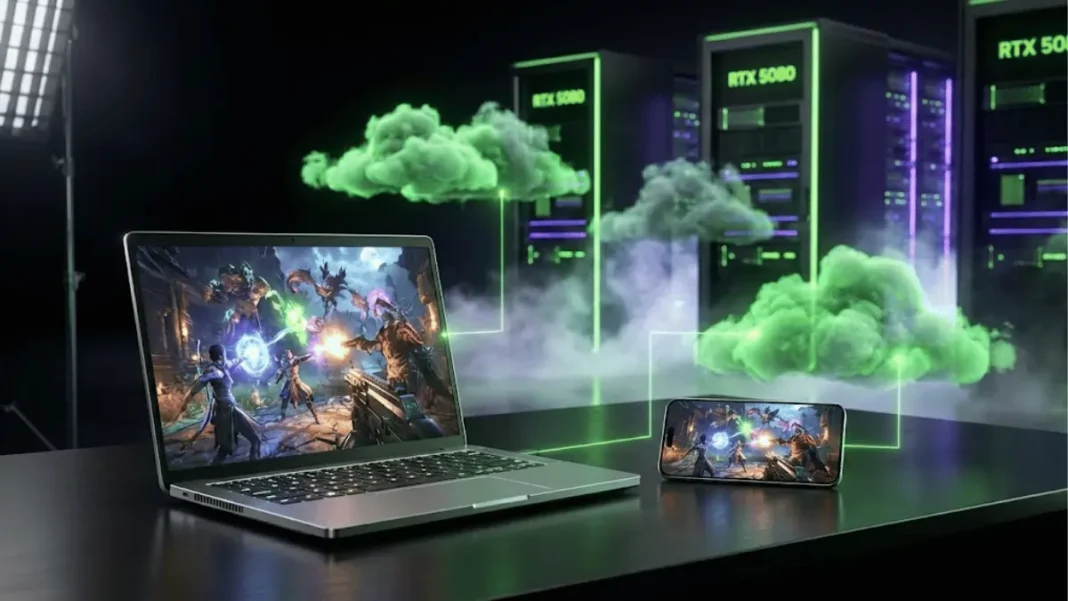
GeForce Now is a cloud gaming service that streams a powerful gaming PC directly to your device over the internet. Think of it like Netflix for games, but instead of just watching, you're actively playing. When you launch a game through GeForce Now, you're connecting to a state-of-the-art NVIDIA server in a data center. This server runs the game on high-end hardware (like the latest GeForce RTX GPUs), processes all the graphics and gameplay, and then streams the video output back to your screen in real-time. Your device simply sends your mouse, keyboard, or controller inputs back to the server. This means your local device doesn't need to be powerful; it just needs a good internet connection and a screen.
The beauty of this system is that NVIDIA handles all the heavy lifting: game installations, patches, driver updates, and hardware maintenance. You don't download games; you simply connect to a virtual machine where your purchased games are already installed and ready to play. This makes it incredibly efficient for gamers who have limited storage, slower internet for downloads, or simply prefer to jump straight into the action.
Why Should Busy Gamers Consider GeForce Now?
For many US gamers aged around 36, balancing a career and family often leaves little time or budget for extensive gaming setups. GeForce Now addresses these critical needs directly. First, it eliminates the need for expensive hardware upgrades. Instead of spending hundreds or thousands on a new GPU every few years, you pay a subscription to access top-tier hardware in the cloud. Second, time is precious. With GeForce Now, there are no lengthy downloads or updates to worry about. Your games are always patched and ready, letting you maximize your limited gaming sessions. Just log in and play.
Moreover, it offers unparalleled flexibility. You can start a game on your desktop PC, pause, and then seamlessly resume on your laptop during a lunch break or on your tablet while waiting for the kids. This cross-device capability is a game-changer for those who fit gaming into stolen moments throughout their day. It’s about making gaming work for your life, not the other way around.
What are the Hardware and Internet Requirements for a Smooth GeForce Now Experience?
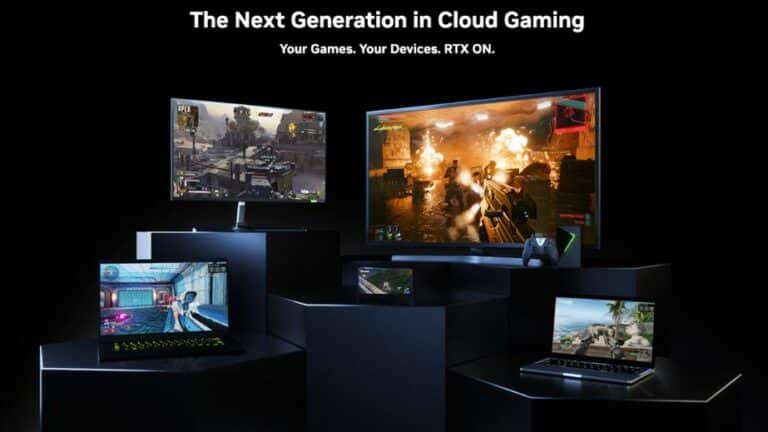
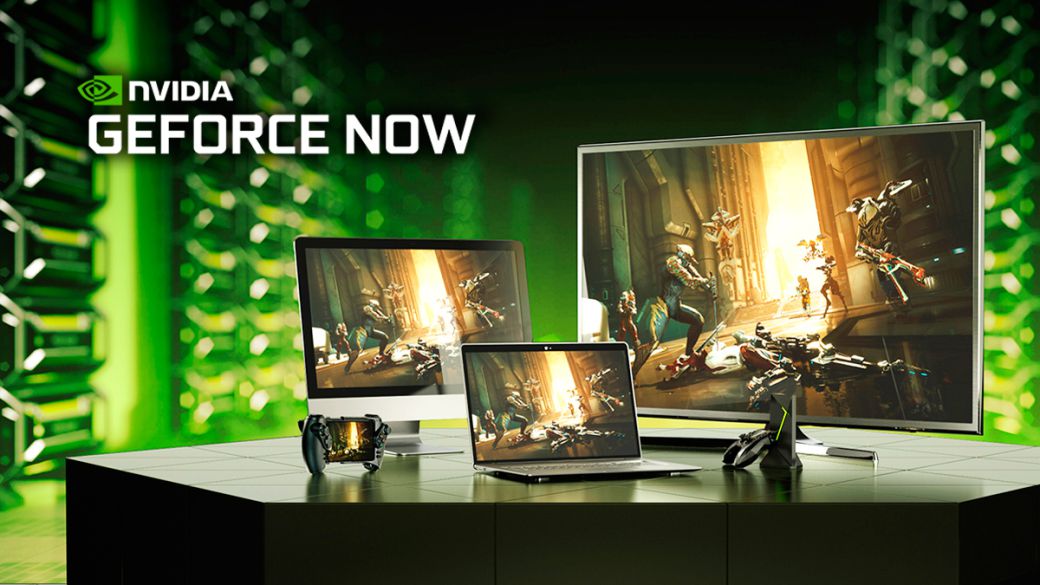
The beauty of GeForce Now is its minimal local hardware demands. You don't need a powerful gaming PC; a basic laptop, a Mac, a Chromebook, an NVIDIA SHIELD TV, an Android phone, or even an iPhone/iPad (via web browser) will suffice. The most critical component for a smooth experience is your internet connection. NVIDIA recommends the following:
- Minimum: 15 Mbps for 720p at 60fps
- Recommended: 25 Mbps for 1080p at 60fps
- Optimal: 50 Mbps+ for 4K HDR at 60fps (if supported by your subscription tier and device)
A wired Ethernet connection is always preferred over Wi-Fi to minimize latency and packet loss, but a strong, stable 5GHz Wi-Fi connection can also work well. Remember, consistent bandwidth is more important than peak speed. Any fluctuations can cause stuttering or resolution drops. Gamers prioritizing competitive titles like Apex Legends or Valorant will notice even slight latency, so optimizing your home network is key.
How Do I Get Started with GeForce Now and Link My Game Libraries?
Getting started with GeForce Now is surprisingly straightforward:
- Sign Up: Visit the GeForce Now website and choose your subscription tier (Free, Priority, or Ultimate).
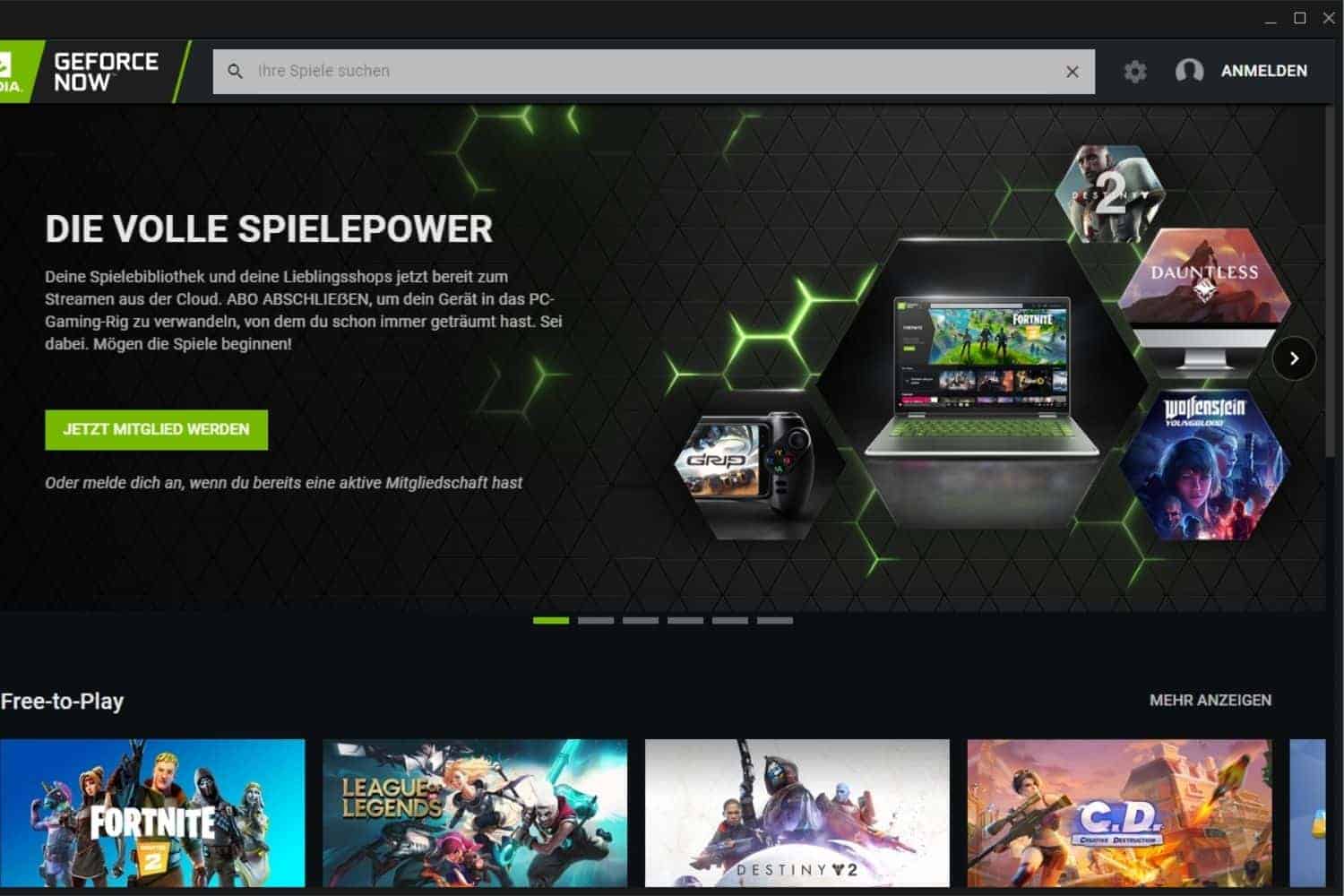
- Download the App: Download the GeForce Now app for your preferred device (Windows, macOS, Android, SHIELD TV). For iOS/iPadOS, you'll use a web browser like Safari.
- Log In: Open the app and log in with your NVIDIA account.
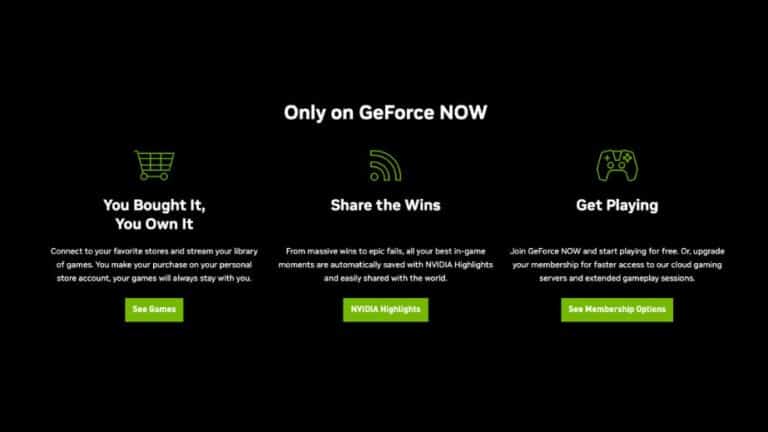
- Connect Game Stores: This is where the magic happens! GeForce Now doesn't sell games; it lets you play games you already own from popular digital storefronts. Navigate to the settings within the GeForce Now app and link your Steam, Epic Games Store, GOG, or Ubisoft Connect accounts. GeForce Now will then scan your libraries and display all the supported games you own.
- Launch and Play: Browse the extensive library of supported games. Once you find a game you own and want to play, simply click 'Play'. GeForce Now will launch a virtual gaming rig and stream the game to you. You'll then log into your game store account within the streamed session (only the first time for each game) to verify ownership, and you're good to go!
It's important to note that you only need to purchase games once from these platforms; GeForce Now merely provides the hardware to play them.
Can I Really Play My PC Games on Any Device with GeForce Now?
Yes, absolutely! This is one of GeForce Now's most compelling features, especially for gamers who value flexibility and convenience. Imagine you're deep into a massive open-world RPG on your desktop PC. You need to head out, but you want to continue playing. With GeForce Now, you can pause your game, grab your smartphone or tablet, open the GeForce Now app, and pick up exactly where you left off. The game state is saved in the cloud, allowing for true cross-device continuity.
This capability extends to devices like older laptops or even office computers (where permitted) that wouldn't normally be capable of running modern AAA titles. For instance, a Mac user can play Windows-only PC games without needing Boot Camp or a virtual machine. This flexibility aligns perfectly with the Gen Z and Millennial trend of multi-device usage and mobile dominance, allowing for gaming on the go, during commutes, or simply when the main gaming rig is occupied.
How Does GeForce Now Handle Game Updates and Save Files?
This is where GeForce Now truly shines for busy gamers. Game updates, patches, and driver installations are all handled by NVIDIA on their cloud servers. You never have to wait for a 50GB update to download and install before you can play. When you launch a game, it's already updated to the latest version. This means more gaming time and less waiting, a huge relief for anyone trying to squeeze in a quick session.
Regarding save files, GeForce Now integrates with the cloud save features of the game stores you link. For instance, if you play a Steam game that supports Steam Cloud saves, your progress will be automatically uploaded to Steam's servers when you exit the game. When you launch that game again on GeForce Now, or even on a local PC, your save file will be downloaded, ensuring your progress is always synced. For games that don't natively support cloud saves, GeForce Now often attempts to maintain a persistent user profile on its virtual machines, though relying on native cloud saves is always the most robust solution for seamless cross-device play.
Is GeForce Now Worth the Subscription Cost for a Casual or Hardcore Gamer?
The value proposition of GeForce Now depends on your gaming habits and current hardware. The service offers multiple tiers:
- Free: Basic access, one-hour session limit, standard rig, sometimes a wait queue. Great for trying it out or occasional casual play.
- Priority: Premium rig, extended session length (6 hours), priority access, RTX ON. This tier offers a significant upgrade for consistent, high-quality gaming.
- Ultimate: Exclusive access to the most powerful RTX 4080 rigs, 8-hour session length, 4K resolution at 120fps (or 240fps on some monitors), ultra-low latency. This is for the enthusiast who demands the absolute best performance.
For gamers without a powerful PC, a Priority or Ultimate subscription can be significantly cheaper than buying a new graphics card every few years. Consider the cost of a mid-range GPU (500-800 USD) versus a year of Priority (~120 USD) or Ultimate (~200 USD). Cloud gaming offers a predictable monthly expense without the upfront investment or depreciation. For hardcore gamers, especially those into esports or competitive titles, the Ultimate tier's low latency and high frame rates provide an experience comparable to a local high-end PC, without the maintenance headaches. It's truly a value-for-money proposition for many.
What Are the Best Games to Play on GeForce Now Right Now?
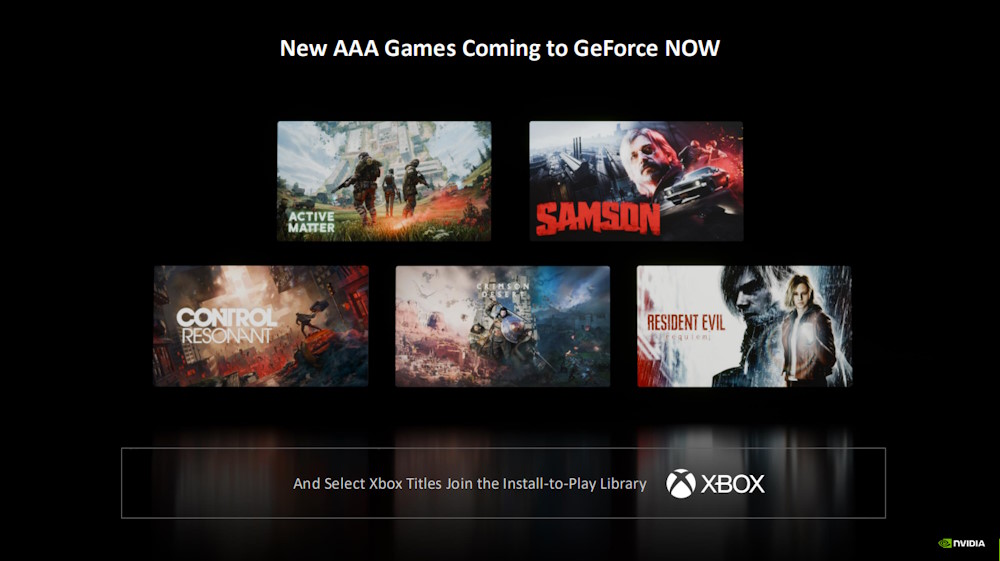
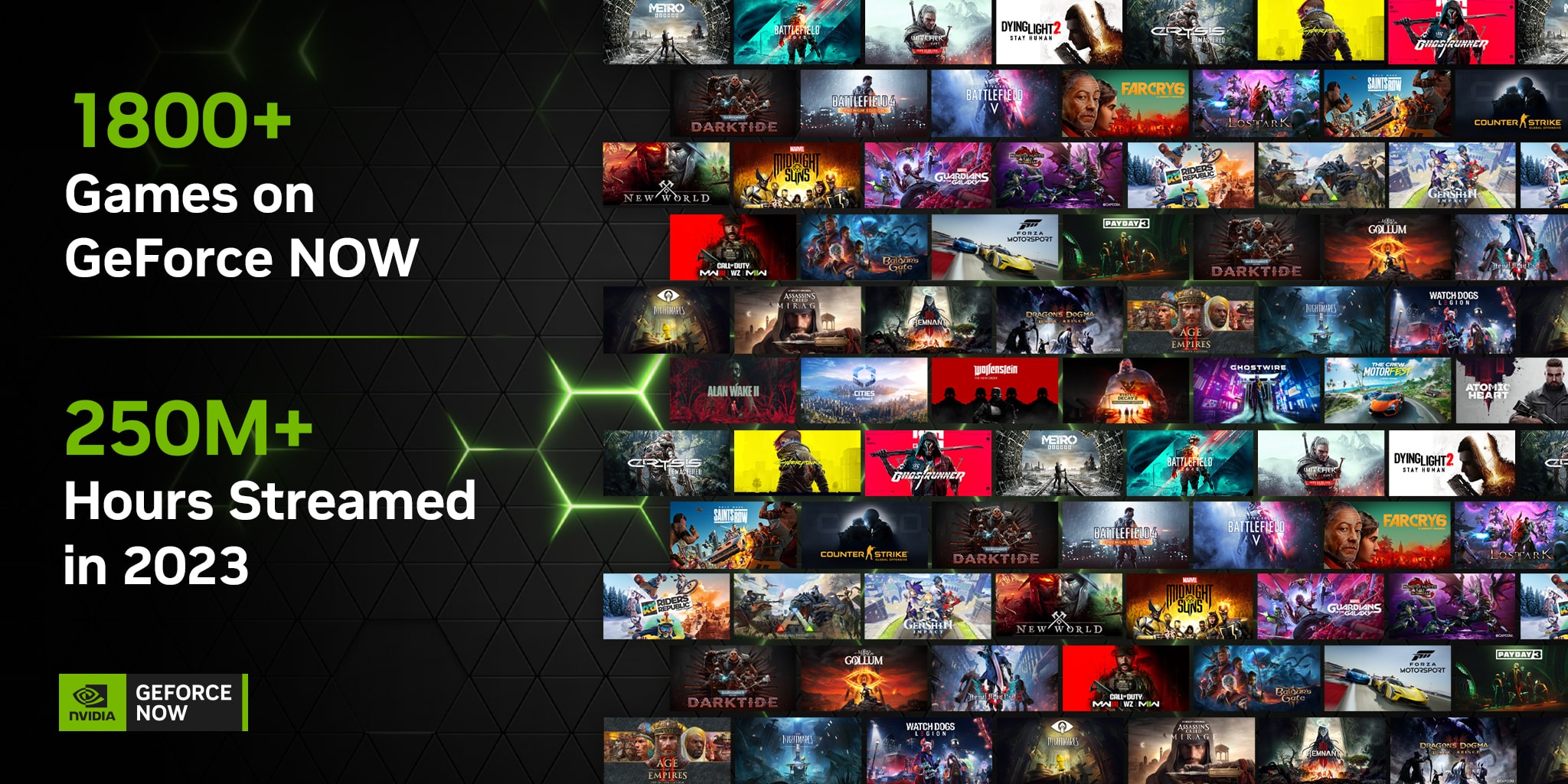
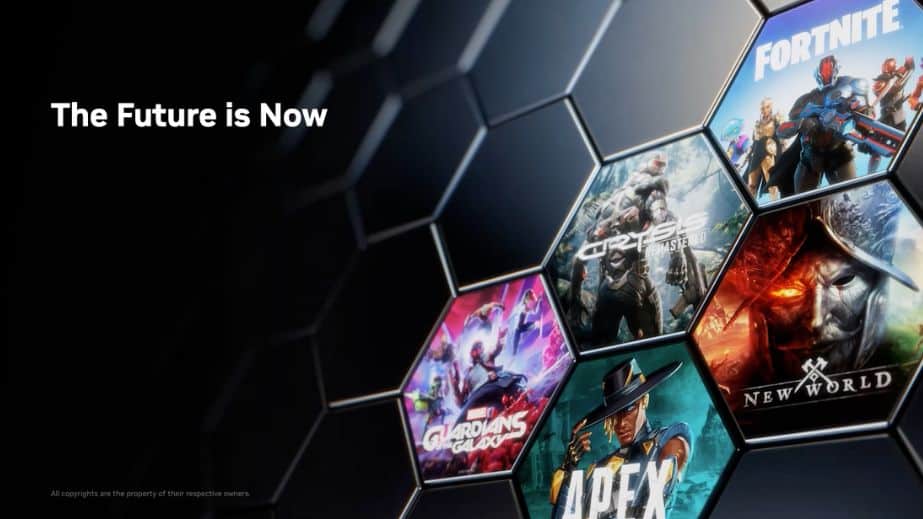
GeForce Now boasts an ever-growing library of over 1900 supported games, covering a vast array of genres. This month, gamers are heavily into social gaming trends, cozy games, and major new releases. You'll find many popular titles that fit these categories perfectly. For social play and building connections, consider:
- Palworld: The 'Pokemon with guns' sensation continues its strong run, perfect for co-op.
- Helldivers 2: A fantastic cooperative shooter that thrives on teamwork.
- Phasmophobia: A classic co-op horror game that's always fun with friends.
- Minecraft with RTX: Experience the iconic builder with stunning ray tracing visuals.
For single-player adventures or skill-building, titles like Cyberpunk 2077, Assassin's Creed Mirage, or Alan Wake 2 deliver breathtaking graphics and immersive experiences that truly shine on GeForce Now's high-end rigs. Free-to-play competitive games like Fortnite, Apex Legends, and Genshin Impact are also hugely popular and perform exceptionally well, allowing you to stay current with what creators and streamers are playing without needing dedicated hardware.
How Does GeForce Now Compare to Other Cloud Gaming Services?
The cloud gaming landscape is growing, with services like Xbox Cloud Gaming (part of Game Pass Ultimate), PlayStation Plus Premium, and Amazon Luna also vying for attention. Here's a quick comparison:
- Game Ownership Model: GeForce Now is unique in that it requires you to *own* the games from PC storefronts (Steam, Epic, etc.). This means you retain your game library even if you stop subscribing. Other services often offer a curated library of games included with the subscription, or require you to purchase games directly from their platform.
- Hardware Power: GeForce Now, especially its Ultimate tier with RTX 4080 rigs, generally offers the most powerful cloud hardware available, leading to higher frame rates and resolutions.
- Game Library: GeForce Now has a vast and constantly expanding library, limited only by publisher support. Other services' libraries are tied to their own ecosystems.
- Latency/Performance: NVIDIA's network optimization and dedicated hardware often give GeForce Now an edge in raw performance and input latency, crucial for competitive gaming.
Ultimately, the best service depends on your existing game library, the devices you use, and your priority for raw performance versus a curated all-inclusive library.
Tips for Optimizing Your GeForce Now Performance and Experience
Even with a great internet connection, there are ways to squeeze every drop of performance from GeForce Now:
- Wired Connection: Always prioritize Ethernet over Wi-Fi if possible.
- 5GHz Wi-Fi: If using Wi-Fi, ensure your device is connected to a 5GHz network, not 2.4GHz, for better speed and less interference.
- Reduce Network Congestion: Avoid other high-bandwidth activities (streaming 4K video, large downloads) on your network while gaming.
- Close Background Apps: On your local device, close any unnecessary applications to free up system resources.
- Adjust In-Game Settings: Even though you're streaming, sometimes lowering less critical settings (like shadows or anti-aliasing) can free up bandwidth and improve fluidity, especially if your internet is borderline.
- Select Closest Server: In the GeForce Now app settings, ensure you've manually selected the server location closest to you for the lowest latency.
- Enable NVIDIA Reflex (Ultimate Tier): If you have an Ultimate subscription and a compatible monitor, enabling NVIDIA Reflex in-game can significantly reduce input lag.
- Use Game Mode on TV/Monitor: If playing on a TV, enable its 'Game Mode' to bypass image processing that adds latency.
Can I Use GeForce Now for Social Gaming and Skill Building?
Absolutely! Social gaming is a cornerstone of modern gaming, with platforms like Discord connecting millions of players. GeForce Now fully supports social interaction. Since you're essentially streaming a full PC desktop, you can often run Discord in a browser within the streamed session, or use your local Discord application while playing. Many games offer in-game voice chat or seamless integration with friends lists from Steam or Epic Games.
For skill building, GeForce Now gives you access to the same high-performance environment as top local PCs, meaning you're not at a disadvantage. You can practice competitive titles, refine your strategies, and enjoy a smooth, responsive experience that allows for true skill development. The convenience of playing anywhere also means more opportunities to practice, which is crucial for improving. It fosters connections and competitive spirit without the hardware barrier.
What's Next for GeForce Now and Cloud Gaming in 2026?
The future of GeForce Now and cloud gaming looks incredibly bright. We're seeing continued advancements in streaming technology, pushing resolutions and frame rates even higher while simultaneously reducing latency. Expect broader game publisher support as the model proves itself, potentially bringing even more major releases to the platform on day one. Integration with AI-powered upscaling technologies, deeper platform integrations for an even more seamless experience, and expansion into more global regions are all on the horizon.
The trend towards mobile gaming and cross-platform play will only accelerate, making services like GeForce Now indispensable. As hardware costs remain high and the demand for instant access to high-fidelity gaming grows, cloud gaming will continue to cement its place as a viable and preferred way to play for millions of gamers worldwide. NVIDIA is poised to lead this charge, constantly innovating to deliver a premium gaming experience to everyone.
So, if you're a gamer who loves the thrill of high-end PC titles but needs a solution that fits your busy life and budget, GeForce Now is a powerful ally. It’s about empowering you to play what you want, where you want, when you want, without compromise.
Conclusion
GeForce Now cloud gaming offers a compelling answer to many of the modern gamer's challenges, from expensive hardware to limited time. By streaming top-tier PC performance to virtually any device, it liberates you to enjoy your favorite games, stay connected with friends, and chase those skill-building moments without the traditional barriers. It's a testament to how technology can make high-end gaming more accessible and enjoyable for everyone. What's your biggest gaming challenge? Comment below!
FAQ Section
Q: Is a specific type of controller required for GeForce Now?
A: No, GeForce Now supports a wide range of controllers, including Xbox controllers, PlayStation controllers, and many third-party gamepads. Standard keyboard and mouse input also works perfectly across all compatible devices.
Q: Can I use my purchased in-game items or DLC with GeForce Now?
A: Yes, since you're playing your owned games from your linked PC storefronts (like Steam or Epic Games), all your purchased DLC, in-game items, and progress are fully accessible and synced.
Q: What if a game I own isn't supported by GeForce Now?
A: If a game isn't currently supported, you won't be able to play it through GeForce Now. NVIDIA regularly adds new titles, so it's worth checking their official list or requesting support for your favorite games. Publisher cooperation is key.
Q: Does GeForce Now offer local co-op or split-screen gaming?
A: GeForce Now streams a single user session. While some games offer built-in online co-op, local split-screen isn't typically supported directly through the cloud stream. Each player would need their own GeForce Now stream on a separate device.
Q: How can I check my network quality for GeForce Now?
A: The GeForce Now app includes a built-in network test tool that can assess your connection's speed, latency, and packet loss, providing valuable insights to optimize your streaming experience.
Q: Are there any data caps to be aware of when using GeForce Now?
A: Yes, streaming games consumes significant data. A typical 1080p 60fps stream can use 10-15GB per hour. If your internet plan has a data cap, monitor your usage to avoid overage charges, especially during long gaming sessions.
Play PC games instantly across devices, no downloads or updates needed. Access your existing game libraries from Steam, Epic Games, and more. Experience AAA titles with high fidelity graphics on almost any internet-connected device. Avoid expensive hardware upgrades. Enjoy seamless cross-platform gaming. Benefit from NVIDIA's powerful cloud servers. Free tier available to try before you subscribe. Optimized for competitive and casual play. Stream games from your home or on the go.
35

GeForce NOW Vs Xbox Cloud Gaming India 2026 Best For Students 1e2f40 . GeForce NOW January 2026 14 New Games Added Geforce Now Rtx 5080 Cloud Gaming 2026. NVIDIA Rolls Out Official Linux Client For GeForce Now Cloud Gaming GeForce Now . GeForce NOW Auf Der CES 2026 Alle News Zu NVIDIAs Cloud Gaming Dienst . Nvidia Pushes GeForce NOW Cloud Gaming S India Launch To Q1 2026 1763967115 1395
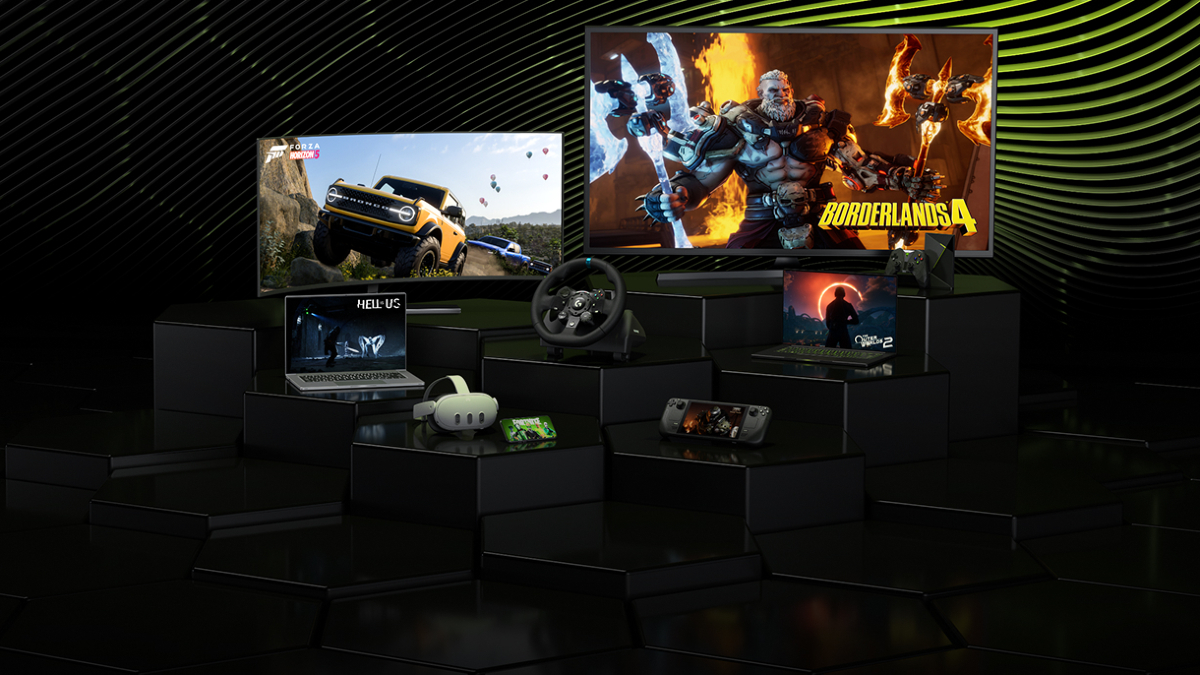

GeForce Now Cloud Gaming What You Need To Know 2026 Nvidia Geforce Now Cloud Gaming Preview . NVIDIA GeForce Now Cloud Gaming Service Is Coming To India In Q1 2026 Nvidia Geforce Now Cloud Gaming 1763792298 . GeForce NOW January Lineup Kicks Off 2026 With 14 Games In The Cloud GFN Thursday Jan 1 . GeForce NOW Turns Six New Games RTX Power And A Cloud Gaming Gfn Thursday 6yr Anniversary Nv Blog 1280x680 Logo . GeForce Now Cloud Gaming What You Need To Know 2026 Geforce Now Devices 768x432

GeForce NOW Alza Il Livello Alla GDC 2026 Nuovi Giochi Ricompense E Geforce Now Gaijin Gog 91mb.1200 . GeForce Now Cloud Gaming What You Need To Know 2026 Nvidia Geforce Now Cloud Gaming . GeForce Now Cloud Gaming What You Need To Know 2026 Geforce Now Rtx 768x432 . Download Play GeForce NOW Cloud Gaming On PC Mac Emulator Featured . Cloud Gaming Is The FUTURE GeForce NOW Xcloud Launch In India 2026

Nvidia S GeForce NOW Cloud Gaming Service To Launch In India On This. Geforce Now Cloud Gaming Recension CloudGG Se Geforce Now Recension Bild . GeForce NOW Cloud Gaming PC Beta Begins GeForce News NVIDIA Geforce Now Pc Beta Key Visual Ogimage . 5 Best Cloud Gaming Services 2026 Xbox GeForce Now Cloud Gaming Geforce Now . NVIDIA GeForce Now Cloud Gaming Service Is Finally Coming To India NVIDIA GeForce Now
GeForce NOW At CES Linux Amazon Fire TV NVIDIA Blog GeForce NOW CES KV 1280x640 . GeForce NOW S New Cloud Playtest Feature Is Built For Game Developers 110397 1 Geforce Nows New Cloud Playtest Feature Is Built For Game Developers Full . NVIDIA Anuncia En La Game Developers Conference 2026 Las Novedades Para Nvidia . Nvidia Brings GeForce Now Cloud Gaming To India With Pricing 1645155 Nvidia Geforce Now.webp. Nvidia GeForce Now En F Vrier 2026 Voici Les 24 Nouveaux Jeux Qui Illustres Catalogue Geforce Now Fevrier 2026
NVIDIA Announces GeForce NOW Upgrades And GOG Integration At GDC 2026 New AAA Games On Nvidia Cloud Gaming . NVIDIA GeForce Now Test 2026 Cloud Gaming In HD Nvidia Geforce Now Startseite . How To Download GeForce NOW Cloud Gaming Latest Version For Android 2026 6zFPBYWk . 46 New Xbox PC Games On GeForce NOW NVIDIA Blog Gfn Eoy Gamewall Social 2048x1024 2 . GeForce Now Cloud Gaming What You Need To Know 2026 Geforce Now Costs Plans


GeForce Now A Year Later Is NVIDIA Cloud Gaming Worth It 1614856226 GeForce Now A Year Later Is NVIDIA Cloud Gaming Worth . GeForce Now Cloud Gaming What You Need To Know 2026 Geforce Now Pros 768x432 . NVIDIA Plans GeForce NOW Launch In India By Q1 2026 GEFORCE NOW 1200x624 . GeForce NOW Revoluciona El Gaming En La Nube En El CES 2026 Roastbrief Ces 2026 Nvidia Geforce Rtx Newsfeed . GeForce Now Cloud Gaming What You Need To Know 2026 What Is Geforce Now