Discover everything about Roblox animation packages in this comprehensive guide tailored for busy gamers. Learn how to find, preview, purchase, and equip the best animation packages to personalize your avatar and enhance your gaming experience. We cover popular choices, budget-friendly tips, and troubleshooting common issues, ensuring you make smart decisions with your Robux. Whether you want to stand out, express yourself, or simply enjoy new movements, this guide offers practical solutions to optimize your playtime. Dive into the world of avatar customization, understand their value, and stay current with the latest trends without the hype, helping you balance your gaming passion with life's demands.
What are Roblox Animation Packages and how do they work?
Roblox Animation Packages are sets of customized movements for your avatar, replacing the default walk, run, jump, and idle animations with unique styles. They work by applying these pre-designed movement patterns directly to your character model, allowing you to instantly change how your avatar interacts with the game world and expresses itself, making your character feel more personalized and distinct from others. Think of it as giving your avatar a new personality through movement.
How do I buy and equip an animation package on Roblox?
To buy an animation package, go to the Roblox Avatar Shop, search for "animations," and browse the available options. Click on a package, use the "Try On" feature to preview it, and if satisfied, click "Buy" using your Robux. To equip, navigate to the Avatar Editor, select the "Animations" tab, then choose the specific animation type (e.g., Run, Jump) and pick your purchased package from your inventory. It's a quick, straightforward process designed to get you back to gaming fast.
Are there any free Roblox animation packages available for my avatar?
Yes, while most premium animation packages require Robux, Roblox occasionally offers free animation packages, often during special events, promotions, or as starter items. These freebies are an excellent way to personalize your avatar without spending any Robux. Always check the Avatar Shop's "Free" category or keep an eye on official Roblox announcements and community forums for limited-time offers to snag some cool movements on a budget.
What are the best Roblox animation packages to enhance my gameplay experience?
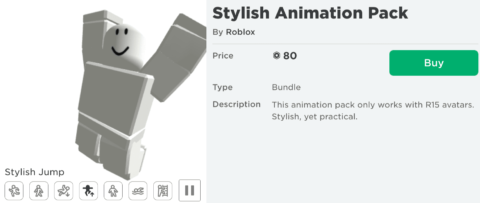
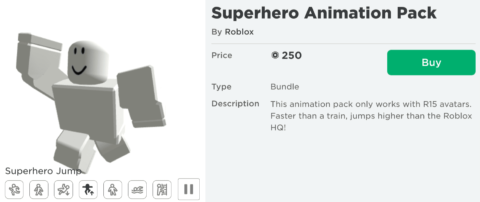
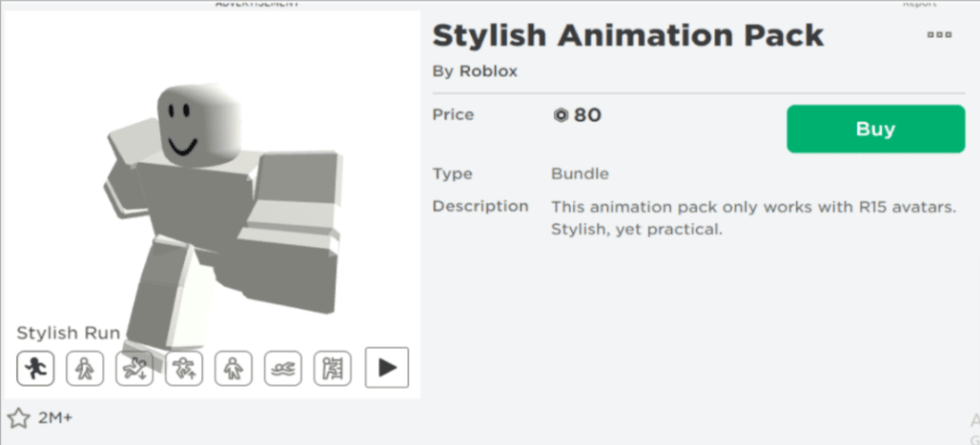
The "best" Roblox animation packages depend on your personal style and the type of gameplay you enjoy. For smoother, more realistic movements, packages like the "Stylish Animation" or "Astronaut Animation" are popular. For quirky or unique flair, "Zombie Animation" or "Superhero Animation" can be fun. The best way to enhance your experience is to find a package that truly resonates with your avatar's persona, making your character feel more immersive and enjoyable to play, improving your overall fun and social interactions.
Can I customize individual animations within a Roblox package?
When you purchase a Roblox animation package, you're buying a set of pre-bundled animations (walk, run, jump, idle, etc.). While you can't individually edit the specific movements within that package, you *can* mix and match animations from different packages. For example, you might use the walk from one package and the run from another. This allows for a good degree of customization, letting you create a unique hybrid animation style tailored to your preferences.
Do Roblox animation packages affect game performance or lag?
Generally, Roblox animation packages have a negligible impact on game performance or lag. These are pre-loaded assets, and your device is already rendering many other game elements. If you experience lag, it's more likely due to your internet connection, device specifications, or the complexity of the specific Roblox experience you're playing, rather than the animation package itself. Optimizing your general game settings and ensuring a stable connection will typically yield better performance results than worrying about animations.
How can I ensure I get good value when buying Roblox animation packages?
To ensure good value, always preview the Roblox animation package extensively using the "Try On" feature in the Avatar Shop. Compare its movements with others, consider how often you'll use it, and if it genuinely enhances your avatar's look. Read reviews from other players if available. Also, watch for sales or bundles that offer multiple animations for a reduced Robux cost. Smart purchasing means making an informed decision that aligns with your aesthetic preferences and budget, maximizing your fun and minimizing buyer's remorse.
Ever feel like your Roblox avatar is a bit... stiff? Like you're going through the motions, but your character isn't truly reflecting your vibe? You're not alone. Many US gamers, especially those balancing work, family, and life, crave ways to personalize their gaming experience without diving into complex creation tools. We play to relax, to connect, and sometimes, just to express ourselves. With 87% of US gamers regularly engaging, often for 10+ hours a week, and mobile gaming continuing its dominance, finding quick, impactful ways to enhance your playtime is key. Roblox animation packages are a fantastic, often overlooked, solution. These packages can transform your avatar's movements, from a casual walk to an epic battle stance, making every interaction more engaging. But with so many options and Robux on the line, where do you start? This guide is designed for you: the busy gamer who wants to understand "roblox animation packages," make smart choices, and truly level up their in-game presence without any unnecessary headaches or budget woes. Let's dive into how these simple yet powerful customizations can add a whole new layer of fun and personality to your Roblox adventures.
What exactly are Roblox Animation Packages and why should I care?
Roblox animation packages are essentially sets of pre-designed movements that you can apply to your avatar. Instead of the default, somewhat generic animations, these packages offer unique walks, runs, jumps, falls, and idle stances, giving your character a distinct personality. Think of them as a personal flair that makes your avatar stand out in any experience. For adult gamers who value immersion and self-expression, these packages are a simple yet effective way to customize without needing to learn scripting or 3D modeling. They transform how you interact with the world and other players, making your every action feel more "you." This personalization is crucial in today's social gaming landscape, where expressing individuality enhances connection and fun, which is a major draw for the millions of users on platforms like Roblox.
How do I find and purchase Roblox Animation Packages?
Finding Roblox animation packages is straightforward. You typically navigate to the Roblox Avatar Shop (also known as the Marketplace). Once there, use the search bar or filters to look for "Animations" or "Animation Packages." You'll see a variety of options, often categorized by style or theme. Prices are listed in Robux, Roblox's virtual currency. To purchase, simply select the package you like and click the "Buy" button. Ensure you have sufficient Robux in your account. The process is designed to be user-friendly, much like buying any other cosmetic item in an in-game store, allowing busy gamers to quickly get back to playing.
Are free Roblox Animation Packages available?
While many premium Roblox animation packages require Robux, Roblox does occasionally offer free options, especially around promotional events or as part of starter bundles. These free packages might be basic, but they're a great way to try out customization without spending. Additionally, some experiences within Roblox might have their own unique animations that are free to use within that specific game, but these generally don't transfer to your universal avatar. Always keep an eye on the Avatar Shop's "Free" category or check Roblox's official announcements for limited-time free items. Smart gamers always look for value, and freebies are a fantastic way to stretch your Robux budget.
Can I preview Roblox Animation Packages before buying?
Absolutely, and this is a critical step for smart spending. Before committing your Robux, you can and should preview any Roblox animation package. When you click on an animation package in the Avatar Shop, you'll see a detailed product page. Here, there's usually a "Try On" or "Equip" button that lets you see how the animations look on your own avatar in real-time. You can rotate your avatar, view different animations like walking, running, and idle stances. This feature is invaluable for ensuring the style fits your aesthetic and that you're happy with the movements before making a purchase, helping you avoid buyer's remorse and optimize your value for money.
How do I equip and change my Roblox Animation Package?
Equipping and changing your Roblox animation package is simple once purchased. First, navigate to the Avatar Editor, which you can access from the Roblox home page. Look for the "Animations" or "Emotes" tab within the editor. Here, you'll find categories like Walk, Run, Jump, Fall, Idle, and more. Select the specific animation type you want to change, and then choose from your owned animation packages. Click to equip it, and your avatar's movements will instantly update. You can mix and match animations from different packages if you prefer a unique blend, offering a high degree of personalization. This flexibility allows gamers to quickly adapt their style for different games or moods.
Do Roblox Animation Packages work on all devices (PC, mobile, console)?
Yes, one of the best aspects of Roblox animation packages is their cross-platform compatibility. Once purchased and equipped to your avatar, your chosen animations will typically display correctly across all devices where you play Roblox, whether that's PC, Mac, mobile (iOS/Android), Xbox, or PlayStation. This seamless integration ensures that your personalized look and movements stay consistent, regardless of how or where you choose to play. This is a huge benefit for the modern gamer who often juggles gaming across multiple platforms, fitting sessions into their busy schedules, from a quick mobile game on a commute to a longer PC session in the evening.
What are some popular Roblox Animation Packages right now?
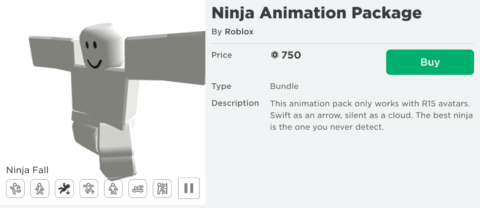
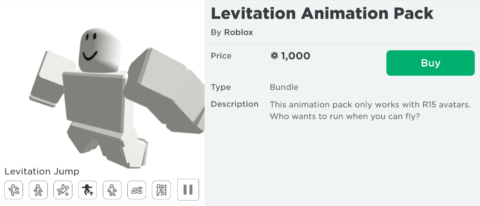
Popular Roblox animation packages often trend based on current community favorites and new releases. This month, players are often leaning towards packages that offer smooth, realistic movements or fun, quirky styles. Examples that consistently remain popular or frequently see resurgences include packages like the "Levitation Animation" for its unique floaty movement, the "Stylish Animation" for a more confident strut, or the "Ninja Animation" for sleek, agile actions. Checking the "Bestselling" or "Popular" filters in the Avatar Shop is the best way to see what's currently trending. These trends often reflect a desire for both aesthetic appeal and enhanced social interaction, as unique animations can be great conversation starters in-game.
How can Roblox Animation Packages enhance my social gaming experience?
Roblox animation packages significantly enhance social gaming by allowing for greater self-expression and recognition. When your avatar moves with a unique flair, it makes you more noticeable and memorable to other players. This can lead to more interactions, as people might comment on your cool animations or ask where you got them. It adds a layer of non-verbal communication, allowing you to convey confidence, humor, or a specific persona through your character's movements. For gamers who prioritize social play and building connections, a distinctive animation package helps break the ice and contributes to a more engaging, personalized online presence, fostering stronger friendships and community.
Are Roblox Animation Packages worth the Robux?
Whether Roblox animation packages are "worth it" depends entirely on your personal gaming priorities and budget. If you value avatar customization, self-expression, and standing out in a crowd, then a well-chosen animation package can offer immense value. They permanently change how your character moves, which is a fundamental aspect of your in-game identity. For gamers who spend significant time on Roblox and enjoy the social aspects, investing a few hundred Robux can profoundly enhance their experience. If you're on a tight budget, explore free options or save up for a package you truly love after thorough previewing. Ultimately, they offer a tangible way to elevate your fun and personalize your playtime, which for many busy adults, is priceless.
How do I troubleshoot common issues with Roblox Animation Packages?
Most issues with Roblox animation packages are simple to resolve. If your animations aren't appearing correctly, first ensure the package is properly equipped in your Avatar Editor. Sometimes, a quick logout and login to Roblox can refresh your avatar data. Clearing your browser cache or restarting the Roblox application can also resolve display glitches. If you're experiencing lag, it might be a general performance issue rather than the animation itself; try lowering your game's graphics settings. For persistent problems, especially after a purchase, contact Roblox Support with details of your issue. They can often provide specific solutions or assist with Robux-related queries, ensuring your gaming experience remains smooth.
Can I create my own Roblox Animation Packages?
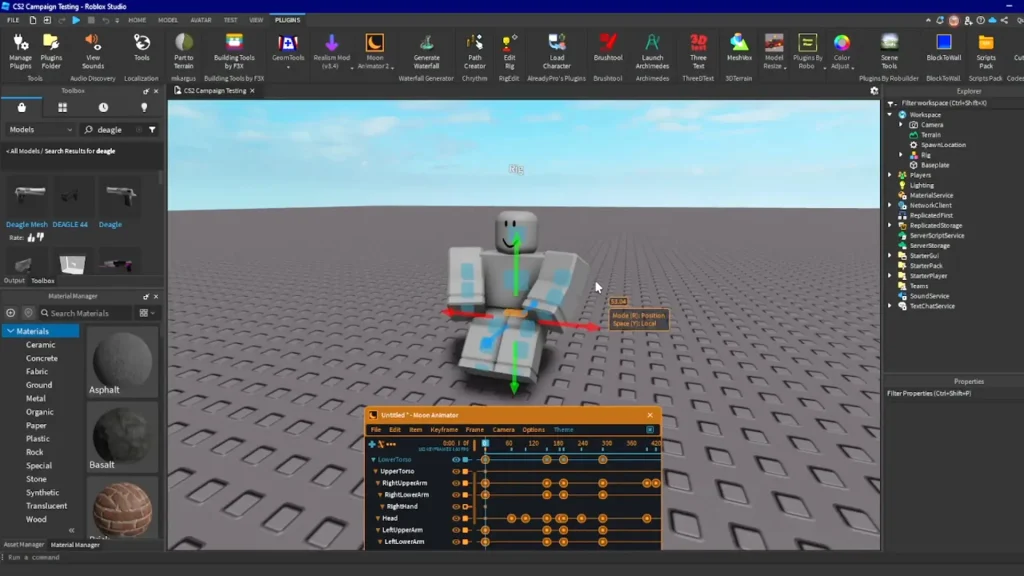
While you can't create and sell "packages" in the same way Roblox does, you absolutely can create your own custom animations within Roblox Studio. This is a more advanced skill, often involving 3D modeling and scripting, but it allows for incredible creative freedom. Many developers design custom character rigs and animations for their specific games, giving unique movements to their experiences. If you're interested in diving deeper into game development and skill-building, Roblox Studio offers robust tools for animation. However, for most gamers seeking a quick personalization fix, purchasing pre-made Roblox animation packages is the easiest and most direct route.
Roblox animation packages are a fantastic way to inject personality and flair into your gaming experience, transforming a basic avatar into a true reflection of you. From finding the perfect package in the Avatar Shop to ensuring it works seamlessly across all your devices, we've covered the essentials. These seemingly small customizations offer big returns in terms of self-expression, social engagement, and overall enjoyment, helping you get the most value from your precious gaming time. They solve the common gamer problem of feeling generic and provide a simple, impactful way to personalize your digital presence without heavy investment or effort. So go ahead, find the movements that speak to you, and truly make your mark in the vast world of Roblox. What’s your biggest gaming challenge when it comes to personalizing your avatar? Comment below and let's discuss!
What is the rarest Roblox animation package?
Rarity in Roblox animation packages often stems from limited-time releases or high Robux costs. There isn't one definitively "rarest" package as new items release frequently, but older, unlisted, or event-exclusive animations are generally considered more unique due to their limited availability. Players often seek out these discontinued items to stand out.
Can I get free Robux for animation packages?
Legitimately obtaining free Robux for animation packages is primarily through official Roblox promotions, earning it within specific experiences, or by creating popular content that generates Robux. Be highly cautious of any third-party websites or apps claiming to offer "free Robux" as these are often scams designed to steal account information.
Do animation packages transfer across accounts?
No, Roblox animation packages, like most purchased items, are tied directly to the account that bought them. They cannot be transferred, gifted, or traded between different Roblox accounts. This means you need to purchase the package on the specific account you intend to use it with.
How often do new animation packages release?
Roblox regularly updates its Avatar Shop with new items, including animation packages. New releases can occur weekly or bi-weekly, often coinciding with seasonal events, popular game trends, or general platform updates. Checking the "Recently Updated" filter in the Avatar Shop is the best way to stay current.
Are animation packages permanent?
Yes, once you purchase a Roblox animation package, it is permanently added to your account's inventory. You can equip and unequip it as many times as you like, and it will remain available for use unless Roblox itself removes the item from the platform (which is rare for purchased items).
Can I refund an animation package?
Roblox's refund policy generally states that all purchases are final. Refunds for animation packages are typically only issued in specific circumstances, such as an accidental purchase where the item was never used, or if there was a technical error on Roblox's part. It's best to preview thoroughly before buying.
Understanding Roblox Animation Packages, finding and purchasing animations, equipping and changing avatar movements, exploring free and premium options, enhancing social interaction with custom animations, evaluating value for Robux, troubleshooting animation issues, and staying updated on new releases.
35


TOP 5 ROBLOX Animation Packages You Should Use This 2026 YouTube Oardefault . Unlocking Roblox Animation Power With Moon Animator Up To Date 2026 SL1500 . 10 Best Roblox Animation Packages In 2023 10 Best Roblox Animation Packages In 2022 3 980x427 . 10 Best Roblox Animation Packages In 2023 10 Best Roblox Animation Packages In 2022 1280x722 . ALL 7 UNRELEASED ROBLOX ANIMATION PACKS YouTube

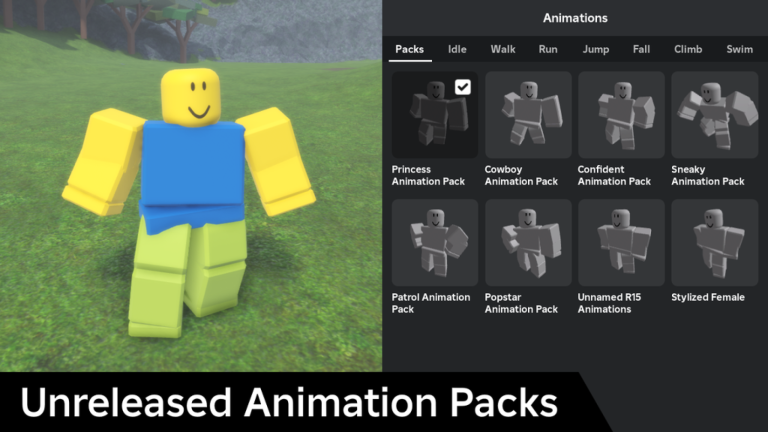
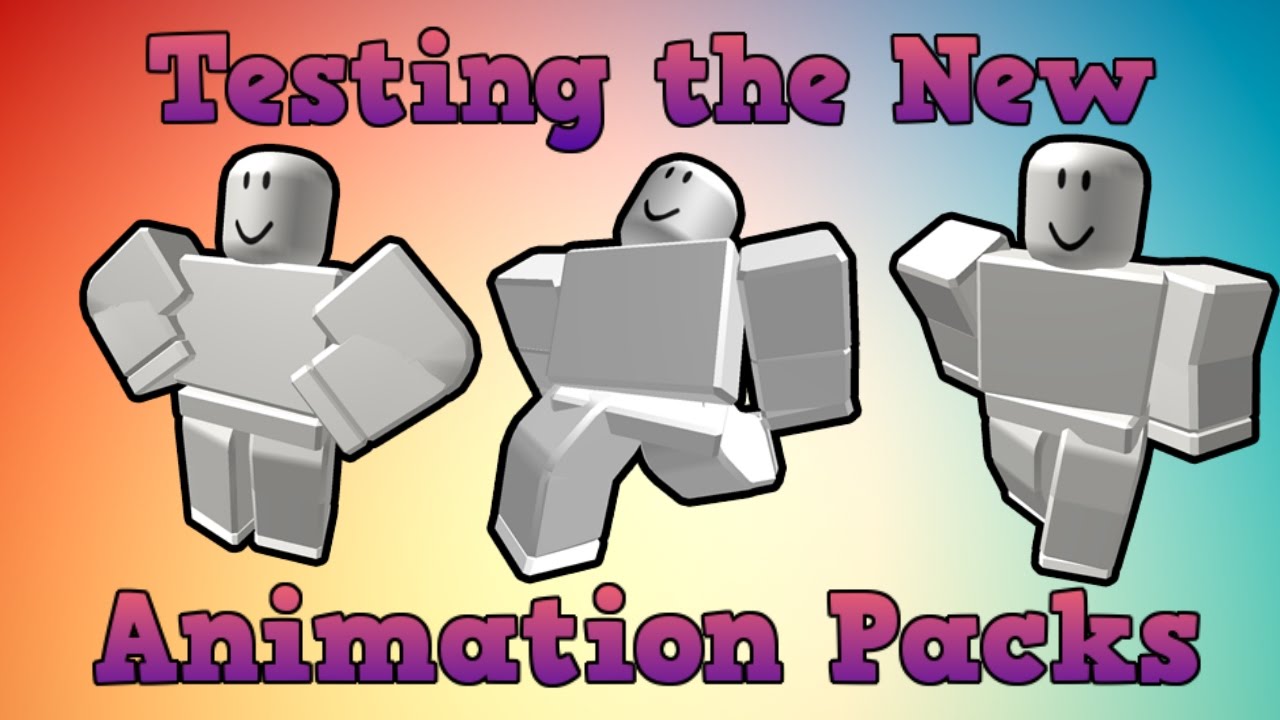

Top 5 Roblox Animation Pack Best Roblox Animation Packages YouTube . RobloxGo Unreleased Animation Packs Real Time Stats Insights And Thumbnail 1. 10 Best Roblox Animation Packages In 2023 10 Best Roblox Animation Packages In 2022 1 480x208 . Testing Out The New Animation Packs Roblox Animation Pack Previewer . Ranking EVERY ROBLOX ANIMATION PACK From WORST TO BEST GRAND FINALE

Happy 2026 Roblox Animation YouTube . 10 Best Roblox Animation Packages In 2023 10 Best Roblox Animation Packages In 2022 6 480x211 . Roblox New Animation Pack R Roblox Roblox New Animation Pack V0 . 10 Best Roblox Animation Packages In 2023 10 Best Roblox Animation Packages In 2022 10 980x415 . 10 Best Roblox Animation Packages In 2023 10 Best Roblox Animation Packages In 2022 2 480x208


10 Best Roblox Animation Packages In 2023 10 Best Roblox Animation Packages In 2022 5 480x203 . Roblox Animation IDs June 2026 Roblox ID Bubbly Animation Package 39 300x300 . Definitive Guide To Roblox 2026 TM 07169 AU 19 60 Football Heaven TM 07169 Definitive Guide To Roblox 2026 . Roblox Animation IDs June 2026 Roblox ID Roblox Animation Ids . 10 Best Roblox Animation Packages In 2023 10 Best Roblox Animation Packages In 2022 9 480x206

10 Best Roblox Animation Packages In 2023 10 Best Roblox Animation Packages In 2022 8 480x202 . 10 Best Roblox Animation Packages In 2023 10 Best Roblox Animation Packages In 2022 4 480x206 . 5 Affordable Roblox Animation Packs You Can Use In Every Game 5 Affordable Roblox Animation Packs 1 980x445 . ROBLOX ANIMATIONS JANUARY 2026 YouTube Hqdefault . How To Make Animations In Roblox Studio For Beginners A Quick User 282 Cover



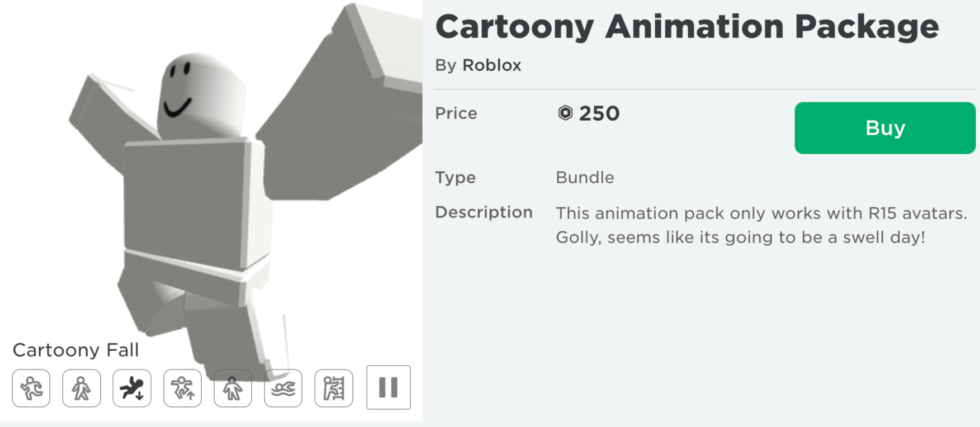
How To Import Animations From Toolbox In Roblox Studios 2026 YouTube . 10 Best Roblox Animation Packages In 2023 Roblox Logo 1024x576 . Roblox Animation IDs June 2026 Roblox ID Cartoony Animation Package 56 300x300 . Roblox Animation IDs June 2026 Roblox ID Mage Animation Package 63 300x300 . First Roblox Animation Of 2026 YouTube Oar2


NEW How To Create Animations On Roblox Games Full 2026 Guide . How To Set Up Animations Tutorial Roblox Studio Animation Spoofer . Roblox New Animation Pack Is AMAZING YouTube . ROBLOX POPULAR ANIMATION PACKAGE NEW ANIMATION PACKAGE YouTube . Ranking Every Roblox Animation Pack From Worst To Best My Opinion