Are you a dedicated gamer, balancing epic quests with real-life responsibilities, only to be frequently frustrated by Roblox disconnects? It's a common pain point for millions of US gamers, interrupting precious leisure time and breaking immersion. This comprehensive guide dives deep into why Roblox keeps disconnecting and provides actionable, expert-backed solutions to get you back into the action. We understand that your gaming time is valuable, a well-deserved escape after a long day of work or family commitments. From optimizing your network settings and understanding common software conflicts to troubleshooting device-specific issues, we've got you covered. This article offers practical, step-by-step advice designed for busy adults who want to maximize their gaming experience without the technical headaches. Learn how to maintain stable connections, prevent future disruptions, and enjoy seamless gameplay in your favorite Roblox experiences. Stop losing progress and reconnecting endlessly; empower yourself with the knowledge to conquer those annoying disconnects today.
Why Does Roblox Keep Disconnecting Unexpectedly
Roblox often disconnects due to unstable internet connections, outdated game clients or device drivers, firewall or antivirus interference, and sometimes, Roblox server-side issues. Network congestion, a weak Wi-Fi signal, or background applications consuming bandwidth can also be major culprits, interrupting your gameplay even if your overall internet seems fine for other activities.
How Can I Troubleshoot My Internet Connection to Prevent Roblox Disconnects
Start by power cycling your router and modem. Next, perform a speed test to check your ping and bandwidth; a high ping or packet loss is a red flag. If possible, switch to a wired Ethernet connection over Wi-Fi, especially if you're far from your router or have many devices on your network. Consider changing your DNS to public servers like Google DNS (8.8.8.8, 8.8.4.4) for better reliability.
What Software Updates Do I Need to Check If Roblox Keeps Disconnecting
Ensure your Roblox client is fully updated; the game usually updates automatically, but a reinstallation can force the latest version. Equally important are your device's graphics drivers (NVIDIA, AMD, Intel for PC) and your operating system. Outdated drivers can cause crashes and instability, leading to disconnects. For mobile, keep your Roblox app and OS updated through your device's app store.
Can My Firewall or Antivirus Program Be Causing Roblox Disconnects
Yes, security software like firewalls and antivirus programs can sometimes mistakenly block Roblox's connection, causing frequent disconnects. Check your software's settings to ensure Roblox is added as an exception or 'whitelisted.' Temporarily disabling your firewall (with caution) can help diagnose if it's the root cause, but remember to re-enable it afterward for security.
What Should I Do If Roblox Disconnects Are Due to Server Issues
If numerous players are reporting disconnects, or if the official Roblox Status page indicates ongoing issues, it's likely a server-side problem. In such cases, there's little you can do but wait for Roblox's engineers to resolve it. Continue checking the status page for updates, and avoid attempting complex troubleshooting on your end, as the issue is beyond your control.
Why Is Roblox Only Disconnecting Me From Specific Games And Not Others
If you only experience disconnects in certain Roblox games, the issue might stem from that particular game's server, script, or its demands on your system resources. Some games are more resource-intensive or poorly optimized, leading to crashes or disconnects. Try playing other popular games to see if the problem persists. If not, the specific game might be the culprit.
How Do I Optimize My PC or Mobile Device to Stop Roblox Disconnecting
Close all unnecessary background applications, especially those that consume significant RAM or network bandwidth like streaming services or other games. For PC, monitor your CPU and GPU temperatures to prevent overheating. On mobile, clear the Roblox app's cache and ensure you have sufficient free storage space. A full device restart can also clear temporary glitches and improve stability.
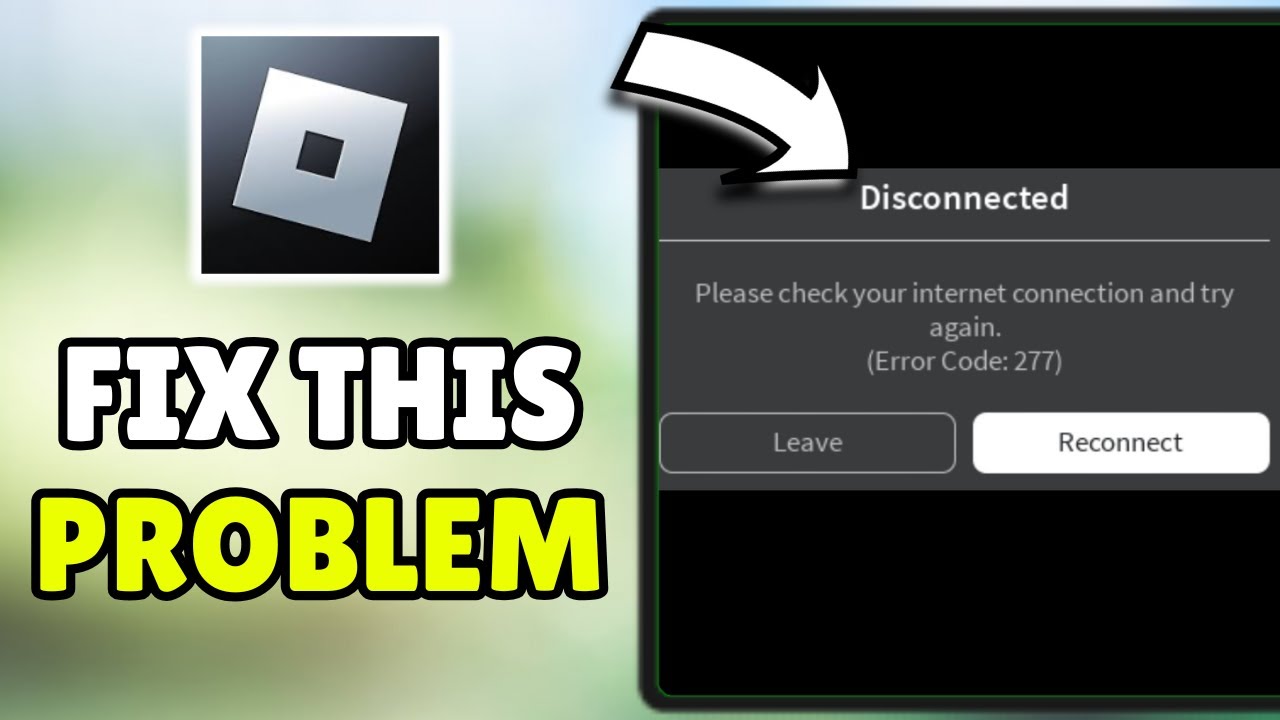
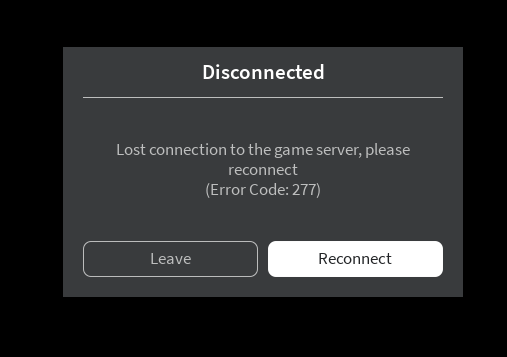
For many adult gamers across the US, jumping into Roblox after a long day is a cherished ritual. It is a chance to unwind, connect with friends, or explore countless creative worlds. However, few things are more frustrating than your game suddenly freezing, only to be met with that dreaded “Disconnected” message. You are not alone in asking, why does Roblox keep disconnecting? With approximately 87 percent of US gamers regularly logging 10 plus hours a week, and mobile gaming continuing its dominance alongside PC and console, stable connections are more crucial than ever for social play and skill-building. For gamers balancing jobs, families, and life, every minute of play counts, and performance optimization is key to making the most of that limited time.
This guide is your ultimate resource for troubleshooting and resolving those persistent Roblox disconnects. We understand that you value relaxation, fun, and a seamless experience without the technical headaches or constant reboots. We will cut through the hype and provide practical, easy-to-follow solutions that address the root causes of why Roblox keeps disconnecting, helping you get back to building, battling, and socializing without interruption. Consider this your go-to manual from one busy gamer to another, ensuring your next session is as smooth as possible.
Why Does Roblox Keep Disconnecting The Most Common Causes
Roblox disconnects typically stem from a few core issues, often related to your internet connection, device performance, or the Roblox platform itself. Unstable Wi-Fi, an overwhelmed network, or even a misconfigured router can frequently interrupt your gameplay. Similarly, an outdated Roblox client, an old graphics driver, or conflicting software running in the background on your PC or mobile device can trigger sudden disconnections. Understanding these common culprits is the first step toward effective troubleshooting.
How Can I Check My Internet Connection for Roblox Stability
Your internet connection is the primary suspect when Roblox keeps disconnecting. Start by running a speed test using a reliable online tool to check your download and upload speeds, as well as your ping. A high ping indicates latency, which can cause disconnects. Also, consider the stability of your connection. Frequent packet loss, even with good speeds, will lead to interruptions. A wired Ethernet connection is always superior to Wi-Fi for gaming stability, especially if you are experiencing inconsistent wireless signals due to distance or interference.
- Run a speed test (e.g., Speedtest net) to check ping, download, and upload speeds.
- Monitor for packet loss using network diagnostic tools.
- Prioritize a wired Ethernet connection over Wi-Fi when possible.
- Move closer to your Wi-Fi router or consider a Wi-Fi extender if using wireless.
What Role Do Firewalls and Antivirus Software Play in Roblox Disconnects
Firewalls and antivirus programs are essential for security, but they can sometimes be overly aggressive, mistakenly blocking Roblox's connection to its servers. This is a surprisingly common reason why Roblox keeps disconnecting. Your Windows Defender Firewall or third-party antivirus might be flagging Roblox as a potential threat, preventing it from communicating properly. It is crucial to ensure Roblox is whitelisted or given an exception in these security settings. Temporarily disabling them for a few minutes (with caution) can help diagnose if they are the cause.
How Do I Update My Roblox Client and Device Drivers to Prevent Disconnects
Outdated software is a frequent cause of instability. The Roblox client itself needs to be current, as updates often include bug fixes and performance improvements that address connection issues. Similarly, ensuring your device's graphics drivers are up-to-date is vital. For PC gamers, NVIDIA, AMD, and Intel regularly release driver updates that can significantly impact game performance and stability. On mobile, keeping your operating system and the Roblox app updated from the respective app stores is paramount.
Here are the steps to ensure everything is updated:
- Update Roblox Client: Roblox usually updates automatically. If not, try uninstalling and reinstalling the client from the official Roblox website.
- Update Graphics Drivers (PC): Visit the manufacturer's website (NVIDIA, AMD, Intel) or use their dedicated software to download and install the latest drivers.
- Update Operating System: Ensure Windows, macOS, Android, or iOS is running its latest version.
- Update Mobile App: Check the Google Play Store or Apple App Store for Roblox updates.
Can Roblox Server Issues Cause My Game to Keep Disconnecting
Yes, sometimes the problem is not on your end. Roblox, like any massive online platform, can experience server-side issues, maintenance, or outages. If Roblox keeps disconnecting for everyone, or if you notice widespread reports on social media or dedicated status pages, it is likely a server problem. In these cases, your best bet is patience. Check the official Roblox Status page or third-party down detector websites to see if there are ongoing service disruptions. These events, while frustrating, are typically resolved by Roblox's engineering teams quickly.
What Are Some Advanced Network Troubleshooting Steps for Persistent Roblox Disconnects
If basic steps do not resolve why Roblox keeps disconnecting, it might be time for advanced network troubleshooting. This includes flushing your DNS cache, renewing your IP address, or even changing your DNS servers to public ones like Google DNS (8.8.8.8 and 8.8.4.4) or Cloudflare DNS (1.1.1.1 and 1.0.0.1). Rebooting your router and modem can also clear up transient network glitches. For more stubborn issues, consider contacting your Internet Service Provider (ISP) as there might be a problem with your line or their service area.
How Do Background Applications and VPNs Affect Roblox Stability
Running numerous background applications, especially those that consume significant bandwidth or CPU resources, can compete with Roblox and lead to disconnects. Close unnecessary browsers, streaming services, or other games. Similarly, using a Virtual Private Network (VPN) can introduce additional latency and connection instability. While VPNs offer privacy, they often route your traffic through distant servers, increasing ping and making you more susceptible to disconnects. If you are experiencing issues, try disabling your VPN to see if it resolves the problem.
Are There Any Device Specific Fixes for Roblox Disconnecting on PC Mobile or Console
Absolutely. While many solutions are universal, some are device-specific. On PC, ensure you have sufficient RAM and a decent processor. Overheating can also cause performance dips and disconnects, so clean your fans. For mobile gamers, clear the Roblox app's cache, free up storage space, and close all other running apps. On consoles, ensure a stable network connection, clear the console's cache, and make sure the game and system software are updated. A full system restart can often work wonders across all platforms.
After a day filled with work, family, and other commitments, your gaming time is your sanctuary, and frustrating disconnects from Roblox should not steal that precious escape. By understanding the common reasons why Roblox keeps disconnecting and implementing the practical solutions outlined in this guide, you are well on your way to a smoother, more enjoyable experience. Remember, a stable internet connection, up-to-date software, and properly configured security settings are your best allies in maintaining consistent gameplay. So go forth, conquer those technical glitches, and dive back into the amazing worlds Roblox offers. What's your biggest gaming challenge after fixing disconnects? Comment below!
FAQ Section
Is Roblox down when I keep disconnecting?
Not necessarily. While Roblox server outages can cause disconnects, often the issue lies with your internet connection, device, or local network settings. Always check the official Roblox status page before assuming a global outage.
Why does Roblox disconnect me from specific games?
Disconnects in specific games often point to issues with that particular game's server or script. It could also be a local performance issue related to that game's demands on your device. Try playing other games to diagnose if it's a widespread or game-specific problem.
Can my router cause Roblox to disconnect?
Yes, an outdated router, weak Wi-Fi signal, or misconfigured router settings (like strict NAT types or overwhelmed bandwidth) can absolutely cause Roblox to disconnect. Rebooting your router is a good first step, and checking its firmware for updates can also help.
Does a high ping mean Roblox will disconnect?
A consistently high ping indicates significant latency between your device and the Roblox servers. While it might not always lead to an immediate disconnect, it makes your connection very unstable and prone to timeouts, which manifest as disconnects. Lowering your ping is crucial for stability.
How often should I clear Roblox cache?
Clearing your Roblox cache periodically, especially if you experience frequent crashes, performance issues, or disconnects, can be beneficial. There's no fixed schedule, but doing it once a month or whenever you encounter problems is a good practice to refresh temporary files.
Identify common Roblox disconnect causes like unstable internet, outdated software, firewall issues, and server problems. Optimize network settings including DNS and router configuration for improved stability. Update graphics drivers and Roblox client regularly to prevent technical glitches. Troubleshoot device-specific problems on PC, mobile, and console. Understand the impact of VPNs and third-party software on connection quality. Implement best practices for a consistent, interruption-free Roblox gaming experience.
35


FIXED Roblox Keeps Roblox Keeps . How To Fix Roblox Keep How To . Roblox Game Keeps C Ch Kh C Ph C Hi U Qu 2025 Why Do I Keep V0 . Constant Random Upon Game Join Attempt Followed By False . Constant Random Upon Game Join Attempt Followed By False


2026 UPDATED How To Fix Roblox For No Reason Stop . How To Fix Error Roblox Network Keeps Issue On Windows 11 . How To Fix Roblox Tips Ultimate Systems How To Fix Roblox Tips . How To Fix Roblox Keeps Fix Roblox Keeps . ROBLOX NETWORK KEEPS On Windows 11 10 SOLVED YouTube



How To Stop Google Colab From Dibujos Cute Para Imprimir . Why Do I Keep Roblox Flee The Facility YouTube . Fix Roblox Error Code 280 From Game Please Reconnect . Constant Random Upon Game Join Attempt Followed By False . Does Anybody Know Why I Keep When I Join My Network Is


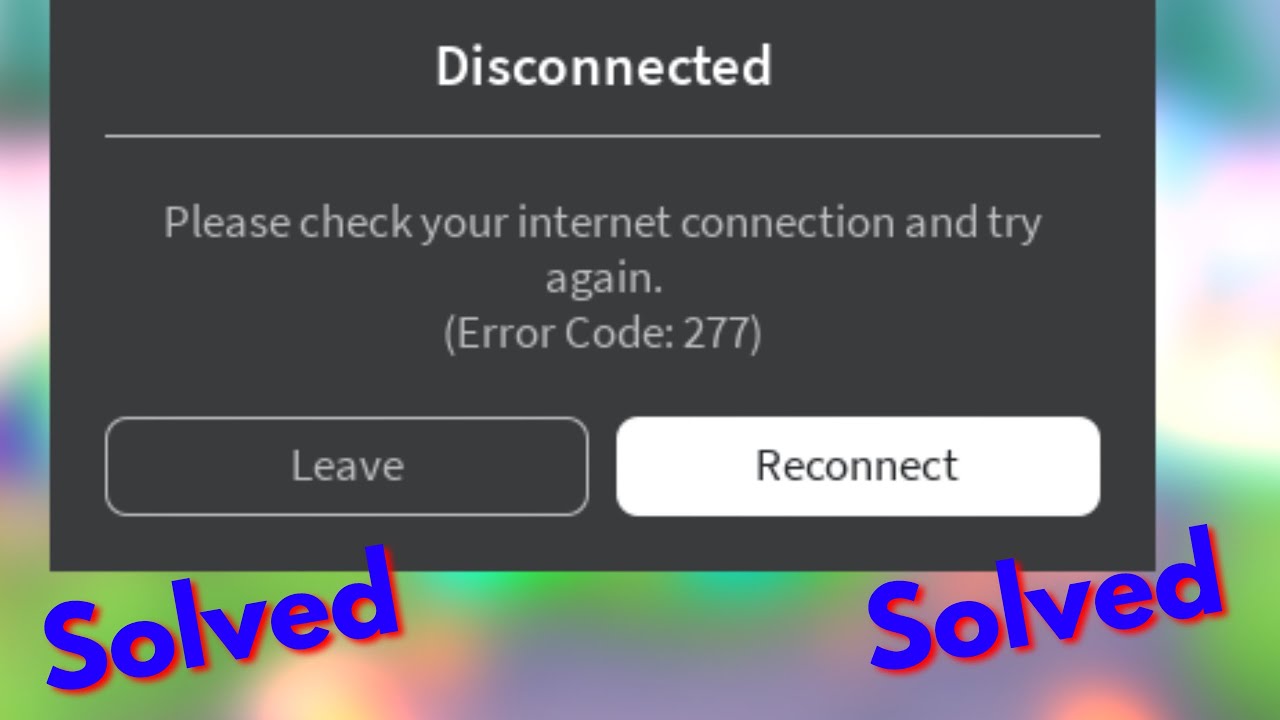

How To Fix In Roblox 2024 Izoate How To Fix In Roblox 2024. Why Does My Roblox Keep Closing How To Fix Guide YouTube . Why Do I Keep From Roblox Error Code 277 Image. Roblox Connection ID 17 C Ch Kh C Ph C L I Hi U Qu . Roblox Game Keeps C Ch Kh C Ph C Hi U Qu 2025


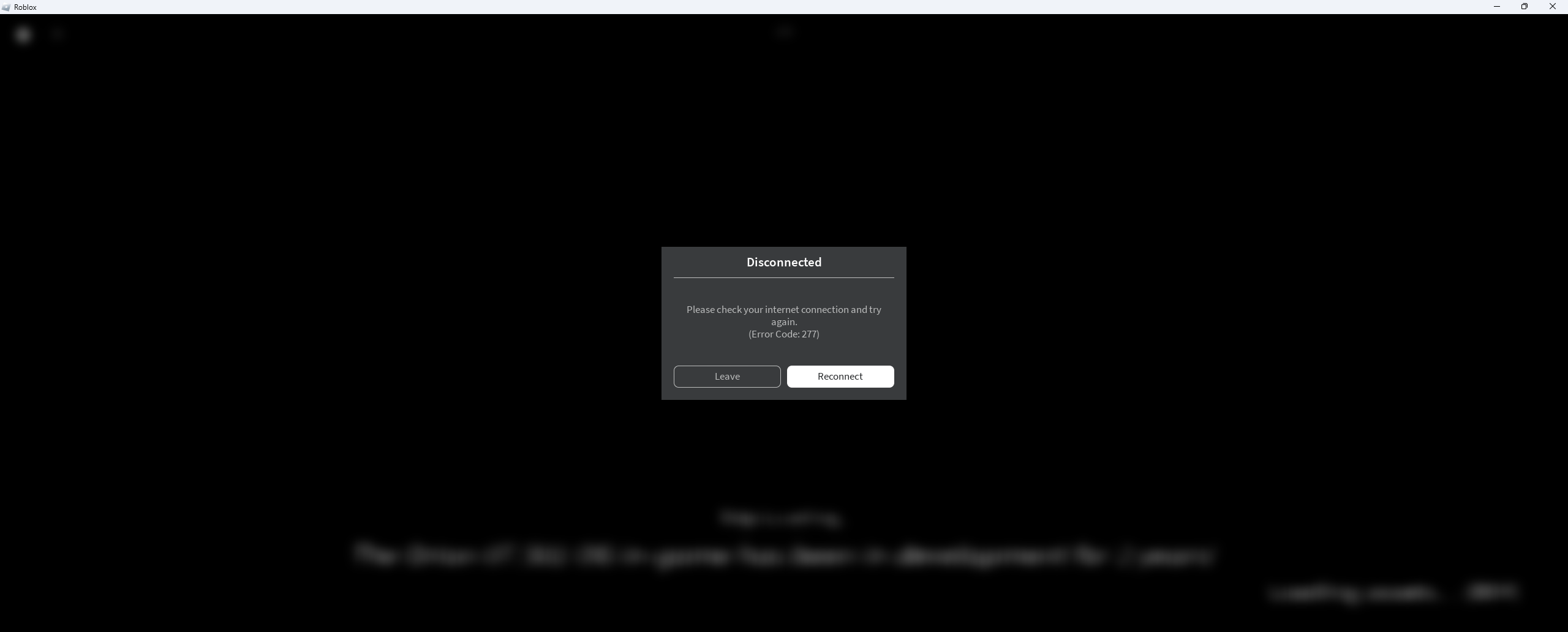

Client Initiated Disconnect Game Design Support Developer Forum . APK Why Does Roblox Keep Me Solved 2023 Https Media. Constant Random Upon Game Join Attempt Followed By False . Roblox Logged Out Lets Fix It . Is Roblox Crashing Right Now What You Need To Know Roblox Keeps Crashing


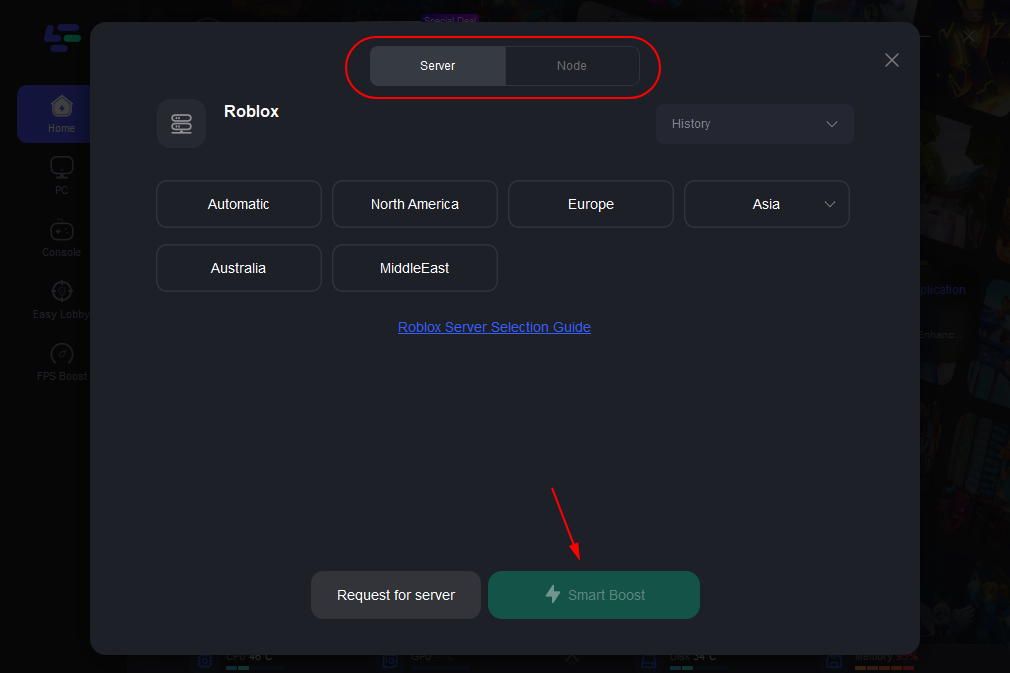
Why Is Roblox Not Working June 2026 24 Fixes That Actually Work Why Is Roblox Not Working 2025 24 Fixes That Actually Work . Is Roblox Crashing Right Now What You Need To Know . Why Does My Roblox Keep Crashing On PC Best Solution To Fix Roblox Roblox 2.webp. Why Is My Roblox Freezing Quick Fixes Explained 2026 . Why Does My Internet Keep Kicking Me Offline Free Word Template Fix Roblox Keep Kicking Out


Why Do I Keep Getting Logged Out Of Roblox Why Does Roblox Keep Logging Me Out . How To Fix Roblox From Game Please Reconnect Error Code . Roblox Kicking You Out Lets Figure It Out V4 460px Why Does Roblox Keep Crashing Step 30 . How To Fix Roblox Keeps On Xbox YouTube . How To Fix Roblox Auto Closing Problem In Windows 11 Guiding Tech Roblox Auto Closing