Navigating the Roblox refund process can feel like a mini-game itself for busy US gamers balancing work family and play. This comprehensive guide simplifies how to get a refund on Roblox empowering you with clear actionable steps to reclaim your Robux or money from accidental purchases unwanted items or unauthorized transactions. We cover the official channels criteria and common pitfalls ensuring you save time and frustration. Whether it is a purchase gone wrong or a childs accidental click understanding the robust refund policies and procedures is essential for maximizing your gaming value. Discover the latest tips and tricks for successful claims including contacting Roblox support managing your account settings and setting up purchase protections. Stay informed about the current trends in digital purchases and how to confidently manage your virtual economy on one of the worlds most popular gaming platforms. This article provides all the necessary information to help you manage your Roblox purchases effectively and ensure a smoother gaming experience for you and your family.
Q: How long does Roblox typically take to review a refund request?
A: Roblox refund request review times can vary significantly. After you submit all required documentation, their support team generally takes several business days to a few weeks to fully investigate and provide a response. The exact duration often depends on the complexity of your specific case and the current volume of support tickets they are handling. Prompt submission of clear, detailed information helps expedite the process, but patience is often key.
Q: What types of purchases are most likely to be refunded by Roblox?
A: Roblox is most likely to consider refunds for purchases made due to clear technical glitches on their platform, such as Robux deducted without an item delivered, or in cases of demonstrable unauthorized account access and fraudulent activity. They also may consider erroneous billing for subscriptions. Refunds for buyer's remorse or unwanted virtual items are extremely rare, aligning with their general no-refund policy for spent Robux.
Q: Can I get a refund if my Roblox account was hacked and purchases were made?
A: Yes, if your Roblox account was demonstrably hacked and unauthorized purchases were made, you have a strong case for a refund. Immediately secure your account, change your password, enable Two-Step Verification, and then contact Roblox Customer Support with all relevant details, including when you noticed the unauthorized activity and proof of account ownership. Roblox takes security breaches very seriously and will investigate.
Q: What information should I prepare before contacting Roblox Support for a refund?
A: Before contacting Roblox Support for a refund, prepare your Roblox username, the email linked to your account, the exact date and time of the purchase, the amount of Robux or money involved, and the transaction ID or order number from your payment statement or confirmation email. For unauthorized purchases, detail when you discovered the issue and any steps taken to secure your account. Clear documentation speeds up the process.
Q: Is there a specific time limit to request a refund from Roblox?
A: While Roblox doesn't state an explicit universal time limit in days for all refund requests, it's always best to report any issues, especially unauthorized transactions or technical errors, as soon as possible. Delaying can significantly reduce your chances of a successful refund. For third-party app store purchases, their own specific refund windows (e.g., 90 days for Apple) would apply.
Q: How do parental controls on Roblox affect refund eligibility?
A: Parental controls primarily help prevent unauthorized purchases by requiring a password or PIN, but they don't directly influence refund eligibility for purchases already made. However, if purchases were made *despite* robust parental controls being active, it could support a claim of unauthorized access or a system error. Implementing strong parental controls is a proactive measure rather than a retroactive refund guarantee.
Q: Can I dispute a Roblox charge with my bank instead of contacting Roblox?
A: While you *can* dispute a charge with your bank, it's generally recommended to contact Roblox Support first. A chargeback initiated through your bank can lead to your Roblox account being locked or banned due to a violation of their Terms of Service, as it bypasses their official refund process. Only consider a bank dispute as a last resort if all attempts with Roblox and third-party app stores fail.
Hey fellow gamers! Ever been there? You're unwinding after a long day of work or managing family duties, finally getting some precious game time on Roblox, and boom—an accidental Robux purchase, an unwanted item, or perhaps your kid bought something without asking. It's a common scenario for many of us balancing life and play, especially given that around 87% of US gamers play regularly, often clocking in over 10 hours a week across various platforms, with mobile gaming still dominating. Finding out how to get a refund on Roblox can feel like navigating a maze, adding unnecessary stress to your valuable relaxation time. But don't worry, you're not alone, and we're here to help you cut through the confusion.
For adults who value smart spending and seamless experiences, dealing with unexpected charges or buyer's remorse on a platform like Roblox, which is immensely popular for social gaming and creativity, is a real pain point. This guide is crafted specifically for you – the busy gamer who wants practical, no-nonsense solutions. We’ll break down exactly how to approach Roblox for refunds, covering everything from accidental Robux purchases to managing unwanted items or subscriptions. Our goal is to empower you to resolve these issues efficiently, ensuring your gaming budget is respected and your time is spent enjoying games, not troubleshooting payment problems. Let’s get you back to building and playing with peace of mind.
What is Roblox's Official Refund Policy for Robux and Items?
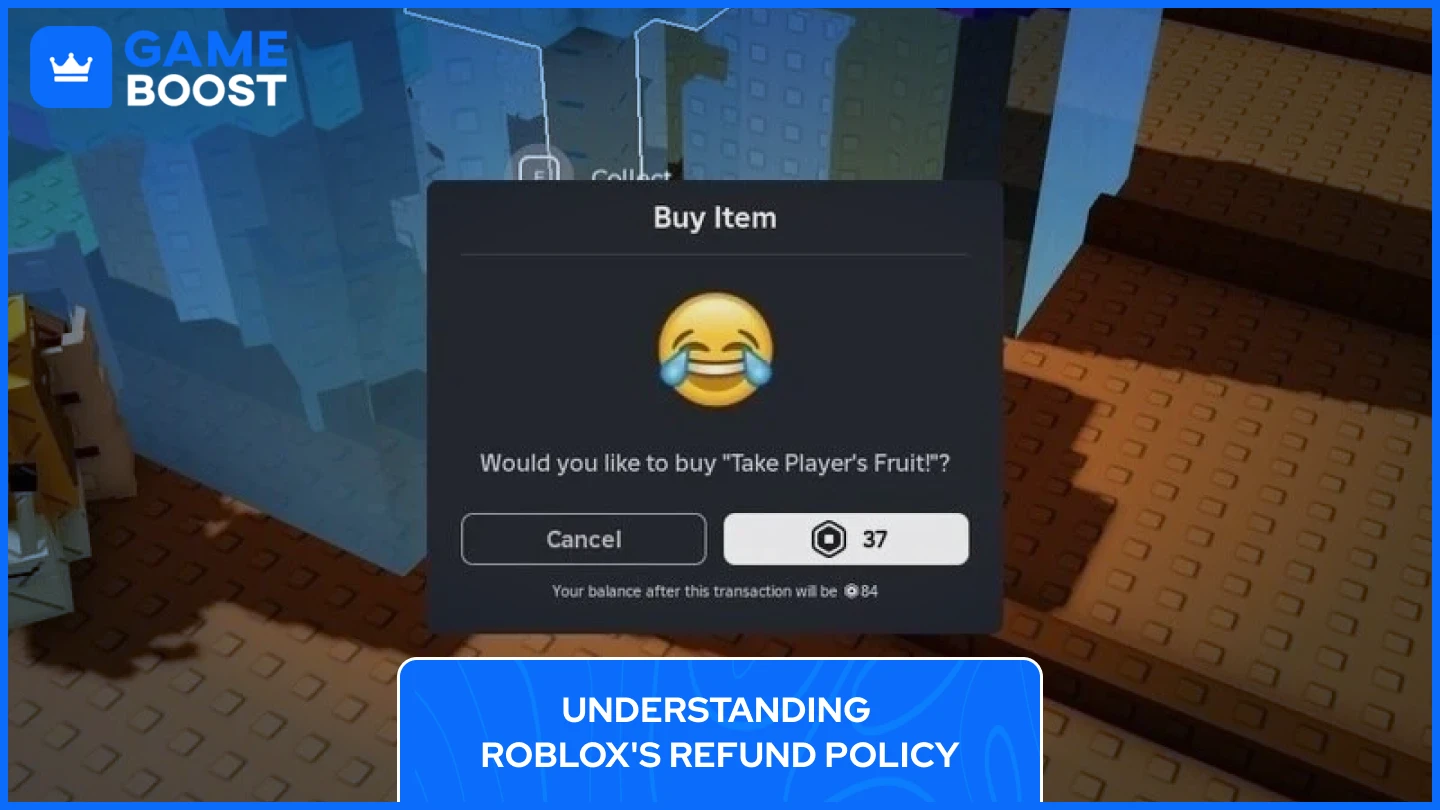
Roblox generally maintains a strict "no refund" policy for Robux and virtual items purchased through the platform. This means that once Robux are spent or virtual items are acquired, they are usually considered final sales. However, there are specific exceptions, primarily for unauthorized transactions, technical errors, or certain subscriptions. Understanding these nuanced conditions is key to a successful refund attempt. Roblox emphasizes that users should be careful with their purchases, making sure they truly want an item or game pass before committing Robux, as reversing these actions is rare.
For many US gamers, particularly those balancing family and personal finances, this policy can be frustrating. It's crucial to know that while direct refunds for buyer's remorse are uncommon, scenarios involving unauthorized use of your account or genuine system errors are treated differently. Roblox aims to protect its users from fraud, aligning with general consumer protection principles. Always check their official terms of service for the most current and detailed policy specifics, which are updated periodically to reflect current digital economy practices. Staying informed helps prevent future issues and manage expectations.
How Do I Request a Refund for an Unauthorized Roblox Purchase?
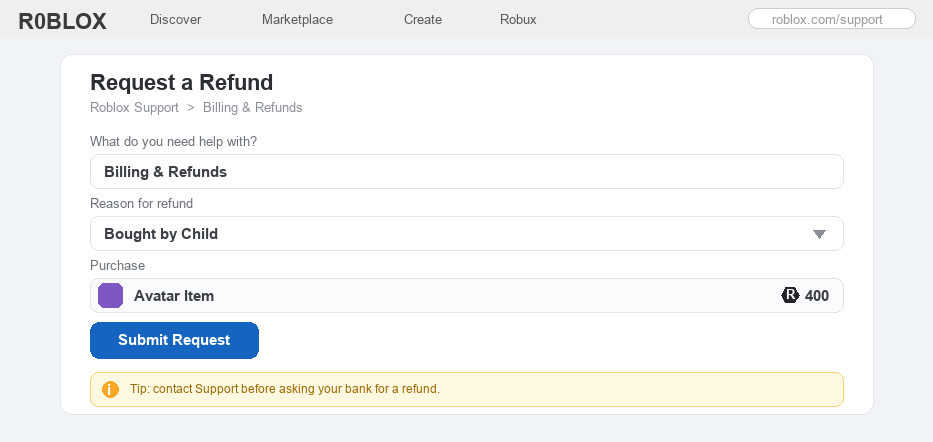
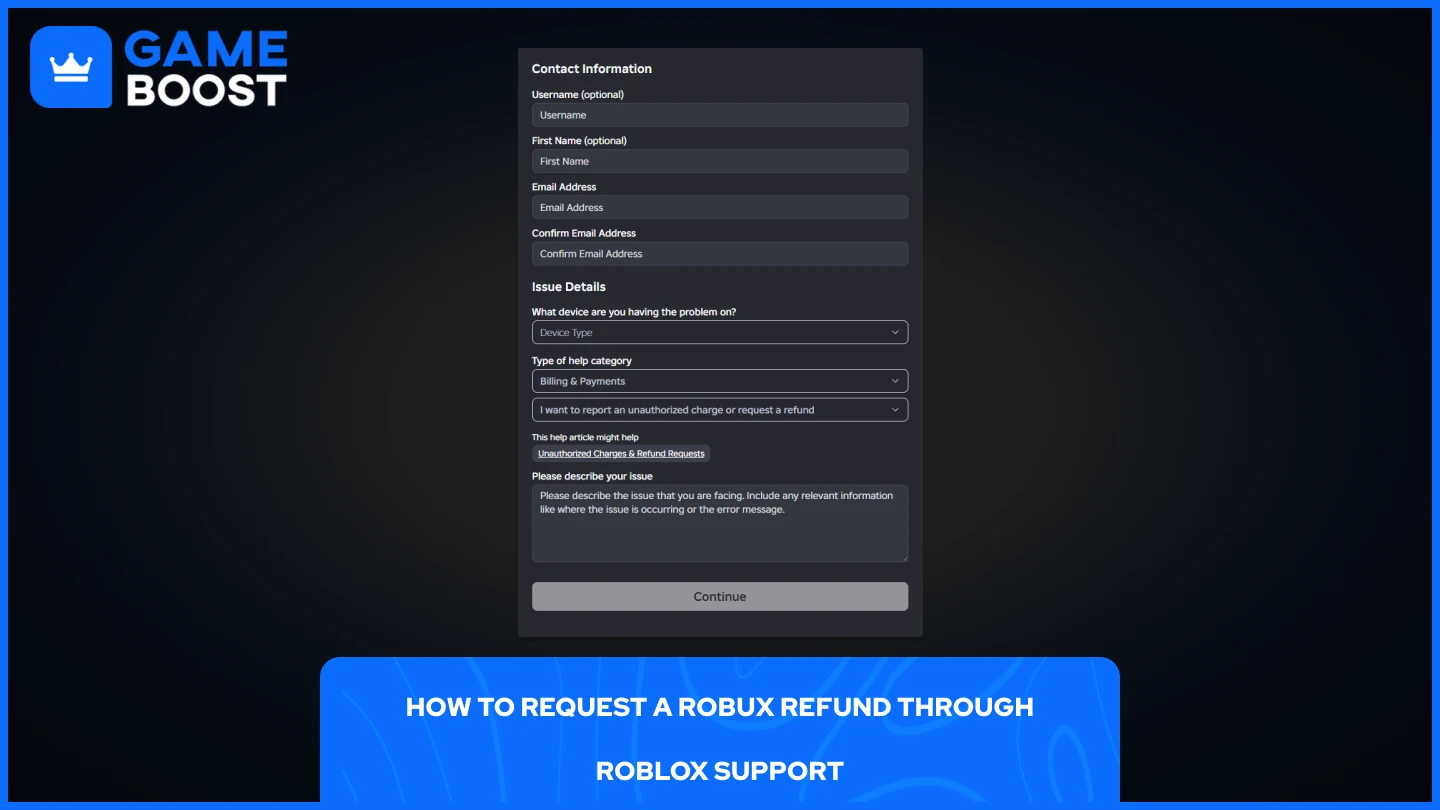
If you suspect an unauthorized purchase on your Roblox account, act immediately. The first step for how to get a refund on Roblox for an unauthorized transaction is to contact Roblox Customer Support directly through their support page. You'll need to provide detailed information including your Roblox username, the date and amount of the transaction(s), and evidence that it was unauthorized, such as bank statements. Do not delay, as prompt reporting increases your chances of a successful resolution. This process is crucial for parents and guardians who might find their children have made accidental or excessive purchases without permission.
Roblox takes unauthorized purchases seriously, especially given the platform's young user base and the prevalence of in-game purchases. When you submit a request, be prepared to clearly articulate that the purchase was not made by you or an authorized user. It helps to have protected your account with strong passwords and two-step verification, as this demonstrates responsible account management. The support team will investigate the claim, which may involve reviewing account activity and transaction logs. While they cannot guarantee a refund, providing comprehensive information and being proactive significantly improves your case for getting your Robux or funds back.
Can I Get a Refund for Accidental Robux Purchases?
Getting a refund for accidental Robux purchases is challenging due to Roblox's general no-refund policy, but it's not entirely impossible in specific circumstances. Typically, if you accidentally bought Robux directly from the Roblox website or app, they will usually not refund the Robux once they are added to your account. However, if the purchase was made through a third-party payment processor (like Apple App Store, Google Play, Amazon) and you can prove a genuine error, you might have more success by contacting that specific platform's customer support. Each platform has its own refund policies that may differ from Roblox's internal rules.
For busy gamers managing household accounts, accidental purchases can happen with a quick tap. When contacting a third-party platform, clearly state it was an inadvertent purchase. Provide transaction IDs and any other requested information. While direct Robux refunds from Roblox are rare, some users have reported success with third-party app stores when an error is evident. It's a bit of a workaround, but it’s often the most viable path for accidental Robux top-ups. Remember, transparency and clear communication are your best tools in these situations, helping to differentiate a genuine mistake from buyer's remorse.
What is the Process for Refunding a Roblox Premium Subscription?
Refunding a Roblox Premium subscription follows a different path compared to Robux or items. If you wish to cancel your Premium subscription, you must do so before the next billing cycle to avoid being charged again. Roblox does not typically offer prorated refunds for the current billing period if you cancel midway through. However, if there was an error in billing, such as being charged after cancellation or an unauthorized subscription, you should immediately contact Roblox Customer Support with your account details and transaction history. This issue aligns with current trends in subscription management, where transparent billing and easy cancellation are key for user satisfaction.
For US gamers who value smart budgeting, keeping track of subscriptions is important. To cancel, go to your 'Billing' or 'Premium' section in account settings. If you’re seeking a refund for an erroneous charge, provide screenshots of the incorrect billing. Be aware that most subscriptions are non-refundable once activated for a billing cycle, but Roblox will investigate clear billing errors. Proactive management of your subscriptions, including setting reminders for renewal dates, is the best defense against unwanted charges. This flexibility acknowledges the common need for managing digital services effectively.
Can I Get a Refund for a Game Pass or Developer Product on Roblox?
Generally, refunds for Game Passes and Developer Products (like in-game items or abilities purchased within a specific experience) are not offered by Roblox. These are typically considered final sales, as the Robux are transferred directly to the experience creator. The platform's policy is to empower developers, meaning once you buy a Game Pass, the Robux revenue goes to them. This is a common aspect of user-generated content platforms, where creators manage their own economies. This also ties into the current trend of supporting creators, where purchases directly fund their work.
However, there are very rare exceptions. If a Game Pass or Developer Product was purchased due to a verifiable technical glitch on Roblox's end, or if the item explicitly failed to deliver as advertised due to a platform issue, you might have a case for contacting Roblox Support. It’s crucial to understand that dissatisfaction with the item itself, or finding it less useful than expected, does not typically qualify for a refund. Before purchasing Game Passes, especially those costing a significant amount of Robux, it's wise to read reviews, watch gameplay, or ask friends to ensure it truly offers value for your money. This aligns with the savvy gamer's approach to in-game spending.
What Documentation Do I Need When Contacting Roblox Support for a Refund?
When reaching out to Roblox Support for a refund, having the right documentation ready can significantly expedite the process. You'll typically need: your Roblox username, the email address associated with the account, the exact date and time of the purchase, the amount of Robux or money spent, and the transaction ID or order number. This ID is usually found in your purchase confirmation email or on your bank/payment processor statement. If the issue is unauthorized access, also include details about when you noticed the activity and any security measures you've taken.
Gathering these details beforehand demonstrates your diligence and helps the support team quickly locate and verify the transaction. For transactions made via mobile app stores (Apple, Google, Amazon), including a screenshot of the purchase from their respective platforms can be very helpful. Being organized is key, especially for busy adults trying to squeeze in gaming between life's demands. Remember, clear, concise communication, coupled with solid evidence, is your best ally in resolving payment disputes efficiently and getting a response regarding how to get a refund on Roblox.
How Can I Prevent Unwanted Roblox Purchases in the Future?
Preventing unwanted Roblox purchases is easier than dealing with refunds, especially for families balancing budgets. Implement strong security measures: enable Two-Step Verification (2SV) on your Roblox account and the associated email. This adds an extra layer of protection, requiring a code from your email or authenticator app for logins. For in-app purchases, set up parental controls and password protections on your device or app store (Apple, Google Play, Amazon). This requires a password or biometric authentication for every purchase, preventing accidental or unauthorized spending, a vital step for the average gamer with dependents.
Educating younger players about real money value and getting permission before purchases is also crucial. Consider using Roblox gift cards for limited spending, rather than linking a credit card directly. Many US gamers are finding success by using temporary virtual cards for online purchases, adding an extra layer of financial security. Regular monitoring of purchase history and enabling email notifications for transactions can alert you to suspicious activity promptly. These proactive steps give you peace of mind, allowing you to enjoy Roblox for its social and creative aspects without financial worries.
Are There Specific Times When Roblox is More Likely to Grant a Refund?
Roblox is generally more inclined to grant refunds in cases where there's a clear technical fault on their end, demonstrable fraud, or truly unauthorized access to an account. This includes situations where Robux were deducted but an item was never received due to a system glitch, or if your account was compromised and purchases were made without your knowledge or consent. These are scenarios where the fault lies outside of typical user action or buyer's remorse. The company adheres to consumer protection laws, especially for cases of genuine platform errors.
Another potential scenario where refunds might be considered is if a game pass or developer product completely ceases to function shortly after purchase due to a developer's negligence or removal from the platform, though this is often handled by the developer themselves. It's less about the "time of year" and more about the "reason for the request." Timely reporting is always critical; the sooner you report an issue, the better your chances of a favorable outcome. For busy gamers, understanding these specific conditions can save significant time and effort when seeking a refund.
Conclusion
Navigating the world of Roblox refunds can seem daunting, but armed with the right knowledge and tools, you can confidently address accidental or unauthorized purchases. Remember, while Roblox's general policy leans towards no refunds, specific exceptions exist for genuine errors, unauthorized activity, and certain subscription issues. Proactive measures like two-step verification and parental controls are your best defense against future headaches, ensuring your gaming budget stays intact and your leisure time remains stress-free. By understanding the process and preparing your documentation, you empower yourself to manage your digital spending wisely. What's your biggest gaming challenge when it comes to in-game purchases? Comment below and let us know!
Dedicated FAQ Section
What if my child made an unauthorized purchase on Roblox?
If your child made an unauthorized purchase, immediately contact Roblox Customer Support. Provide account details, transaction IDs, and explain it was an unauthorized minor purchase. Also, review and enable parental controls and password requirements on your device's app store to prevent future incidents. Acting quickly is crucial for the best chance of a resolution.
How long does it take for Roblox to process a refund request?
Processing times for Roblox refund requests can vary. After submitting all necessary documentation, it typically takes several business days to a few weeks for their support team to investigate and respond. Factors like the complexity of the case and the volume of requests can influence the duration. Patience and clear communication are advised.
Can I get a refund if I bought Robux from a third-party seller?
If you bought Robux from an unauthorized third-party seller and encountered issues (e.g., didn't receive Robux, fake Robux), Roblox cannot directly help as these transactions violate their terms. You should contact the third-party seller, or your payment provider if applicable. Always purchase Robux directly from Roblox or official retailers to ensure legitimacy and security.
Is it possible to refund a specific virtual item after purchase?
Generally, no. Roblox's policy states that virtual items (like hats, gear, or clothing) purchased with Robux are non-refundable once acquired and added to your inventory. The only extremely rare exceptions might involve a severe technical error that prevented the item from functioning or appearing correctly, which would require direct Roblox Support intervention.
What should I do if my refund request is denied by Roblox?
If your initial refund request is denied, carefully review the reason provided by Roblox. If you believe there was a misunderstanding or you have additional compelling evidence, you can try to re-engage with customer support, providing more detailed information. For purchases made via third-party app stores (Apple, Google), consider contacting their support directly as a secondary option.
Understand Roblox Refund Policy Official Support Channels robux refund accidental purchases unauthorized transactions purchase protections account management dispute resolution contact Roblox support faster processing tips virtual item refunds membership cancellations roblox credit returns know your rights digital goods refund criteria
35


UPDATED How To REFUND Items On Roblox 2026 Gamepasses UGC Robux . How To Get A Refund For Deleted Items On Roblox 2026 YouTube . Can You Return Roblox Items A 2026 Guide . Solved How To Refund Your Roblox Items All Available Methods How To Refund Items In Roblox.webp. Can You Refund Items On Roblox In 2026 What You Need To Know How To Refund Items On


How To Refund Gamepasses On Roblox 2026 Get Your Robux Back 800x450. Roblox How To Get A Robux Refund YouTube . Can You Return Roblox Items A 2026 Guide . How To Instantly Refund GamePass On Roblox And Get Robux Back YouTube . Can You Refund Items On Roblox In 2026 What You Need To Know How To Refund Roblox Items For Robux 1


Roblox Gamepass Refunds What You Need To Know 1666770097 . Can You Refund Items On Roblox In 2026 What You Need To Know How To Refund Items On Roblox Easy Guide . How To Refund Items On Roblox 2026 NEW UPDATE Get Your Robux Back . How To Refund Gamepasses On Roblox And Get Robux Back 2026 YouTube . How To Refund Roblox Gamepasses A 2026 Gamer Guide Refund Items On Roblox Step 8



How To Refund On Roblox 2026 Guide . How To Refund On Roblox 2026 Guide . How To Refund Items On Roblox Robux Back Roblox Database How To Refund Items On Roblox . Roblox Gamepass Refunds What You Need To Know . How To Get A Refund On A Gamepass In Roblox 2026 YouTube



How To Get A Refund For Items On Roblox YouTube . How To Refund Items In Roblox Full Guide YouTube . Roblox Refund Feature Is Here YouTube . How To Refund Robux On Roblox Step By Step Guide E928a1d8 812d 458e 89b8. How To Refund Items On Roblox Step By Step Guide YouTube


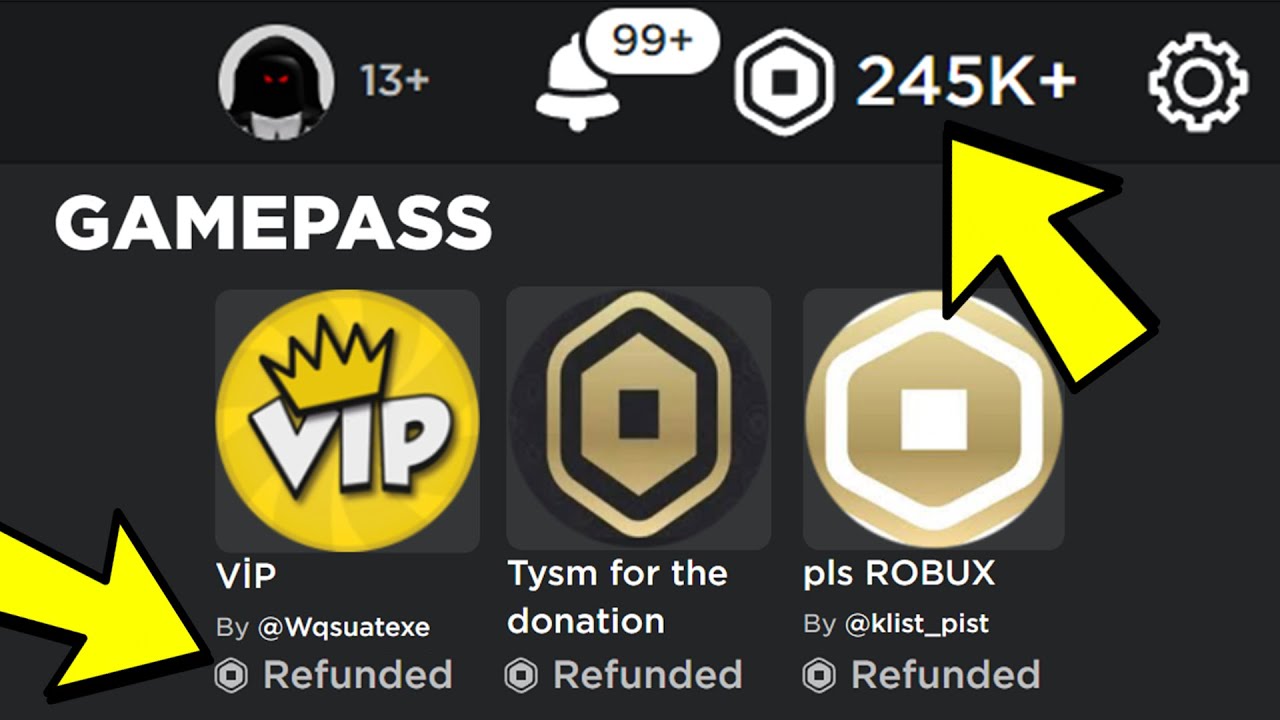
How To REFUND ITEMS On ROBLOX To Get Robux Back 2025 YouTube . How To Get Terminated Roblox Account Back Full Guide 2025 YouTube . How To Refund Items On Roblox To Get Your Robux Back 2026 564x318 1. How To Refund Items On Roblox PC Mobile 2ff02ad1 1813 4478 842b. Roblox Gamepass Refunds What You Need To Know

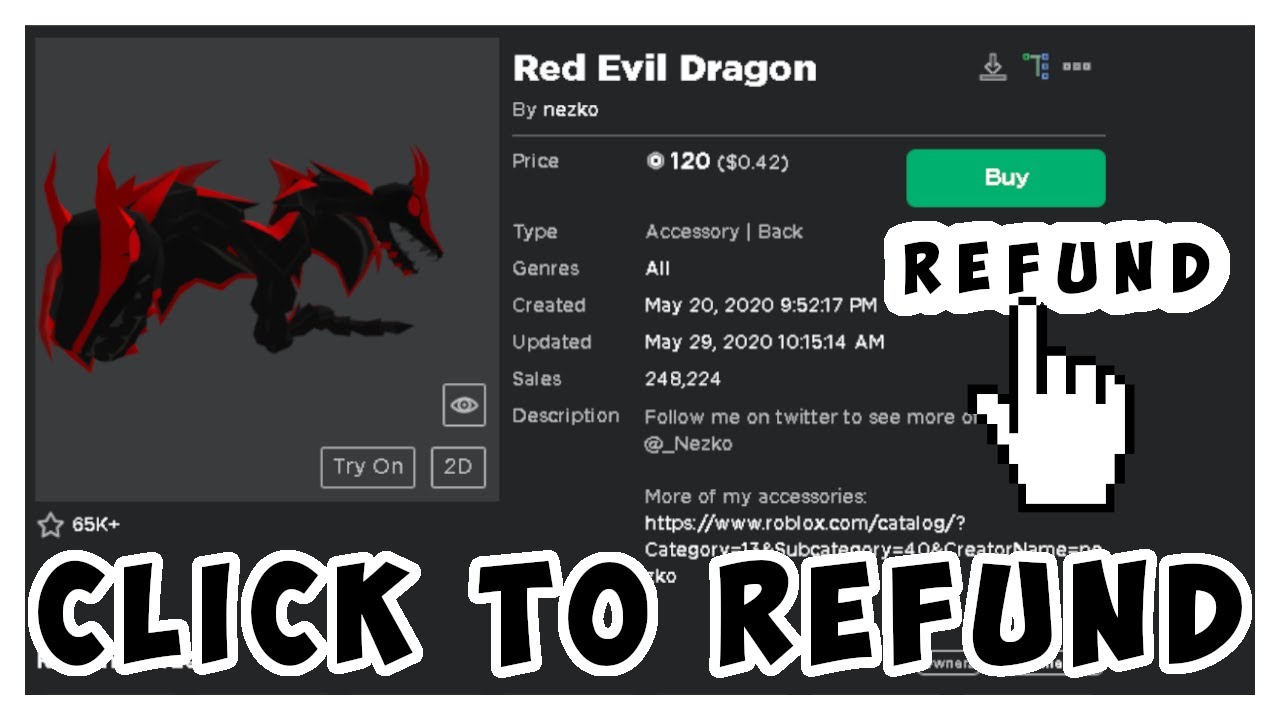


How To Refund Items In Roblox Get Robux Back Quick Guide YouTube . How To Get A Refund On Roblox 2025 1200x628 . How To REFUND ITEMS On Roblox 2026 Get Your Robux Back YouTube . How To Refund Roblox Items In 2026 TikTok Img. How To Get A Refund For Your ROBLOX Items YouTube