











Who benefits most from what is Google Forms in gaming?
Gaming community leaders, esports organizers, clan managers, and even individual players seeking to streamline team logistics benefit immensely. They leverage what is Google Forms for efficient sign-ups, feedback collection, and overall event coordination, simplifying tasks that often consume valuable playtime.
Why is what is Google Forms considered an essential tool for online communities?
What is Google Forms is essential because it offers a free, accessible, and highly effective way to gather structured data from a large group. It removes friction from tasks like polling members, registering for events, or collecting anonymous feedback, fostering better communication and organization within online communities.
How to share a form created with what is Google Forms effectively with gamers?
To share effectively, use the 'Send' button in the form editor to generate a concise link. Distribute this link across all your gaming communication channels, including Discord, guild forums, social media groups, or even directly via in-game messaging systems. This ensures maximum reach and ease of access for your community members.
Is what is Google Forms suitable for gathering anonymous feedback from team members?
Yes, what is Google Forms is suitable for gathering anonymous feedback, provided you do not include questions that ask for identifying information (like names or gamer tags) and instruct respondents not to include such details. This makes it an excellent choice for honest team retrospectives or sensitive community polls.
Discover what is Google Forms, a free tool to easily organize gaming events, collect feedback, and manage your squad. Start building better forms today.
For any serious gamer looking to streamline organization or gather intel, understanding what is Google Forms can feel like discovering a cheat code for real-world tasks. This robust, free online tool from Google empowers players, team captains, and community managers to create custom forms, surveys, and quizzes with unparalleled ease. In 2026, its role remains crucial for anyone needing to collect information digitally, whether you're coordinating a raid night, polling your guild on the next game to conquer, or running sign-ups for an amateur esports tournament. It strips away the complexity of data collection, offering a clean interface and powerful backend analysis, making it an indispensable asset in a gamer's arsenal.
Forget sifting through endless Discord messages or scattered forum posts to piece together information. Google Forms centralizes your data collection, providing a single, reliable source of truth. It's the digital equivalent of a meticulously organized inventory system for your community's needs, ensuring no piece of critical information gets lost in the noise. From simple polls to complex registration processes, this tool provides a flexible framework that adapts to almost any information-gathering challenge. Mastering what is Google Forms means you're not just collecting data; you're actively building a more efficient, engaged, and organized gaming ecosystem for everyone involved, pushing your community management skills to legendary status.
What is Google Forms and How Does It Streamline Gaming Operations?
Google Forms stands as a versatile web-based application, a core component of Google Workspace, designed to simplify the creation and distribution of surveys, quizzes, and various data collection forms. It functions as a free, user-friendly platform where anyone with a Google account can construct custom forms without needing any coding or design expertise. For gamers and community leaders in 2026, this tool streamlines operations by centralizing event registrations, collecting vital team feedback, and organizing poll results effortlessly. It transforms chaotic manual data handling into an automated, efficient process, ensuring quick turnaround for important decisions and minimizing administrative overhead for game nights, tournaments, or community events.
Consider the pain point of gathering RSVPs for a guild raid or collecting team rosters for a competitive ladder. Traditionally, this involved manual tracking across multiple platforms, leading to errors and significant time sinks. What is Google Forms addresses this head-on by providing a single point of entry for all respondents, consolidating their input into an easily digestible spreadsheet format via Google Sheets. This seamless integration allows organizers to instantly view, sort, and analyze responses, making real-time adjustments and communications simple. It effectively buffs your organizational capabilities, letting you focus more on gameplay and less on grunt work, which is a massive win for any dedicated gaming group.
Why Should Gamers Master What Is Google Forms for Their Squad?
Gamers should absolutely master what is Google Forms because it equips them with a powerful, free tool to manage the logistical challenges inherent in any active gaming community. From organizing weekly game sessions to orchestrating large-scale esports events, efficient communication and data collection are paramount. Google Forms offers an intuitive platform to create everything from simple availability polls for your raid team to comprehensive sign-up sheets for a community-wide tournament, capturing all necessary details in one go. This proficiency means less time spent chasing down information and more time dedicated to playing and enjoying games, fostering a stronger, more engaged squad.
Furthermore, understanding what is Google Forms empowers players to take on leadership roles within their guilds, clans, or online communities with confidence. Imagine needing to poll your community on a potential game purchase or gather anonymous feedback on team performance; Google Forms handles these tasks with privacy and precision. Its ability to generate shareable links and embed forms directly into websites or social media posts ensures maximum reach for your queries. This isn't just about convenience; it's about building a robust infrastructure for community governance and event execution, making you an invaluable asset to any gaming collective striving for smooth, responsive operations and epic team coordination.
How to Create Your First Form Using What Is Google Forms?
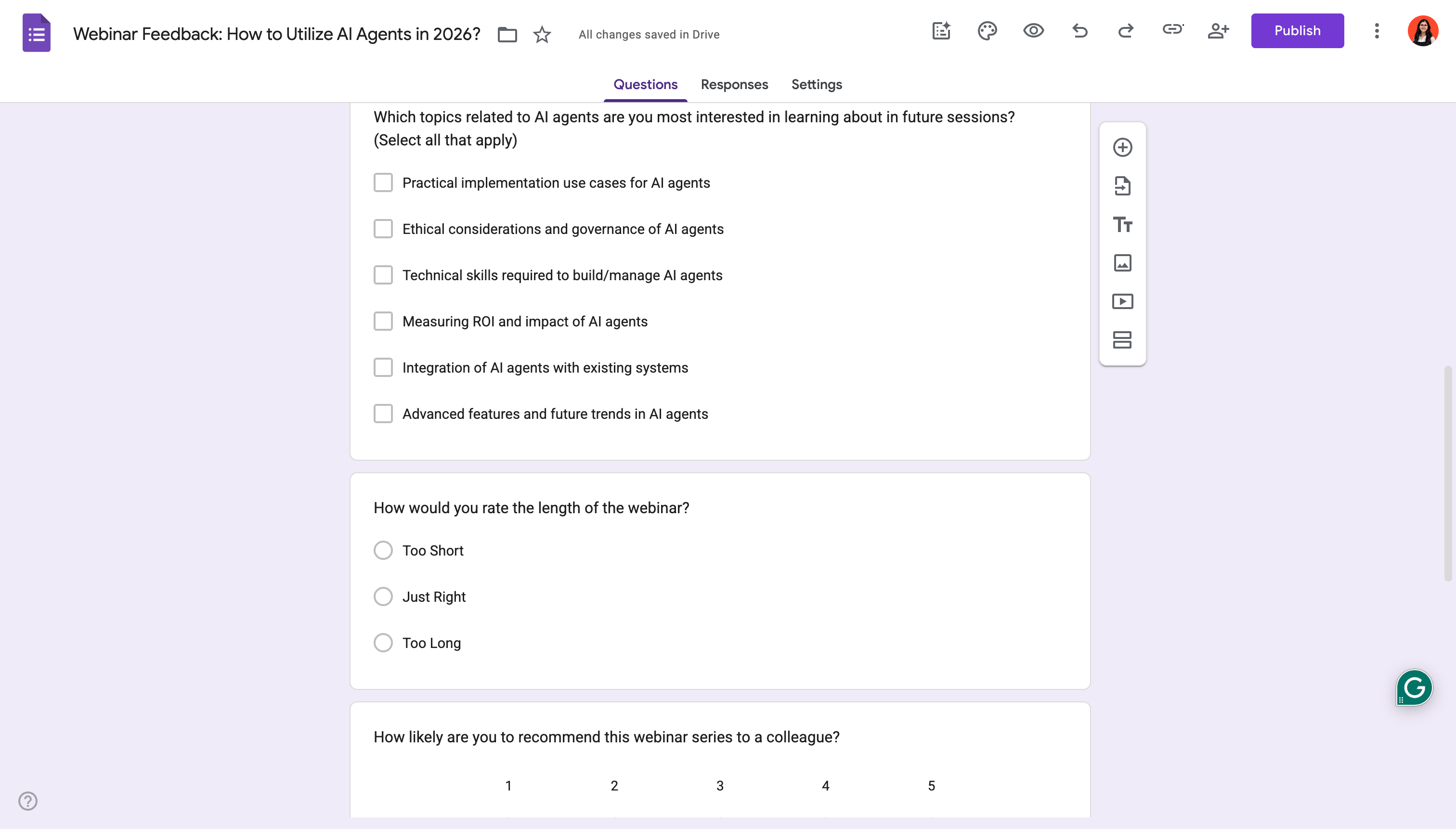
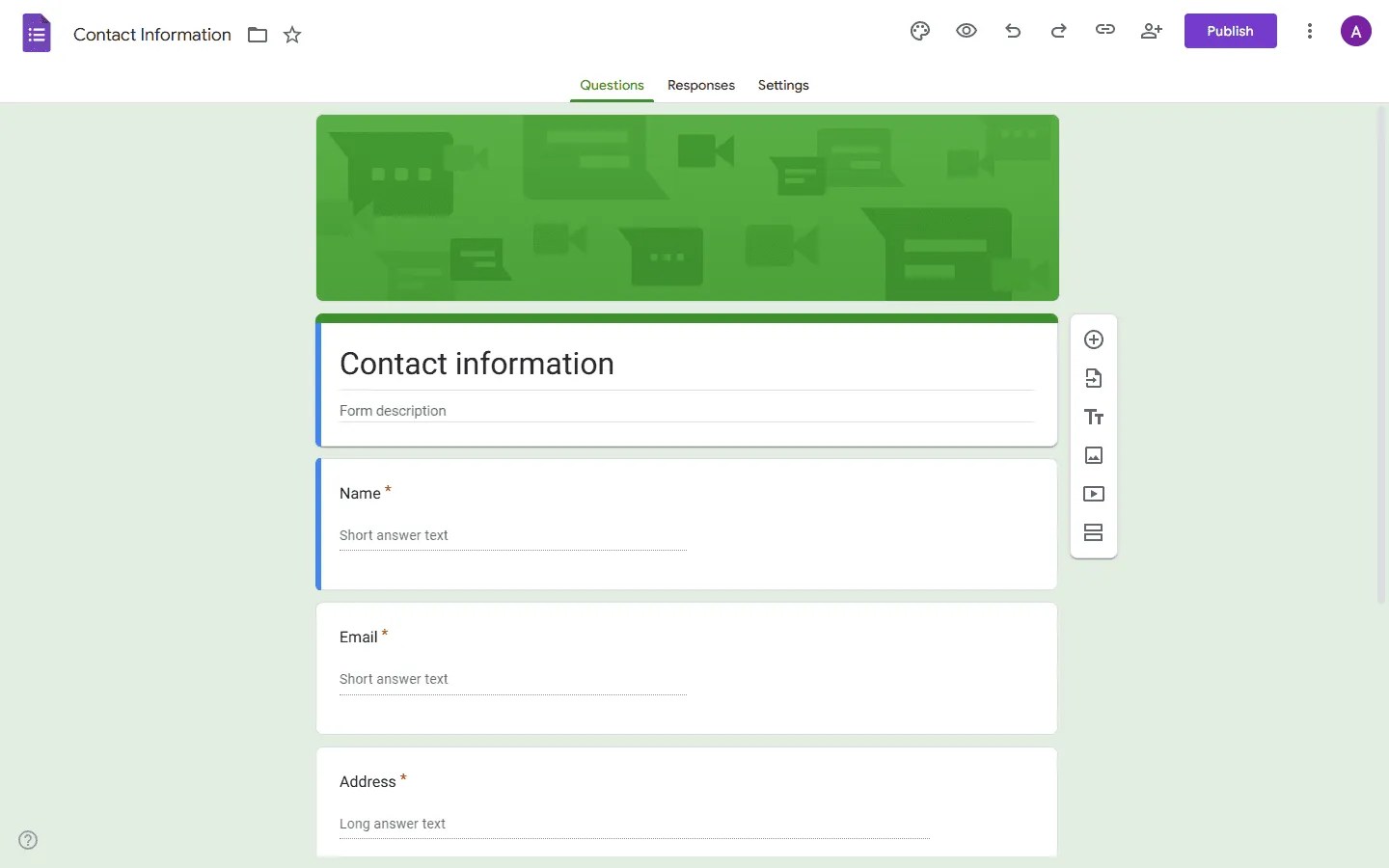
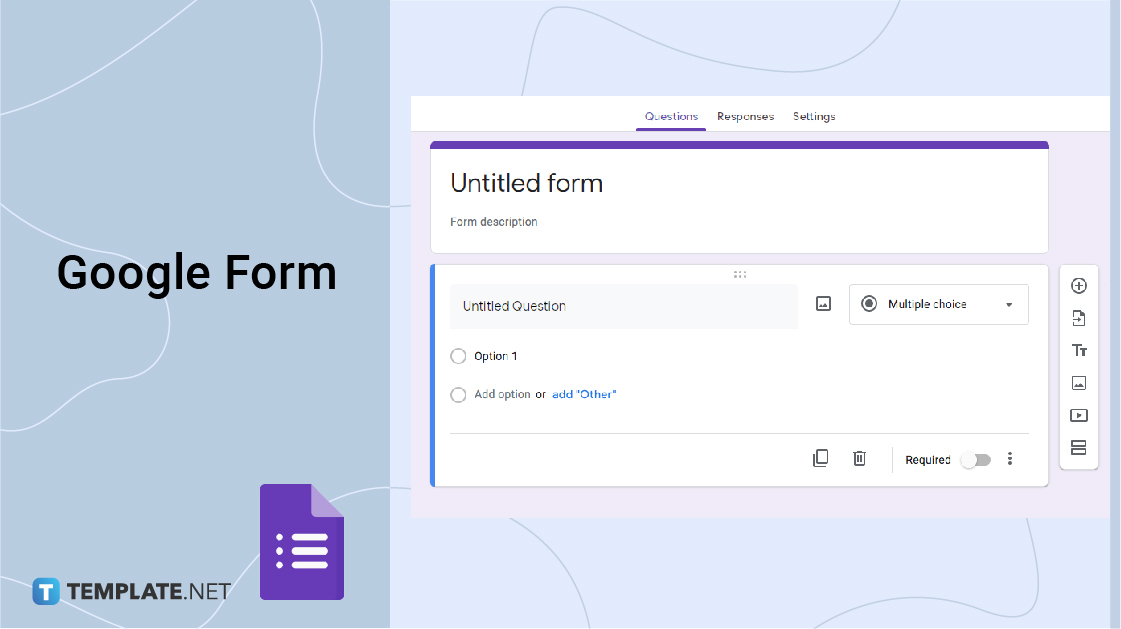
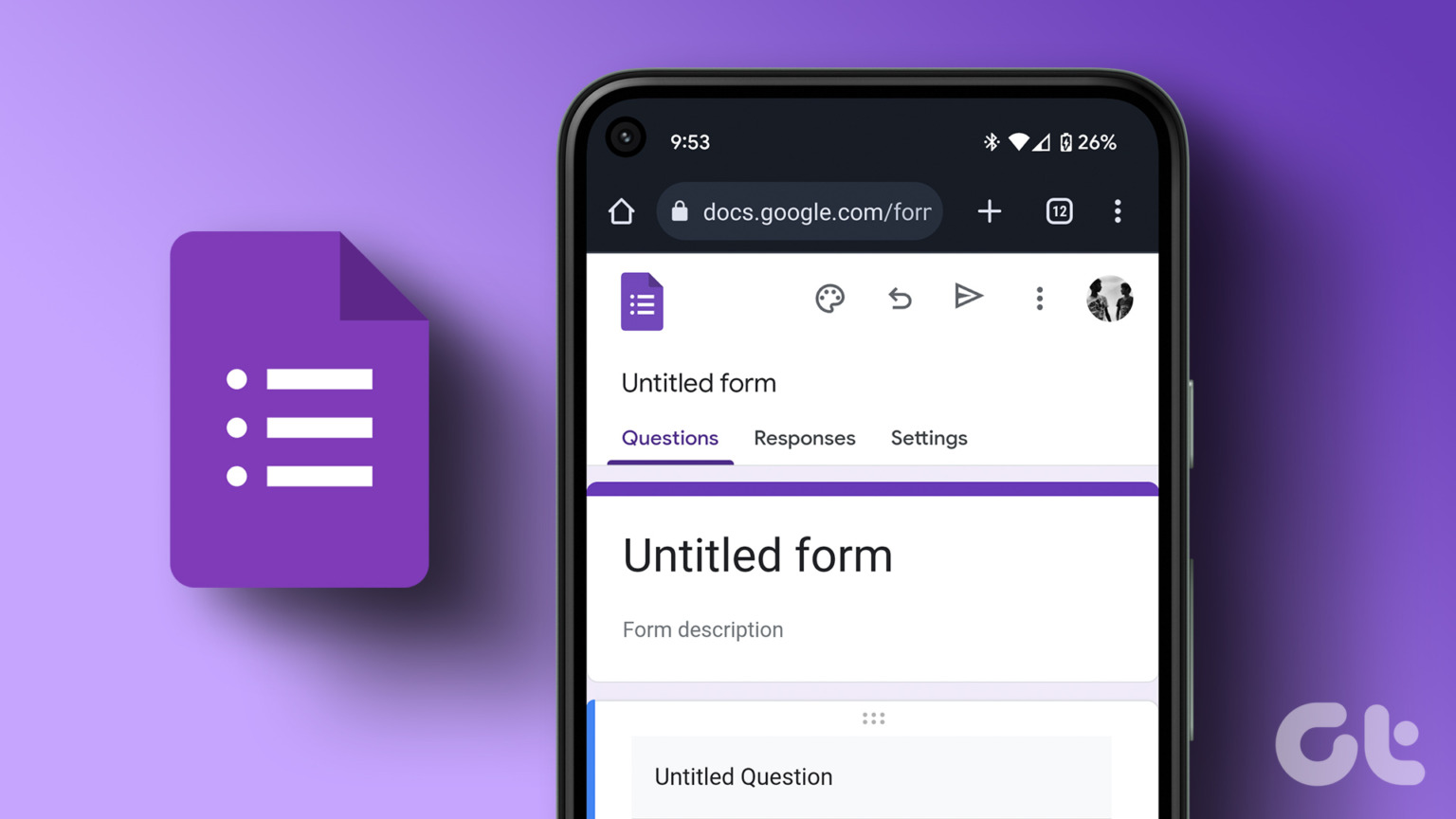
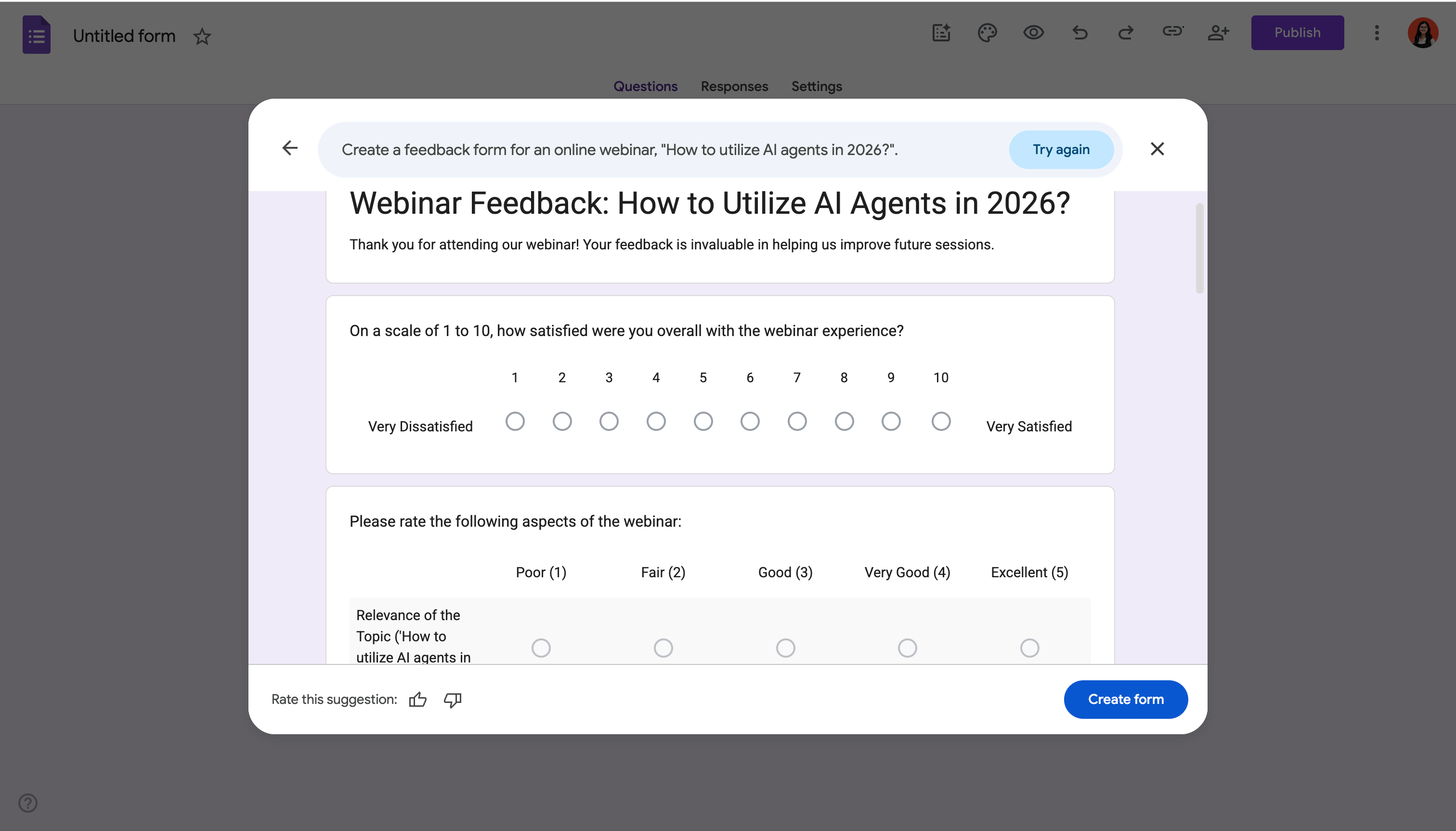
Creating your inaugural form with what is Google Forms is a straightforward process, even for those new to online tools. Begin by navigating to forms.google.com or selecting 'Forms' from your Google Drive's 'New' menu. You'll then be presented with an option to start a blank form or choose from a selection of templates, which can be useful for common tasks like event registrations or feedback surveys. Give your form a clear title, perhaps 'Clan Battle Royale Sign-up 2026', and add a brief description explaining its purpose to your fellow gamers. This initial setup establishes the foundation for your data collection mission.
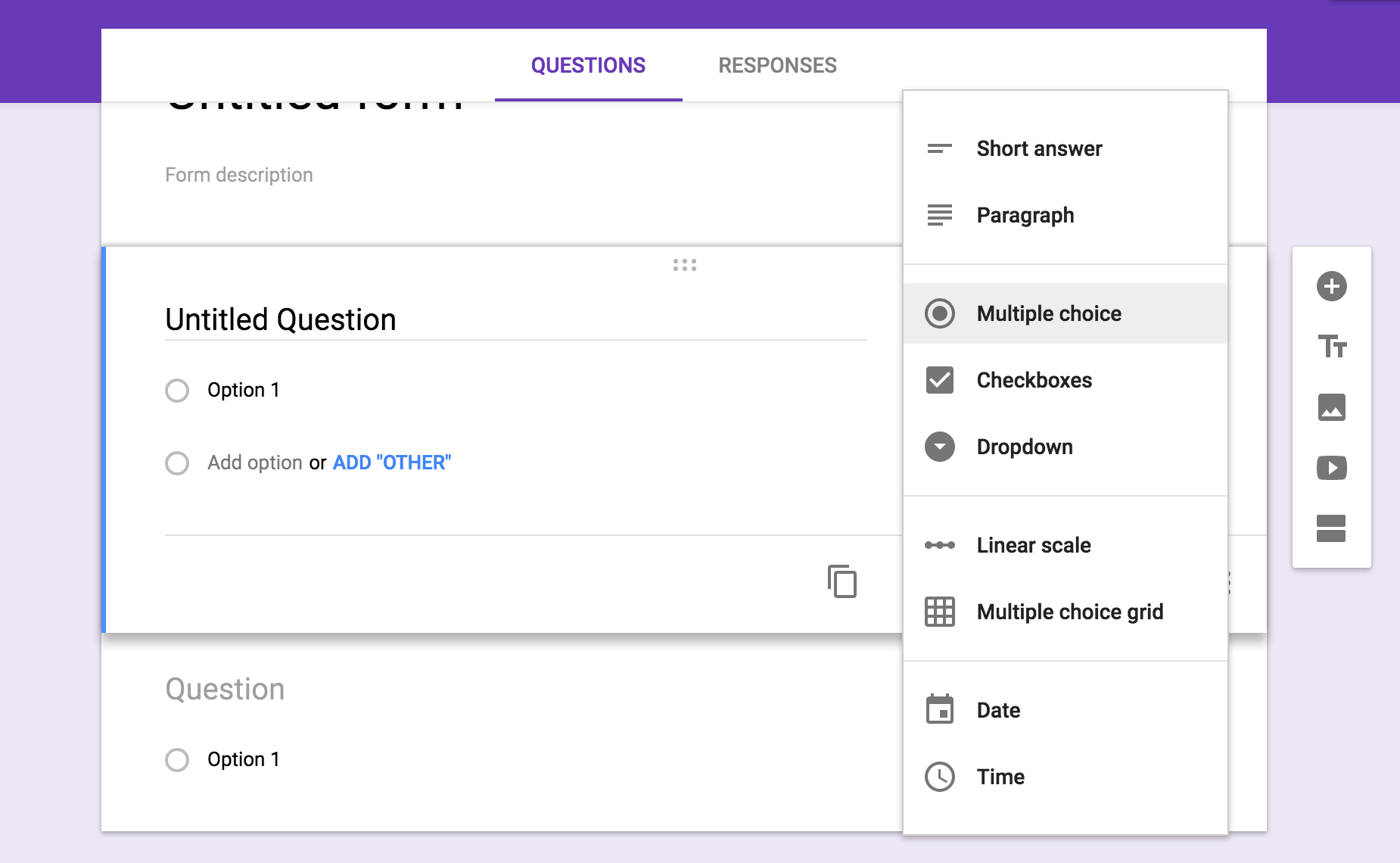
Next, you'll add questions to collect the specific information you need. Google Forms offers various question types: multiple-choice for quick decisions, short answer for gamer tags, paragraph for detailed feedback, checkboxes for selecting multiple options, and even drop-down menus for choosing preferred roles. For each question, decide if it's 'Required' by toggling the switch, ensuring you get all essential data. You can easily duplicate, delete, or rearrange questions to perfect your layout. Customize the form's appearance with a header image, perhaps your guild's logo, and choose a theme color to match your team's branding. Once satisfied, hit the 'Send' button to grab a shareable link or embed code, ready to deploy your information-gathering quest across your gaming channels. This simple process demonstrates the power of what is Google Forms in action.
Where Can Your Gaming Community Access Forms Built with What Is Google Forms?
Forms created with what is Google Forms are incredibly accessible, ensuring your gaming community can easily submit their responses regardless of their preferred platform. Once you've designed and finalized your form, Google provides a unique shareable link. This link can be distributed anywhere your community gathers: pasted directly into your Discord server's announcement channels, shared in your guild's private chat groups on Telegram or WhatsApp, or posted on your community's official subreddit or forum. The beauty of this universal link is that it requires no special software for respondents; they simply click it and open the form in their web browser, whether on a PC, tablet, or mobile phone.
Beyond direct links, what is Google Forms also offers options to embed your form directly into a website or blog post, providing a seamless experience for visitors who might be browsing your clan's recruitment page or an esports organization's event schedule. For those who still rely on email for certain communications, you can even send the form directly via email, allowing recipients to fill it out within the email itself, bypassing the need to open a separate browser tab. This multi-channel distribution capability ensures that every member of your gaming community, regardless of their tech savvy or platform preference, can easily access and complete your forms, maximizing your response rates and ensuring no player is AFK when it comes to vital communications.
When Is What Is Google Forms the Best Tool for Your Next Quest?
What is Google Forms shines as the optimal tool for a multitude of gaming-related quests, especially when you need structured, collective input without hassle. It's your go-to solution for organizing any event, from a casual Saturday night co-op session to a major online tournament, allowing you to gather player availability, game preferences, or team sign-ups with precision. If your guild is contemplating a new game or debating a critical in-game strategy, Google Forms provides an excellent platform for conducting polls or anonymous feedback surveys, ensuring every voice is heard without succumbing to chaotic chat discussions. Its ability to aggregate responses automatically saves countless hours that would otherwise be spent manually tallying individual inputs.
Consider situations where you need to collect contact information for a new team roster, manage merchandise orders for your esports club, or even create a simple quiz for new recruits to test their game knowledge. What is Google Forms handles all these scenarios with robust efficiency, ensuring data integrity and ease of management. Moreover, for community managers, it offers a reliable way to gauge member satisfaction, identify pain points, and collect suggestions for improvement, fostering a more engaging and responsive gaming environment. Anytime your objective is to gather specific information from multiple people quickly and effectively, Google Forms is the legendary loot drop you need to complete your quest successfully.
Is What Is Google Forms Secure for Collecting Critical Team Data?
Regarding security, what is Google Forms leverages Google's robust infrastructure, which is renowned for its enterprise-level data protection. When you use Google Forms to collect critical team data—such as player contact information, in-game IDs, or even feedback on sensitive team dynamics—that data is encrypted both in transit and at rest. This means that as responses travel from your community members' devices to Google's servers, and while they are stored, they are protected against unauthorized access. Google continuously updates its security protocols and employs advanced technologies to safeguard user data, making it a trustworthy platform for sensitive information within your gaming community in 2026.
However, it's crucial for users to understand that while Google secures the platform, the responsibility of what information is requested and how it's handled post-collection lies with the form creator. For instance, while Google Forms is secure, asking for highly sensitive personal details like financial information through any basic online form is generally ill-advised. For critical team data like player names and Discord IDs, Google Forms provides adequate protection. Always exercise due diligence by only requesting necessary information and managing your Google account security (e.g., strong passwords, two-factor authentication) to further protect the collected data, reinforcing the overall security posture of your gaming operations. Understanding what is Google Forms' security scope helps you use it responsibly.
Frequently Asked Questions About What Is Google Forms:
Who can use what is Google Forms?
Anyone with a free Google account can use what is Google Forms to create and manage surveys, quizzes, and forms. This widespread accessibility means individual gamers, team captains, community organizers, and esports professionals alike can leverage its capabilities for diverse information gathering needs.
How does what is Google Forms integrate with other Google tools?
What is Google Forms seamlessly integrates with Google Sheets, automatically populating a spreadsheet with all collected responses for easy analysis. It also connects with Google Drive for storage, and forms can be linked within Google Docs or Calendar events, creating a cohesive ecosystem.
When are real-time responses available in what is Google Forms?
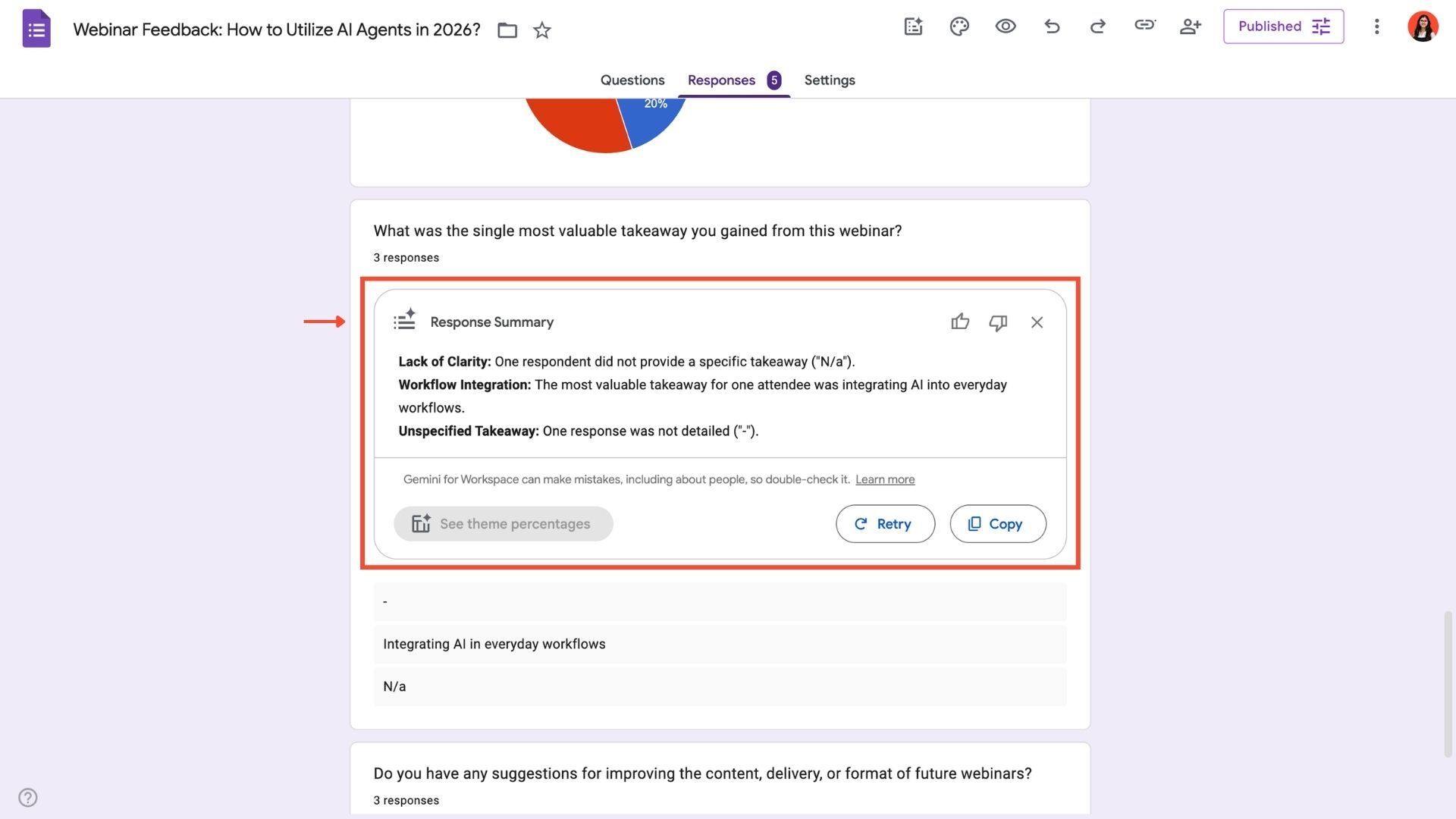
Responses collected through what is Google Forms are available in real-time. As soon as a user submits their form, their data instantly appears in the 'Responses' tab within the form editor and, if linked, in the corresponding Google Sheet. This immediate feedback loop is critical for time-sensitive gaming events.
Is what is Google Forms suitable for large-scale esports events?
Absolutely, what is Google Forms is highly suitable for large-scale esports events. It can handle a significant volume of responses, making it perfect for participant registrations, tournament feedback, or volunteer sign-ups. Its robust backend ensures smooth data collection even under heavy traffic, providing organizers a reliable tool.
How can I customize the appearance of what is Google Forms?
You can customize the appearance of what is Google Forms using the 'Customize theme' option within the editor. This allows you to change header images, fonts, and color schemes to match your guild's branding or event theme. Personalizing the look enhances the professional feel of your forms.
What kind of analytics does what is Google Forms provide?
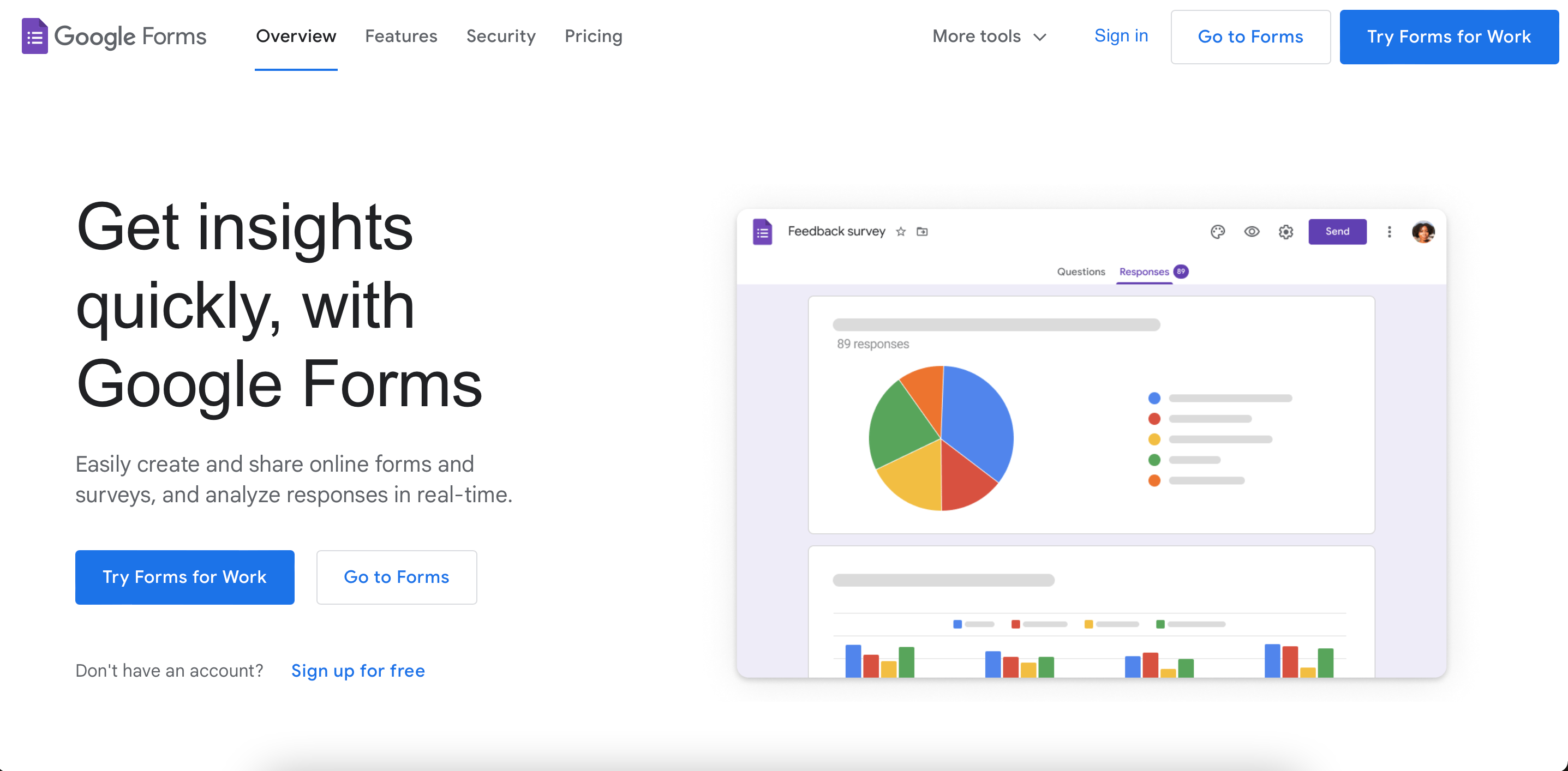
What is Google Forms provides basic analytics directly within the 'Responses' tab, offering summaries, charts, and individual responses. For deeper analysis, it automatically exports data to Google Sheets, where you can apply advanced formulas, create custom visualizations, and generate detailed reports on your collected gaming insights.
In conclusion, mastering what is Google Forms is a strategic move for any gamer, team leader, or community organizer aiming for peak efficiency and seamless data management. This versatile, free tool from Google continues to be an unparalleled asset in 2026 for everything from coordinating casual game nights to orchestrating major competitive tournaments. By embracing its power, you're not just collecting data; you're building a more organized, responsive, and ultimately more enjoyable gaming experience for everyone involved. So, equip yourself with this essential tool and prepare to level up your community operations, turning chaotic information into actionable intelligence. Start creating your first form today and conquer the administrative bosses with ease!