Navigating friendships in online gaming communities like Roblox is a common aspect of the experience for millions of players. Whether you are streamlining your friends list to connect with only current active companions, managing social circles due to changing preferences, or dealing with an uncomfortable interaction, knowing how to unfriend on Roblox is an essential skill. This guide provides a straightforward, step-by-step approach to remove a friend from your Roblox account on any platform, ensuring a smoother and more controlled social environment. We understand that for many adult gamers who balance work, family, and play, efficient solutions are key. This article will help you quickly understand the process, address common concerns, and maintain a positive gaming experience without unnecessary hassle. Discover the easy methods to manage your Roblox friendships effectively.
How do I remove a friend from my Roblox account? What is the quickest way to unfriend someone on Roblox mobile? Does unfriending someone on Roblox block them? Can an unfriended person still see my activity? How do I manage my Roblox friends list effectively?How do I find a specific friend to unfriend on Roblox if my list is huge?
If your Roblox friends list is extensive, use the search bar within the "Friends" section on both the website and mobile app. Simply type the exact username of the friend you wish to unfriend into the search field. This will filter your list, allowing you to quickly locate their profile without endless scrolling, making the unfriend process much faster and more efficient.
What are Roblox's privacy settings related to friend requests and messaging after unfriending?
After unfriending, a user can still send you a friend request or message if your privacy settings permit it. To prevent this, navigate to your Roblox Settings > Privacy. Here, you can adjust "Who can send me messages?" and "Who can send me friend requests?" to "Friends" or "No one," providing greater control over future interactions and ensuring your peace of mind.
Will unfriending someone affect my group memberships with them on Roblox?
Unfriending someone on Roblox typically does not directly affect your shared group memberships. Group membership is independent of your personal friends list. You will remain in the same groups unless you or the other user actively leave the group. The only change is that you won't see them as a "friend" within the group member list.
Can unfriending help with lag or performance issues on Roblox?
Unfriending a large number of inactive or unnecessary contacts on Roblox is unlikely to directly resolve significant lag or performance issues within games. Performance is usually tied to your device's hardware, internet connection, and the game's complexity. However, a less cluttered friends list can slightly reduce load times for social elements and improve the overall user experience by simplifying navigation, indirectly contributing to a smoother feel.
Is there an option to 'mute' a friend instead of unfriending them on Roblox?
Roblox does not have a direct 'mute friend' option that silences all their communications while retaining them on your friends list. You can mute individual users within a specific game's chat if that functionality is available in that game. For a global silence, unfriending or blocking is the primary method to control interactions with specific users across the platform.
How often should I review my Roblox friends list?
For an optimal and enjoyable social gaming experience, especially for active adult gamers, it's recommended to review your Roblox friends list periodically. A good practice might be every few months or whenever you notice your list becoming cluttered or interactions changing. This ensures your connections remain relevant and contribute positively to your gaming, rather than becoming a source of digital clutter.
What are the social benefits of having a curated Roblox friends list?
A curated Roblox friends list offers several social benefits, including easier access to trusted gaming partners for cooperative play, a clearer overview of who is online, and a more focused social feed. It helps reduce potential unwanted interactions, streamlines communication, and ultimately fosters a more positive, tailored, and enjoyable online environment, allowing busy gamers to quickly connect with their preferred community.
Balancing a busy life with a passion for gaming often means streamlining every aspect of your digital world. For many adult gamers, who make up a significant portion of the online community with 87% playing regularly and averaging 10+ hours a week on platforms like Roblox, maintaining a positive social environment is crucial. Roblox, with its vast universe of user-created games and strong social features, can be a fantastic place to unwind, connect, and build skills. However, sometimes our friend lists grow unwieldy, or interactions change, leading to the need for a quick and easy way to manage who you connect with. We've all been there: a forgotten friend from an old game, an awkward encounter, or simply tidying up your digital space. Understanding how to unfriend on Roblox swiftly and efficiently is a fundamental skill that ensures your gaming remains a source of relaxation and fun, not stress. This comprehensive guide will walk you through every step, addressing the common pain points and offering clear, actionable solutions to help you regain control over your Roblox social experience, whether you're on PC, mobile, or console.
Why Might You Need to Unfriend Someone on Roblox?
There are many valid reasons why you might choose to unfriend someone on Roblox. For many adult gamers balancing jobs and family, time is precious. A cluttered friends list can make it harder to connect with the people you genuinely want to play with. Perhaps an old gaming buddy has moved on from Roblox, or you’ve simply grown apart. Sometimes, interactions can become uncomfortable or even negative, necessitating a swift removal for your mental well-being and a positive gaming atmosphere. Maintaining a curated friends list helps keep your social gaming experience enjoyable and focused on fun.
Beyond personal preference, practical reasons often arise. Maybe you've encountered a player whose behavior doesn't align with your values, or perhaps a friend request was accepted by accident. Given that social gaming, especially on mobile, continues to dominate trends this month, with many finding solace and connection in games, it's essential to have control over your social circle. Think of it like tidying up your social media – sometimes a digital declutter is just what's needed to ensure your online spaces remain healthy and productive. It’s about creating a safe and enjoyable environment for yourself within the Roblox metaverse.
How Do You Unfriend on Roblox PC or Mac? A Step-by-Step Guide
Unfriending someone on Roblox via your PC or Mac is a straightforward process designed to be intuitive. The primary method involves navigating to the friend's profile page and utilizing the dedicated "Unfriend" button. This ensures a direct and secure removal without needing to access complex settings menus. It's crucial for busy gamers to have quick, reliable methods to manage their connections, allowing them to get back to the action or their daily responsibilities swiftly. Here's how to do it in clear, actionable steps.
Log In to Your Roblox Account: Open your web browser and go to the official Roblox website (www.roblox.com). Log in using your username and password.
Navigate to the Friends Section: Once logged in, look for the "Friends" option on the left-hand sidebar or at the top of the page. Click on it to view your entire friends list.
Find the Friend You Want to Unfriend: Scroll through your friends list or use the search bar provided to locate the specific user you wish to remove. Their avatar and username will be displayed.
Go to Their Profile Page: Click on the friend's username or avatar. This action will take you directly to their individual Roblox profile page.
Locate the Unfriend Button: On their profile page, beneath their avatar image and next to their username, you will see a button that typically says "Friends" (if they are already your friend). Click on this button. A small dropdown menu will appear. In this menu, select the option labeled "Unfriend".
Confirm the Action: Roblox will often ask for a confirmation to ensure you didn't click by mistake. Confirm that you want to unfriend the user. Once confirmed, they will be removed from your friends list, and you will be removed from theirs. The button will change to "Add Friend".
This process is quick and effective, allowing you to manage your social circles with ease and get back to enjoying your favorite Roblox experiences. Remember, removing someone from your friends list is a personal choice that contributes to a healthier online gaming environment tailored to your preferences.
What's the Process for Unfriending on Roblox Mobile (iOS/Android)?
Unfriending on Roblox mobile applications is just as simple as on desktop, catering to the vast majority of US gamers who frequently engage on their phones. With mobile gaming dominating recent trends, accounting for a significant portion of all gaming hours, the mobile app is designed for quick and efficient social management. The interface is optimized for touchscreens, making the process intuitive even for those balancing gaming with life's other demands. Here's a step-by-step breakdown for your mobile device, whether it's an iPhone or an Android phone.
Open the Roblox App: Launch the Roblox application on your mobile device. Ensure you are logged into your account.
Tap the Friends Icon: At the bottom of the screen, you'll see several icons. Tap the icon that looks like two people or a chat bubble, which represents your "Friends" or "Chat" section. This will open your list of friends.
Find the Desired Friend: Scroll through your list of friends. If you have many, you can often use a search function within the friends list to quickly find the specific user you want to unfriend.
Access Their Profile: Tap on the username or avatar of the friend you wish to remove. This will take you to their individual profile page within the mobile app.
Locate and Tap the Unfriend Button: On their profile page, you'll see a button, usually near the top, that says "Friends" or has an icon indicating friendship. Tap this button. A small menu will pop up, and one of the options will be "Unfriend".
Confirm Your Decision: A confirmation prompt will appear, asking if you are sure you want to unfriend this user. Tap "Unfriend" again to confirm. The user will be instantly removed from your friends list, and the button will change to "Add Friend" if you ever wish to re-add them.
Managing your social connections on the go has never been easier, allowing you to maintain a healthy and enjoyable Roblox experience no matter where you are. This streamlined mobile process ensures that a quick social adjustment doesn't take you away from your other priorities for too long.
What Happens After You Unfriend Someone on Roblox?
When you unfriend someone on Roblox, the immediate impact is their removal from your friends list, and simultaneously, you are removed from theirs. This action breaks the direct social link between your accounts. It's important to understand the implications of this, particularly for gamers who value privacy and control over their online interactions. The removal is instantaneous and effective across all platforms where you access Roblox. This ensures a consistent experience whether you are playing on a PC, tablet, or smartphone.
The unfriended user will no longer be able to see your online status directly on their friends list, nor can they directly join your private servers or games unless other permissions are granted or they happen to join a public server you are on. However, unfriending does not automatically block them. They can still send you messages (unless you've adjusted your privacy settings to only allow messages from friends or no one), join public games you are in, and potentially send new friend requests. If you desire a higher level of separation or wish to prevent any further contact, blocking the user is the next step. This distinction is vital for gamers who seek to truly manage their digital boundaries and ensures a comprehensive approach to online safety and comfort.
Is There a Difference Between Unfriending and Blocking on Roblox?
Yes, there's a significant difference between unfriending and blocking on Roblox, and understanding this distinction is crucial for effective social management and online safety. Unfriending is primarily about managing your social connections; it removes someone from your friends list and you from theirs. This means you will no longer appear as a "friend," and they won't be able to directly see your activity on their friend feed. It's like gently closing a chapter in a social book.
Blocking, on the other hand, is a much more robust measure. When you block a user on Roblox, you sever almost all direct communication and interaction. A blocked user cannot:
- Send you messages.
- Send you friend requests.
- Chat with you in games.
- Join games you are currently playing (unless they join a general public server and happen to run into you).
- See your profile.
- Follow you or see your inventory.
Blocking essentially creates a strong digital barrier, preventing unwanted contact entirely. For gamers concerned about online harassment or simply wanting complete privacy from a specific individual, blocking is the more comprehensive solution. Many adult gamers, especially those balancing demanding schedules, appreciate these robust privacy tools as they allow for a safer and more focused gaming environment without constant interruptions or uncomfortable interactions. It's the ultimate tool for controlling your personal space within the Roblox metaverse.
How to Re-add a Friend After Unfriending Them on Roblox?
Sometimes, circumstances change, and you might find yourself wanting to re-establish a connection with someone you previously unfriended on Roblox. The process to re-add a friend is just as simple as unfriending them, ensuring that your social management remains flexible. Roblox understands that relationships evolve, and it doesn't create permanent barriers unless a block has been implemented. This flexibility is great for gamers who might have unfriended someone during a brief disagreement or simply tidied up their list and later regretted removing a specific individual.
To re-add a friend:
Find Their Profile: The easiest way is to remember their Roblox username. Use the search bar on the Roblox website or app to search for their exact username. If you don't remember it, you might need to ask a mutual friend or remember a game you played together.
Visit Their Profile Page: Click on their search result to go to their profile page.
Send a Friend Request: On their profile page, you will now see an "Add Friend" button. Click this button to send them a new friend request.
Wait for Acceptance: The user will receive your friend request and will need to accept it for the friendship to be re-established. Once they accept, they will reappear on your friends list, and you on theirs.
Keep in mind that if you blocked the user, you would first need to unblock them before you can send a new friend request. This two-step process (unblock then add) ensures you have full control over who can send you requests after a more severe action like blocking. This feature gives players the power to adjust their social circles as their gaming journey progresses.
Can You Unfriend Someone Without Them Knowing on Roblox?
Technically, yes, you can unfriend someone on Roblox without them receiving a direct notification that you've removed them from your friends list. Roblox does not send an explicit alert like "User X has unfriended you." This design choice respects player privacy and minimizes potential drama or awkwardness, which is appreciated by many adult gamers who prefer to manage their social interactions discreetly. It allows you to clean up your friends list without necessarily causing an immediate confrontation or uncomfortable situation.
However, while they won't get a pop-up notification, an unfriended user might eventually notice your absence from their friends list. They might observe that your online status is no longer visible to them directly, or if they try to join a private server you are in, they may find they no longer have access. If they check your profile, the "Friends" button will have changed to "Add Friend." For those who are actively monitoring their friends or interact frequently, the change will become apparent. For casual connections, it might go unnoticed for a long time. So, while there's no official notification, the absence of friendship status becomes evident upon observation.
How to Manage Your Roblox Friends List for a Better Gaming Experience?
A well-managed Roblox friends list significantly enhances your overall gaming experience, especially for those busy gamers who seek relaxation and efficient social play. With 87% of US gamers regularly engaging in online multiplayer, a streamlined friends list means easier access to cooperative play, clearer communication channels, and a more enjoyable social environment. Think of it as curating your digital hangout spot. Regularly reviewing and organizing your friends list is a proactive step toward maintaining a positive online presence.
Regular Purges: Periodically review your friends list. Remove users you no longer play with, don't recognize, or whose interactions have become stale. A good cadence could be once a month or every few months.
Use the Block Feature Wisely: If someone's behavior is consistently negative, harassing, or makes you uncomfortable, don't hesitate to use the block feature. This is a powerful tool for maintaining personal boundaries and protecting your online well-being.
Adjust Privacy Settings: Go into your Roblox privacy settings. You can control who can send you friend requests, messages, and join your private servers. For instance, you might set it so only "Friends" can message you, filtering out unwanted communication.
Communicate: If you're unfriending someone you've played with regularly, a brief, polite message (if appropriate and safe) explaining your reasons can sometimes prevent confusion, though it's never required. This is especially true for close gaming friends who might just be moving to a different game or platform.
Focus on Quality Over Quantity: Instead of collecting as many friends as possible, focus on having a list of players you genuinely enjoy interacting with. This makes finding a group for a quick game much easier and more satisfying.
By taking these steps, you transform your Roblox friends list from a static directory into a dynamic, enjoyable network that truly supports your gaming lifestyle.
In the vibrant, ever-evolving world of Roblox, maintaining a positive and controlled social environment is key to maximizing your enjoyment. As adult gamers, we juggle numerous responsibilities, and our leisure time, especially gaming, should be a source of relaxation and fun. Knowing how to unfriend on Roblox, whether to declutter your list, manage evolving social circles, or ensure your peace of mind, is a valuable skill. We've covered the straightforward steps for both PC and mobile, clarified the crucial difference between unfriending and blocking, and provided strategies for overall friends list management. By taking control of your social connections, you empower yourself to craft a Roblox experience that aligns perfectly with your preferences and lifestyle. What's your biggest gaming challenge when it comes to social connections online? Comment below and share your tips!
Can I unfriend someone in-game on Roblox?
No, you generally cannot unfriend someone directly from within a Roblox game. The unfriend option is typically found on the user's profile page, which you access via the Roblox website or the main Roblox application, not usually within the specific game interface itself. You'll need to exit the game or open the main Roblox app/website in a separate window to perform this action.
Does unfriending someone delete their messages to me?
No, unfriending a user on Roblox does not automatically delete past messages you've exchanged with them. Their messages will still appear in your chat history, and your messages to them will remain in their history. If you wish to clear chat history, you typically need to do so manually by deleting individual chat conversations, though options vary by platform.
Will unfriending someone stop them from finding me in public games?
Unfriending someone will not prevent them from encountering you in public Roblox games if they join the same server. However, it will prevent them from directly seeing your online status on their friends list and from using friend-specific features to join your game. For stronger separation, blocking the user is necessary.
Is there a limit to how many friends I can unfriend on Roblox?
No, there is no official limit to the number of friends you can unfriend on Roblox. You can remove as many users from your friends list as you deem necessary to manage your social connections effectively. The process remains the same regardless of how many friends you wish to remove.
What if I accidentally unfriend someone I still want to be friends with?
If you accidentally unfriend someone, you can re-add them by searching for their username on Roblox and sending them a new friend request. They will need to accept the request for the friendship to be re-established. The process is straightforward, allowing you to quickly rectify any accidental removals.
Can I see who unfriended me on Roblox?
No, Roblox does not provide a feature that allows you to see who has unfriended you. You will only notice that a user is no longer on your friends list or that your "Friends" button on their profile has changed to "Add Friend." This privacy feature prevents direct notifications for unfriending actions.
Easy steps to unfriend on Roblox across all devices. Understand why and when you might need to unfriend someone. Tips for managing your Roblox friends list efficiently. Learn how to block users for added safety and privacy. Clear instructions for both PC/Mac and mobile users. Ensuring a positive and controlled social gaming experience.
35


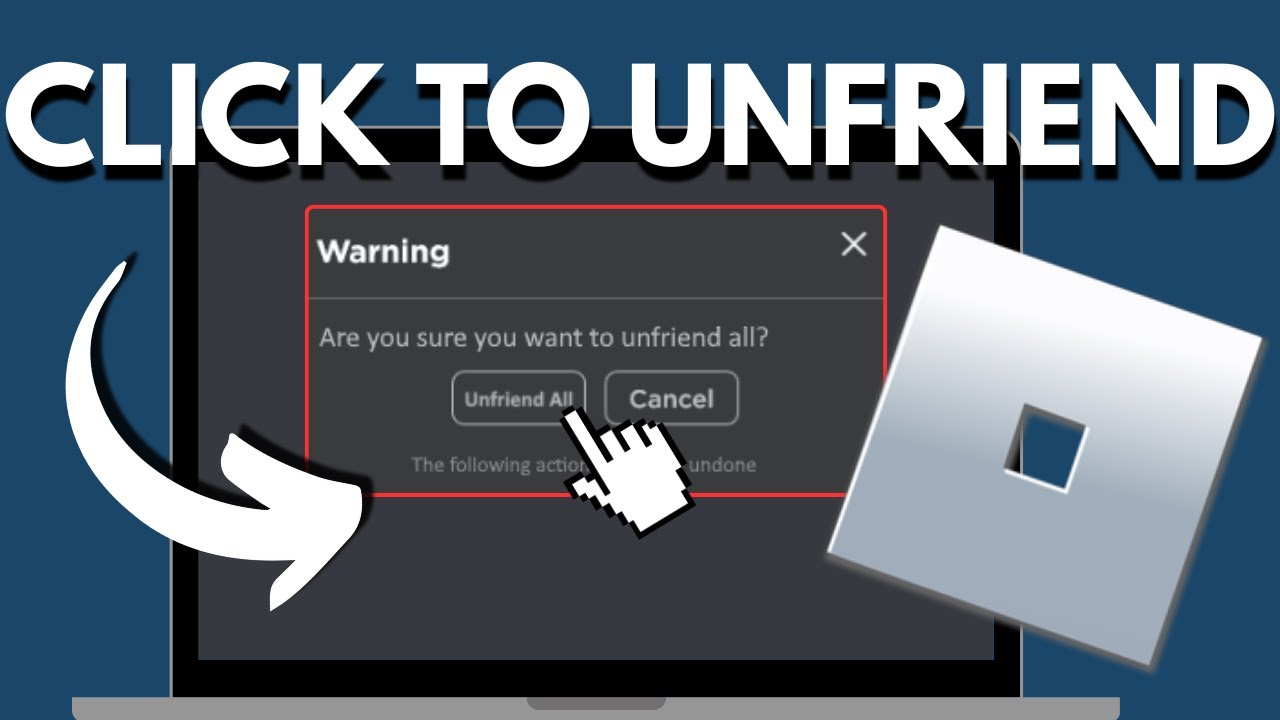
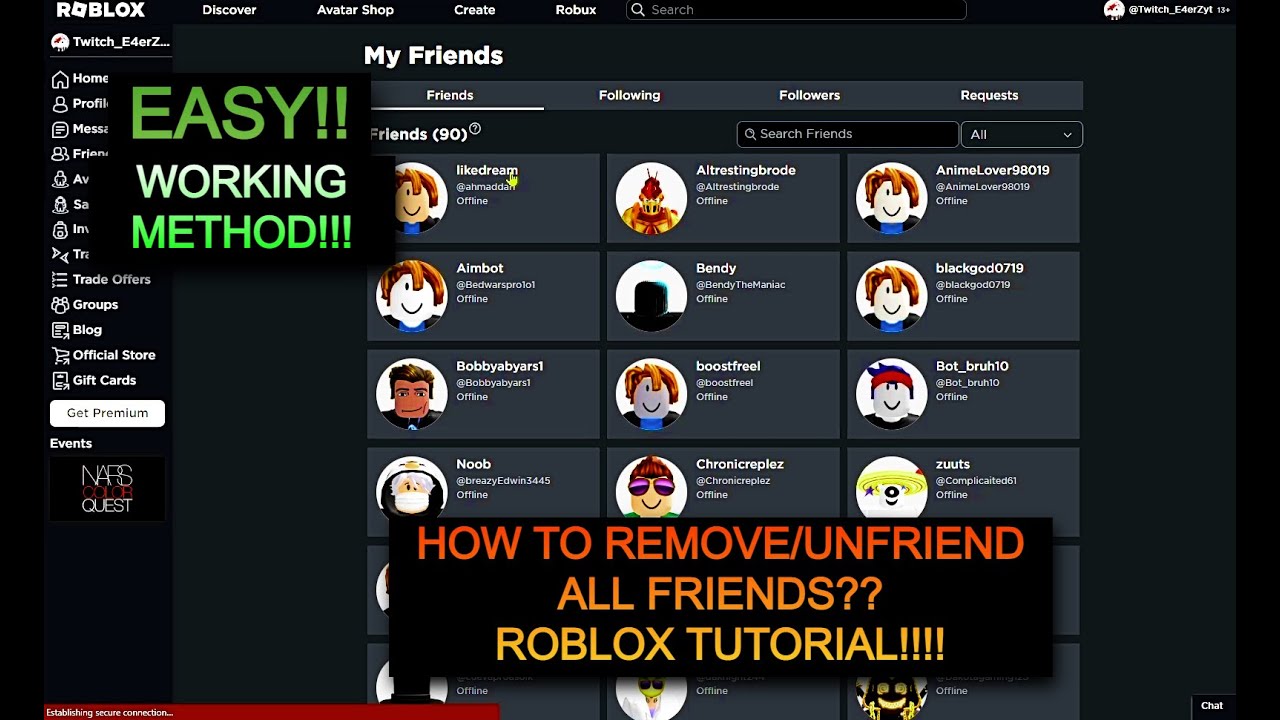
HOW TO UNFRIEND PEOPLE FAST ON ROBLOX HOW TO UNFRIEND EVERYONE AT . How To Unfriend People Fast In Roblox YouTube . How To Unfriend People Fast On Roblox Remove Friends In Roblox . How To Unfriend People On Roblox YouTube . How To Remove All Friends On Roblox EASY TUTORIAL 2026 YouTube
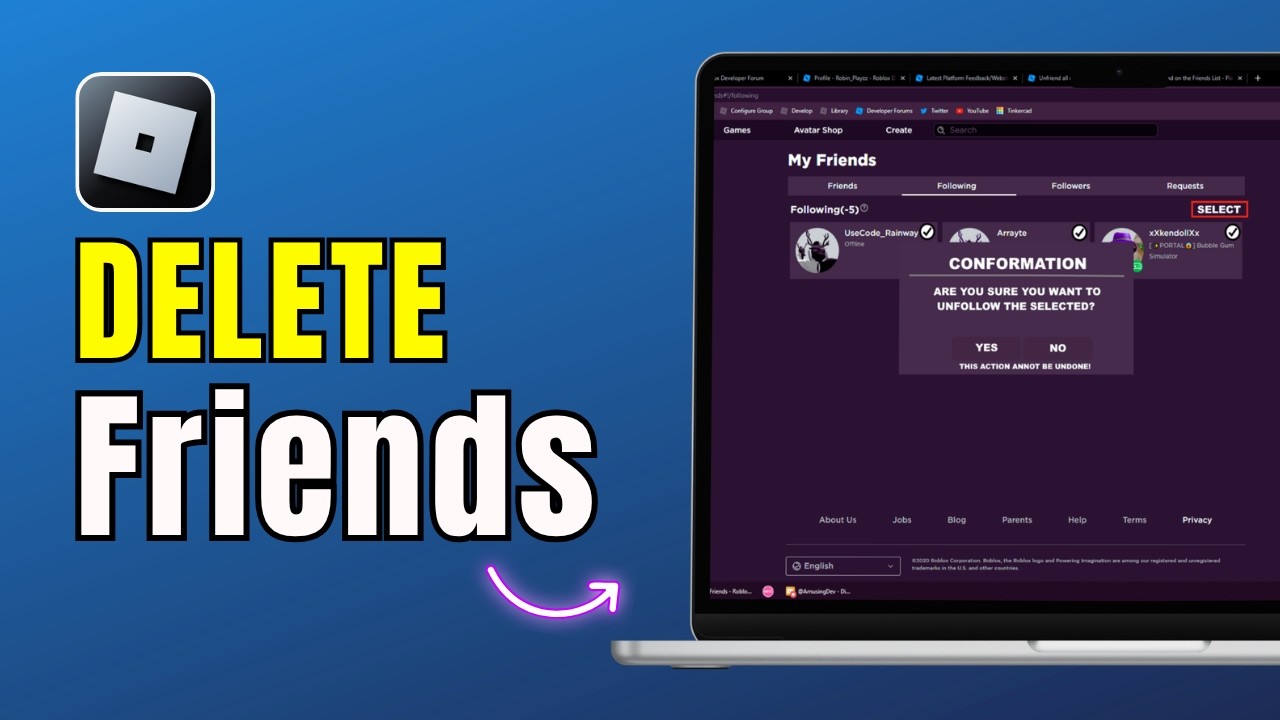
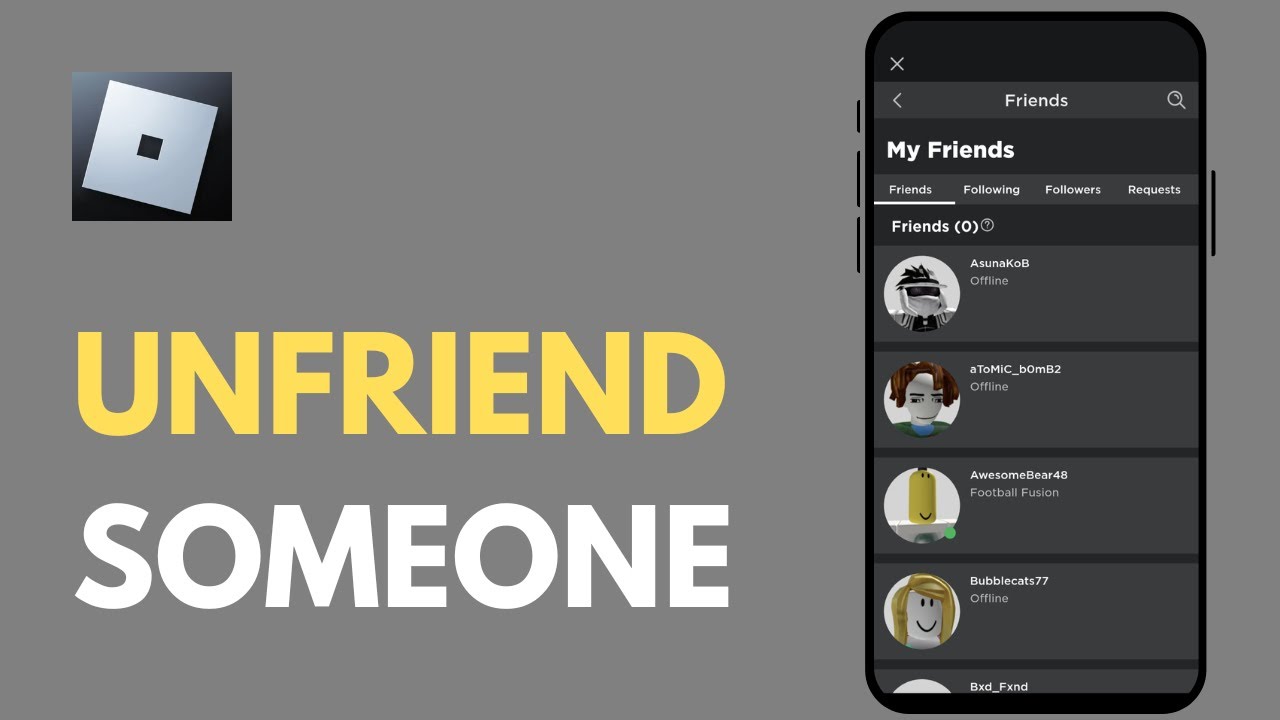

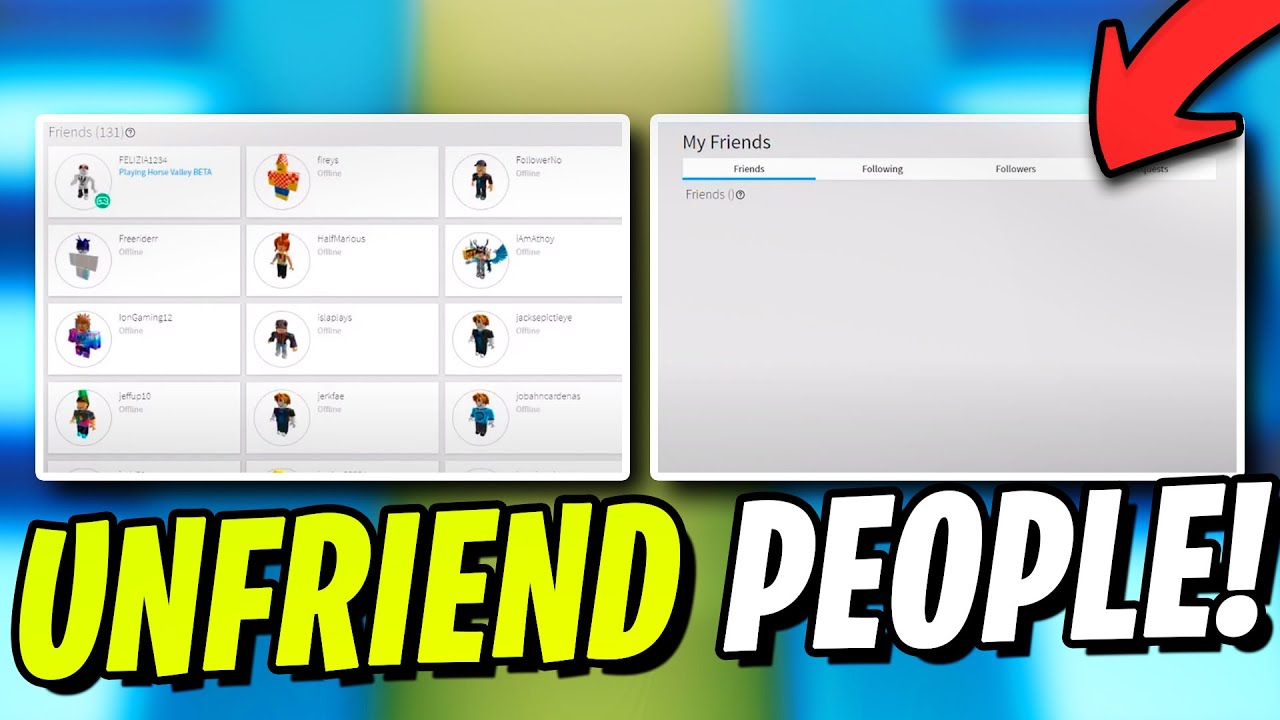

How To Unfriend People On Roblox Fast Quick Guide 2026 Remove . How To Unfriend Someone On Roblox YouTube . How To Unfriend Someone On Roblox Updated YouTube . How To Unfriend People Fast On Roblox YouTube . How To Unfriend Multiple Friends On Roblox At Once H Ng D N Chi Ti T
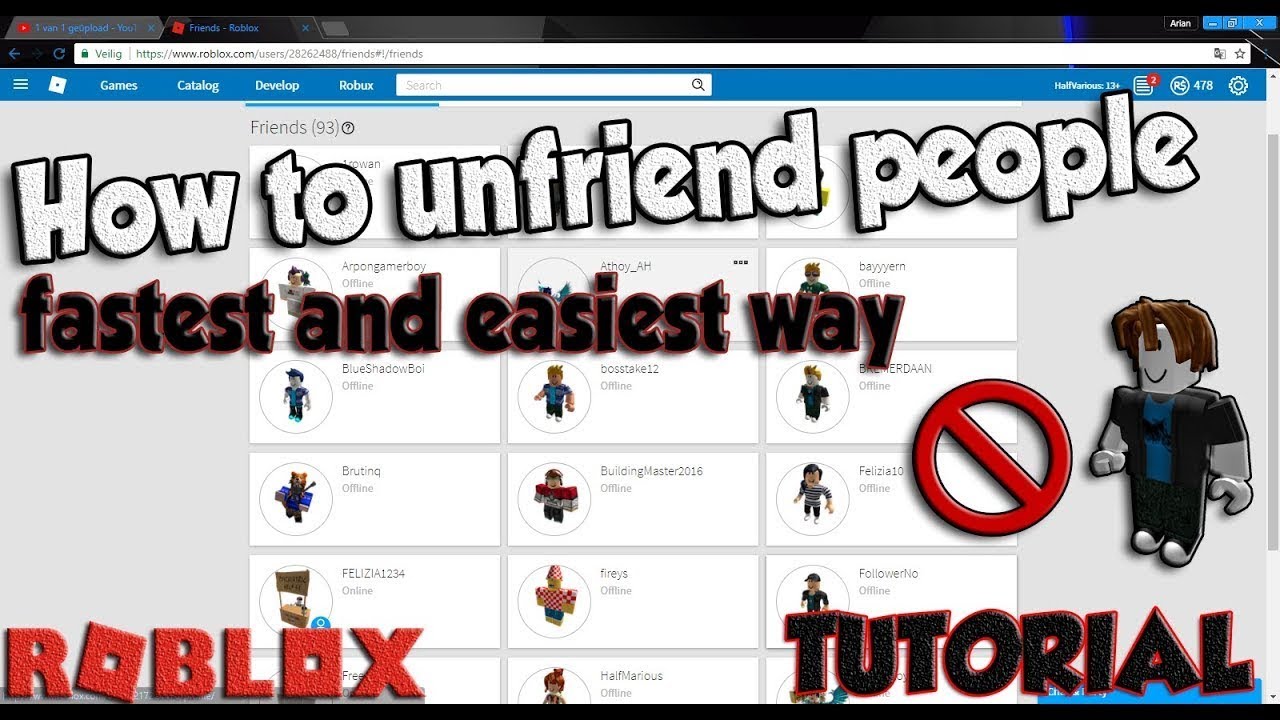

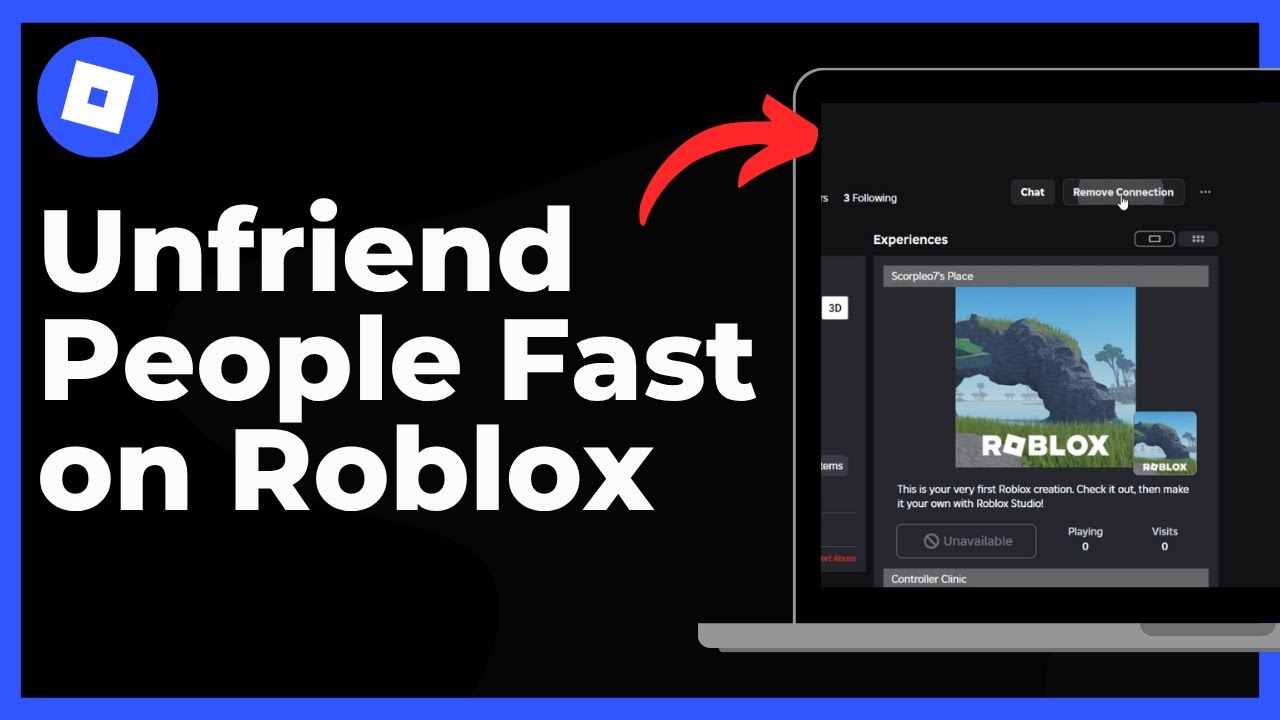
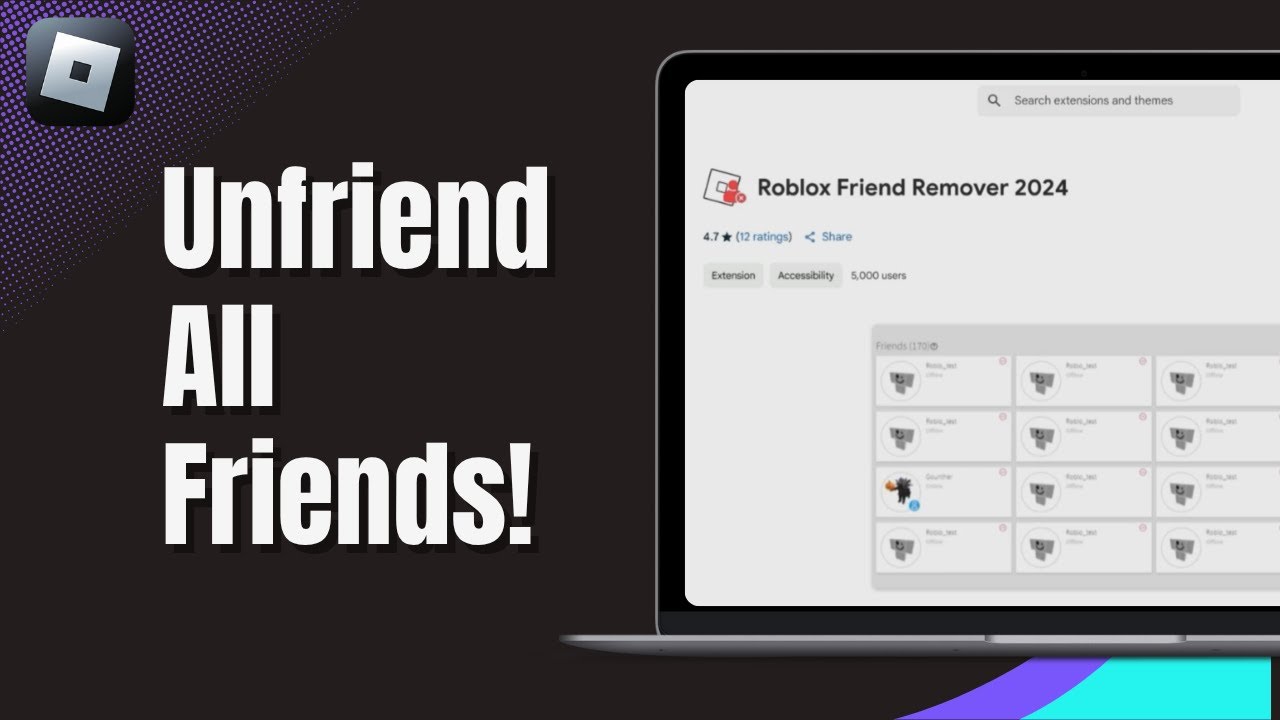

How To Unfriend People FAST On Roblox FASTEST EASIEST WAY YouTube . How To Unfriend Players Fast On Roblox ONLY PC YouTube . How To Unfriend People Fast On Roblox Remove Friends In Roblox . How To Unfriend All Friends On Roblox At Once 2025 Bulk Removal Guide . Roblox Unfriended Who Dared To Cut Ties

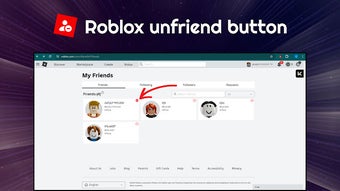


How To Unfriend People On Roblox FAST YouTube . Roblox Unfriend Button For Google Chrome Extension Download Roblox Unfriend Button Screenshot. Unfriend On Roblox On Game Jolt Ima Unfriend Some . How To Unfriend People Fast In Roblox YouTube . How To Unfriend People FAST On Roblox 2025 YouTube


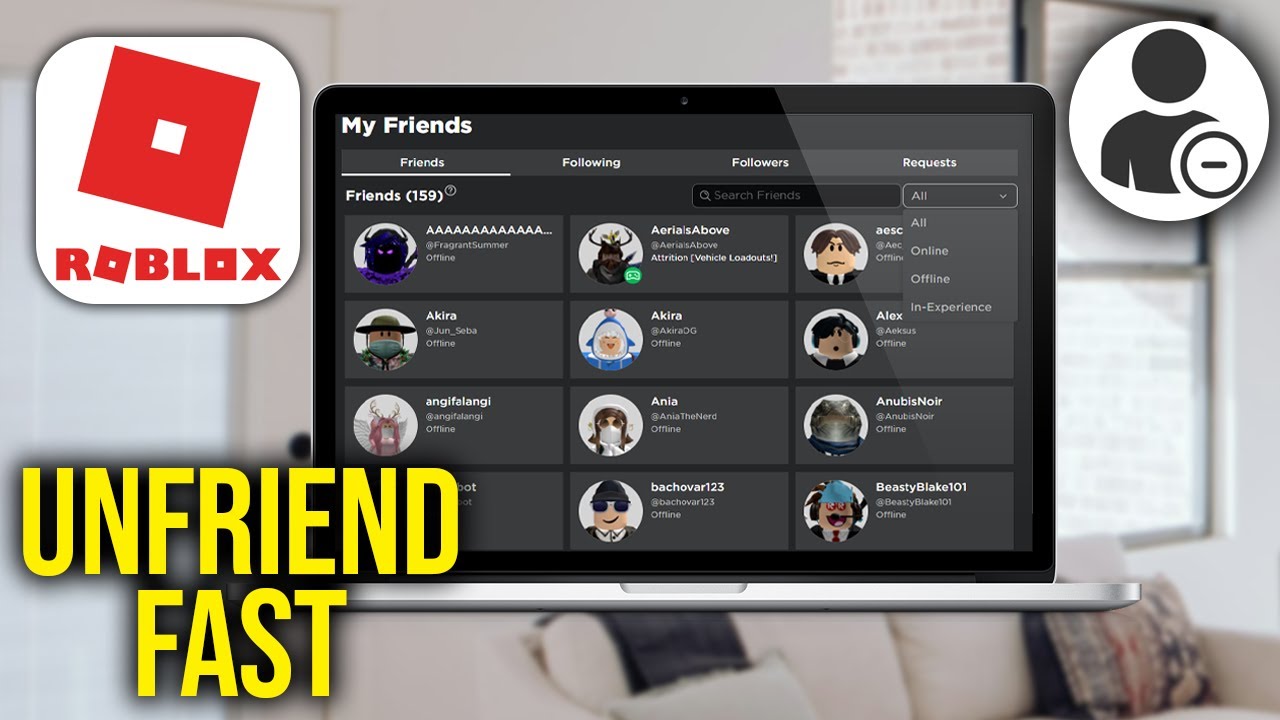

How To Unfriend People On Roblox FAST YouTube . How To Unfriend People On Roblox FAST Mobile Tutorial YouTube . How To Unfriend People On Roblox FAST YouTube . How To Unfriend Someone On Roblox 2025 Remove Friends Easily YouTube . How To Unfriend People On Roblox Fast 2026 QUICK GUIDE YouTube


How To Unfriend Multiple People Faster On Roblox YouTube . How To Unfriend Someone On Roblox Quick Guide YouTube . How To Unfriend People Fast In Roblox 2026 Full Guide YouTube . How To Unfriend Someone On Roblox On PC New Update YouTube . How To Unfriend Someone On Roblox Quick Easy Guide 2026 YouTube




How To Unfriend People Fast In Roblox 2026 TUTORIAL YouTube . How To Get The Unfriend Button In Roblox How To Remove All Friends Hqdefault . How To Unfriend Everyone On Roblox At Once FAST EASY How To Unfriend Everyone On Roblox At Once . How To Unfriend Someone On Roblox 2025 Easy Guide YouTube . Efficient Way To Unfriend Website Features Developer Forum Roblox