Navigating the world of game development on Roblox often leads creators to search for "Roblox Studio download APK." This guide clarifies the situation for busy US gamers and aspiring developers balancing life, work, and their passion for creation. Understanding the official channels and why a dedicated Roblox Studio APK doesn't exist is crucial for safety and productivity. We will explore legitimate ways to manage your creative projects, optimize your workflow, and ensure your Roblox experiences reach a broad audience, including the dominant mobile gaming sector. This resource provides clear, actionable advice to help you build amazing games efficiently and securely, ensuring your time is well-spent on genuine development rather than searching for unofficial, risky files. Learn how to stay current with Roblox development best practices without the hype, focusing on real solutions for your creative endeavors. Discover the essential tools and strategies for success, tailored for those who value both their gaming passion and a balanced lifestyle.
Q: Is an official Roblox Studio download APK available for Android or iOS?
A: No, Roblox Studio is exclusively available for PC (Windows) and Mac operating systems. There is no official Roblox Studio download APK for Android devices, nor is there an official app for iOS. Any site offering a “Roblox Studio APK” is providing an unofficial, potentially harmful version not sanctioned by Roblox Corporation. For safe and legitimate game development, users must download Roblox Studio directly from the official Roblox website onto a computer.
Q: Why can't I find Roblox Studio on mobile app stores like Google Play or the App Store?
A: Roblox Studio is a complex development environment designed for creating immersive 3D experiences, which requires significant processing power, a large screen for detailed UI, and precise input methods like a mouse and keyboard. Mobile devices, while powerful for gaming, generally lack the hardware specifications and control schemes necessary for efficient and robust game development. Roblox Corporation has prioritized a desktop-first experience to ensure creators have the best tools and performance for building high-quality games.
Q: What are the risks of trying to download an unofficial “Roblox Studio APK”?
A: Attempting to download or install an unofficial “Roblox Studio APK” carries significant risks. These unofficial files are often Trojan horses for malware, viruses, or spyware that can compromise your device's security, steal personal data (including your Roblox account credentials), or even render your device unusable. They are not developed or vetted by Roblox, meaning they offer no real functionality and are purely malicious. Always avoid third-party sites claiming to offer official software downloads.
Q: How do game developers create Roblox experiences on the go or without a powerful PC?
A: For busy gamers and developers looking to manage projects on the go, direct game creation with Roblox Studio on mobile is not possible. However, you can manage your Roblox account, check game analytics, communicate with collaborators, and brainstorm ideas using your mobile device. For actual development, a desktop or laptop is essential. If a powerful PC isn't always available, consider cloud gaming services or remote desktop access to your main development machine, though these are advanced solutions.
Q: What are the minimum system requirements for running official Roblox Studio on a PC?
A: To run Roblox Studio smoothly, you'll need a PC with Windows 7 SP1 or newer, or a Mac with macOS 10.10 (Yosemite) or newer. An Intel Core i3 or equivalent CPU, 2GB of RAM (4GB recommended), and at least 1GB of available storage are generally advised. A dedicated graphics card is highly recommended for more complex projects, though integrated graphics will suffice for basic building. A stable internet connection is also crucial for updates and publishing.
Q: Can I use Roblox Studio to create games and then play them on my mobile phone?
A: Absolutely! The primary goal of Roblox Studio is to enable creators to build experiences that are playable across all platforms where Roblox runs, including PC, Mac, Xbox, PlayStation, and mobile devices (Android and iOS). When you create a game in Roblox Studio, you can test it directly within the Studio environment on your computer and then publish it. Once published, any player can access your game via the official Roblox app on their mobile device. It's crucial to optimize your game for mobile controls and screen sizes during development.
Q: Are there any mobile apps that assist with Roblox game development, even if not the full Studio?
A: While there isn't a full Roblox Studio app, some third-party apps might offer tools for managing assets, brainstorming ideas, or collaborating with teams remotely. Roblox's official mobile app allows you to play games, manage your profile, and engage with the community, which indirectly supports development by letting you test your games from a player's perspective. For serious development, however, a desktop is indispensable. Consider using note-taking apps or cloud storage solutions on your mobile for design documentation and asset management on the go.
As a busy US gamer in 2026, you know the drill. You’re juggling work, family, and perhaps a bit of actual adulting, but that creative spark, that desire to build something amazing in Roblox, never fades. You crave the flexibility to jump into development whenever inspiration strikes, even if it means searching for “Roblox Studio download APK” hoping for a mobile solution. It's a common thought: what if you could just whip out your phone or tablet and start building that next big Roblox hit? Unfortunately, many discover the hard way that an official, functional Roblox Studio APK simply isn't a thing, leading to frustration, wasted time, and even potential security risks. This comprehensive guide is here to cut through the noise, offering clear, actionable insights into legitimate Roblox development for those who value their time, security, and creativity. We'll demystify the search for a mobile Studio, provide practical alternatives for on-the-go management, and help you optimize your desktop development workflow so you can balance your passion with your life, ensuring your creations are both innovative and secure. Let's get building, safely and smartly.
US gamers spend an average of over 10 hours a week playing, with 87% regularly engaging in gaming. A significant portion of this is on mobile, highlighting the need for efficient tools that fit a modern lifestyle. But for a powerful creation suite like Roblox Studio, understanding its ecosystem is key to avoiding pitfalls and maximizing your impact.
What is Roblox Studio and Why is it So Sought After by Creators?
Roblox Studio is the powerful, free-to-use platform that enables millions of creators to build, design, and publish their own games and experiences within the Roblox universe. It's essentially a comprehensive development environment where you can sculpt worlds, script interactive elements using Lua, create custom assets, and test your creations. For many gamers, the appeal lies in turning consumption into creation, fostering skill-building, and even exploring potential monetization. Its intuitive interface, coupled with robust capabilities, makes it a gateway for budding developers to bring their imaginative concepts to life, providing a unique blend of fun, social interaction, and creative freedom.
Is There an Official Roblox Studio Download APK for Android or iOS?
To put it plainly, no, there is no official Roblox Studio download APK for Android devices, nor is there an official Roblox Studio application for iOS. Roblox Studio is a desktop-exclusive application, designed to run on Windows and macOS operating systems. Any website or third-party store claiming to offer an official “Roblox Studio APK” or an “iOS app” is providing an unofficial, and almost certainly malicious, file. It's crucial for your device security and personal data protection to avoid these unofficial downloads.
Why Can't I Find an Official Roblox Studio App on Mobile App Stores?
The primary reason Roblox Studio remains a desktop-only application is due to its complexity and system requirements. Building immersive 3D worlds, writing intricate scripts, and managing detailed assets demands significant processing power, a large screen for intricate user interfaces, and precise input methods like a mouse and keyboard. While modern smartphones and tablets are incredibly powerful for playing games, they generally lack the specialized hardware optimization and control schemes needed for efficient and robust game development environments. Roblox Corporation has strategically focused on providing the best possible creation experience on desktop platforms, ensuring creators have the necessary tools for high-quality game production.
What Are the Risks of Downloading Unofficial Roblox Studio APKs?
The risks associated with downloading unofficial “Roblox Studio APK” files are substantial and should not be underestimated. These files are often Trojan horses designed to install malware, viruses, spyware, or ransomware onto your mobile device. Such malicious software can:
- Compromise your device's security and stability.
- Steal your personal information, including Roblox account credentials, banking details, or other sensitive data.
- Display intrusive ads or hijack your browser.
- Render your device inoperable, forcing a factory reset.
- Lead to identity theft.
Always prioritize official sources for software downloads to protect your digital life.
How Do Seasoned Developers Create Roblox Games Effectively While Balancing Life?
Experienced Roblox developers, especially those balancing jobs, families, and life commitments, prioritize efficient workflows and smart planning. Since direct mobile development isn't feasible, they focus on:
- Dedicated Desktop Time: Carving out specific blocks of time on their PC or Mac for intensive development sessions.
- Cloud-Based Collaboration: Using tools like Discord for team communication and cloud storage for asset sharing, accessible from any device.
- Mobile for Brainstorming & Testing: Utilizing phones for jotting down game ideas, sketching UI concepts, or, crucially, testing their published games from a player’s perspective to ensure mobile compatibility and performance.
- Version Control: Implementing systems like Git for managing code and project files, allowing for easy rollback and collaboration.
- Modular Design: Breaking down large projects into smaller, manageable components that can be worked on incrementally.
This approach maximizes their limited development time and ensures steady progress.
Can I Develop Roblox Games on a Tablet or a Chromebook?
While some powerful tablets and high-end Chromebooks can run certain development tools, running the full Roblox Studio application effectively is generally not supported or recommended.
- Tablets: Most tablets, even with keyboard attachments, lack the raw processing power, RAM, and precise input of a mouse needed for Roblox Studio’s demanding tasks.
- Chromebooks: Chromebooks are primarily designed for web-based tasks. While some newer models support Android apps or Linux environments, running Roblox Studio, which is a Windows/macOS native application, directly and efficiently is problematic. You might be able to use remote desktop solutions to access a more powerful computer running Studio, but this adds latency and complexity.
For serious development, a traditional desktop or laptop provides the optimal environment.
What Are the Alternatives for Roblox Creation on the Go?
Even without a “Roblox Studio download APK,” you can still engage with your creative projects on the go:
- Concept & Design: Use mobile note-taking apps (e.g., Google Keep, Evernote) for game ideas, storyboards, and script outlines.
- Asset Management: Cloud storage services (Google Drive, Dropbox) allow you to view and share textures, sounds, or other assets with collaborators from your phone.
- Community Engagement: Stay connected with your development team and the broader Roblox community via Discord or social media on your mobile device.
- Playtesting Your Games: The official Roblox mobile app is indispensable for testing your published games to ensure they are responsive, bug-free, and enjoyable on smaller screens and touch controls. This is critical for optimizing for the 87% of US gamers who play regularly, many of whom are on mobile devices.
These alternatives help keep your projects moving forward even when you're away from your main development machine.
How Can I Manage My Roblox Projects If I'm a Busy Gamer?
Balancing gaming, development, and life requires strategy. For Roblox creators, consider these tips:
- Time Blocking: Schedule specific, consistent blocks in your week for dedicated Studio time, even if it's just an hour.
- Goal Setting: Break down large development tasks into smaller, achievable daily or weekly goals.
- Leverage Off-Peak Hours: Utilize early mornings or late evenings when fewer distractions are present.
- Collaborate: Partner with other developers to share the workload and leverage diverse skill sets. This not only speeds up development but also makes it a more social and fun experience.
- Automate: Learn basic scripting to automate repetitive tasks within Studio, saving valuable time.
- Prioritize Performance: Ensure your development PC is up to snuff. A mid-range gaming PC from this year can handle Studio beautifully, preventing frustrating slowdowns that eat into your limited time.
What’s the Future of Mobile Game Creation for Platforms Like Roblox?
While a full-fledged Roblox Studio mobile app isn’t on the immediate horizon, the trend towards more accessible and flexible development tools is undeniable. We might see:
- Cloud-Based Studio: A streamed version of Roblox Studio that runs on remote servers, accessible via a web browser on tablets or even phones, similar to how some cloud gaming services operate.
- Simplified Mobile Editors: Companion apps that allow for minor tweaks, asset management, or visual scripting without the full complexity of Studio.
- AI-Assisted Development: More AI tools integrated into the desktop Studio that can generate code snippets, optimize assets, or even suggest designs, making the process faster for busy creators.
The goal is always to empower more creators, and as mobile technology evolves, so too will the possibilities for creation.
Tips for Optimizing Your Game Development Workflow in Roblox Studio?
For busy gamers and creators, an optimized workflow is gold. Here are practical tips:
- Learn Hotkeys: Master Roblox Studio’s keyboard shortcuts to speed up common actions like moving, rotating, and scaling objects.
- Use Plugins Wisely: Explore community-created plugins that automate repetitive tasks, enhance UI, or provide specialized tools (e.g., building kits, gapfillers).
- Organize Your Workspace: Keep your Explorer and Properties windows clean and organized. Group objects, rename parts clearly, and use folders to maintain order.
- Version Control: For serious projects, use external version control (like Git) for backup, collaboration, and tracking changes, preventing lost work and streamlining team efforts.
- Test Iteratively: Don't wait until the very end to test. Regularly test small changes to catch bugs early, saving immense troubleshooting time later.
- Leverage Roblox’s Resources: Utilize the official Roblox Developer Hub for tutorials, documentation, and best practices. There’s a wealth of free learning content available.
These practices help reduce friction and keep your creative momentum going, even with limited time.
How to Ensure Your Roblox Creations Run Well on Mobile Devices?
It’s critical that your game performs well across all platforms, especially given the dominance of mobile gaming. Here’s how to optimize:
- Part Count & Complexity: Keep the number of parts and complex meshes in your game as low as possible. Use unions and meshes efficiently.
- Lighting & Effects: Limit complex lighting (shadows, global illumination) and excessive particle effects, which are resource-intensive.
- Script Optimization: Write efficient Lua scripts. Avoid unnecessary loops, frequent network calls, and overly complex calculations.
- Mobile UI/UX: Design your user interface (UI) with touchscreens in mind. Large, easy-to-tap buttons and a clean layout are essential. Utilize Roblox’s “Scale” property for UI elements to ensure they adapt to different screen sizes.
- Asset Loading: Optimize textures and sound files. Consider using Content Streaming to load parts of the map as players approach them, reducing initial load times.
- Test on Actual Devices: While Studio’s emulator helps, nothing beats testing your game on a real mobile device via the Roblox app to catch performance issues and refine controls.
By focusing on these optimizations during development, you ensure a smooth, enjoyable experience for your mobile audience.
Conclusion
While the dream of a full-fledged “Roblox Studio download APK” remains distant, the reality is far more practical and secure. Roblox Studio is a powerful desktop tool designed for robust creation, and understanding its native environment is key to success. By embracing the desktop for development, leveraging mobile devices for planning and crucial playtesting, and optimizing your workflow, you can successfully balance your passion for game creation with your busy life. Focus on official channels, prioritize security, and continuously refine your skills to build incredible experiences that captivate players across all platforms. What’s your biggest gaming challenge in balancing life and creation? Comment below!
FAQ Section
Is Roblox Studio free to download and use?
Yes, Roblox Studio is completely free to download and use on compatible Windows and Mac computers. This allows anyone to begin creating games and experiences within the Roblox platform without an upfront cost.
Can I earn money creating games on Roblox?
Absolutely! Developers can earn Robux through various means, including in-game purchases (e.g., Game Passes, Developer Products) and the Premium Payouts program, which rewards engagement from Premium subscribers.
What programming language does Roblox Studio use?
Roblox Studio primarily uses Lua, a lightweight, powerful, and easy-to-learn scripting language. It's ideal for beginners but robust enough for complex game logic.
Do I need a powerful PC for Roblox Studio?
For basic building, a modest PC will suffice. However, for developing complex 3D worlds, advanced scripting, and running multiple tests, a modern PC with a good CPU, sufficient RAM (8GB+ recommended), and a dedicated graphics card will provide the best, smoothest experience.
How often does Roblox Studio update?
Roblox Studio receives frequent updates, typically on a weekly basis. These updates bring new features, bug fixes, performance improvements, and security enhancements, ensuring creators always have access to the latest tools.
Can I publish games directly from Roblox Studio?
Yes, once your game is ready, you can easily publish it directly to the Roblox platform from within Roblox Studio. This makes your creation accessible to millions of players worldwide almost instantly.
Roblox Studio is exclusively for PC and Mac, no official APK exists. Unofficial 'Roblox Studio download APK' files are risky, often containing malware. Mobile devices are great for testing and management, not core development. Focus on official Studio on desktop for safe, effective game creation. Optimize PC workflow for busy schedules. Ensure games are mobile-friendly after creation on desktop.
35




How To Download Roblox Studio On Mobile 2026 Android IOS Get . Roblox Studio Download Roblox Studio How To Play Roblox Studio For Windows . Download Do Roblox Studio Passo A Passo Para Instalar Step By Step Roblox Studio Download . Download Roblox Studio Apk V4 4 3 For Android Latest Roblox Studio APK . Roblox Studio Mobile How To Install Roblox Studio On Android APK


How To Download Roblox Studio On Mobile 2026 Updated Tutorial YouTube . Roblox Studio Mobile Download How To Download Roblox Studio Mobile On . Download Roblox Studio Apk V4 4 3 For Android Latest Resize. How To Get Roblox Studio On MOBILE 2026 IOS Android Make . Roblox Studio Webp
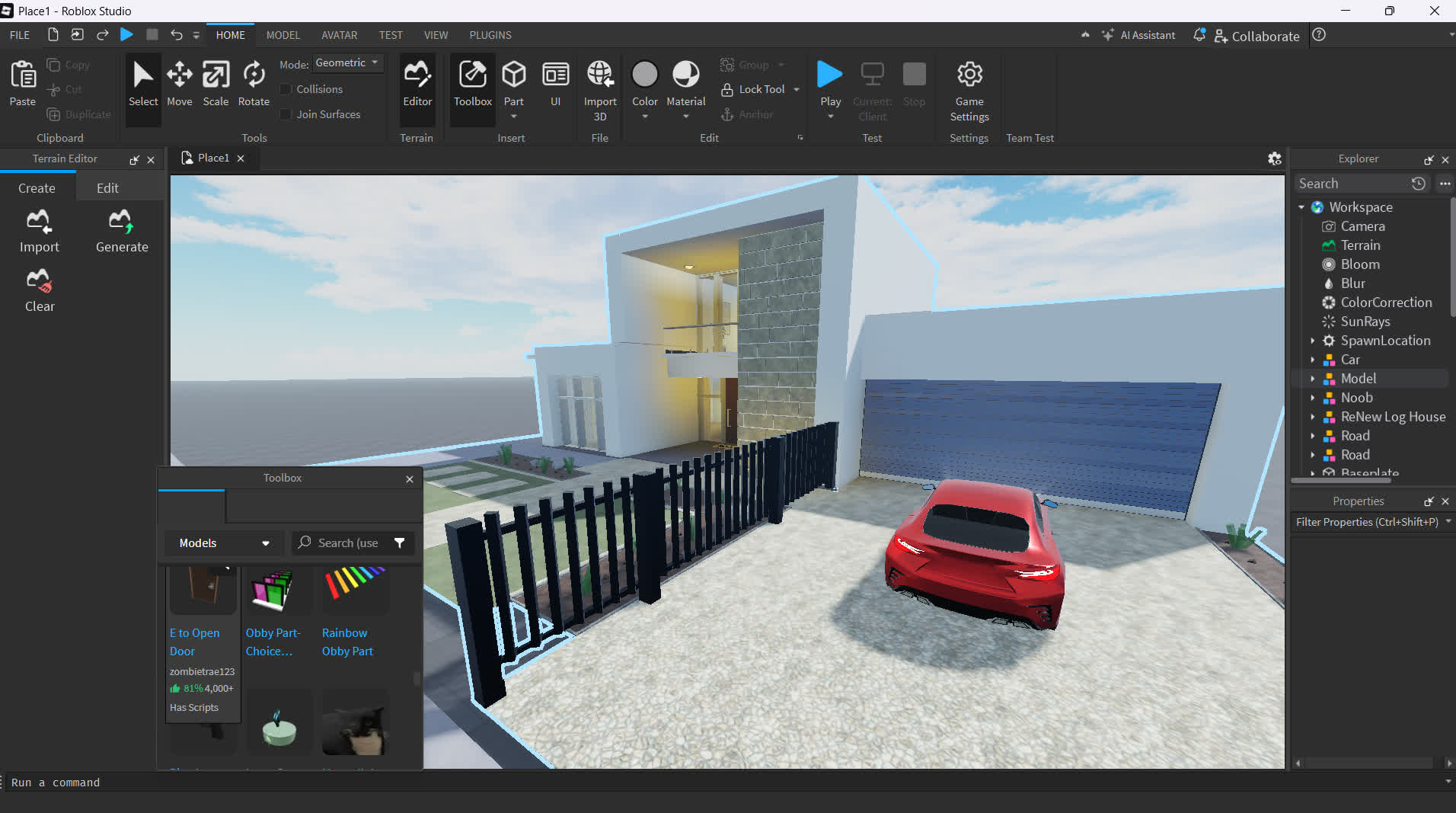

Roblox Studio Download Roblox Studio Walkthrough Roblox Studio For Windows . Roblox Studio Install H Ng D N C I T V S D Ng Chi Ti T . A User Guide On How To Download Roblox Studio App For All Platforms 210 Cover . Roblox Studio Download Free 2026 0 728 0 7280895 TechSpot 2025 09 12 Image 2 . How To Install Roblox Studio On Android YouTube
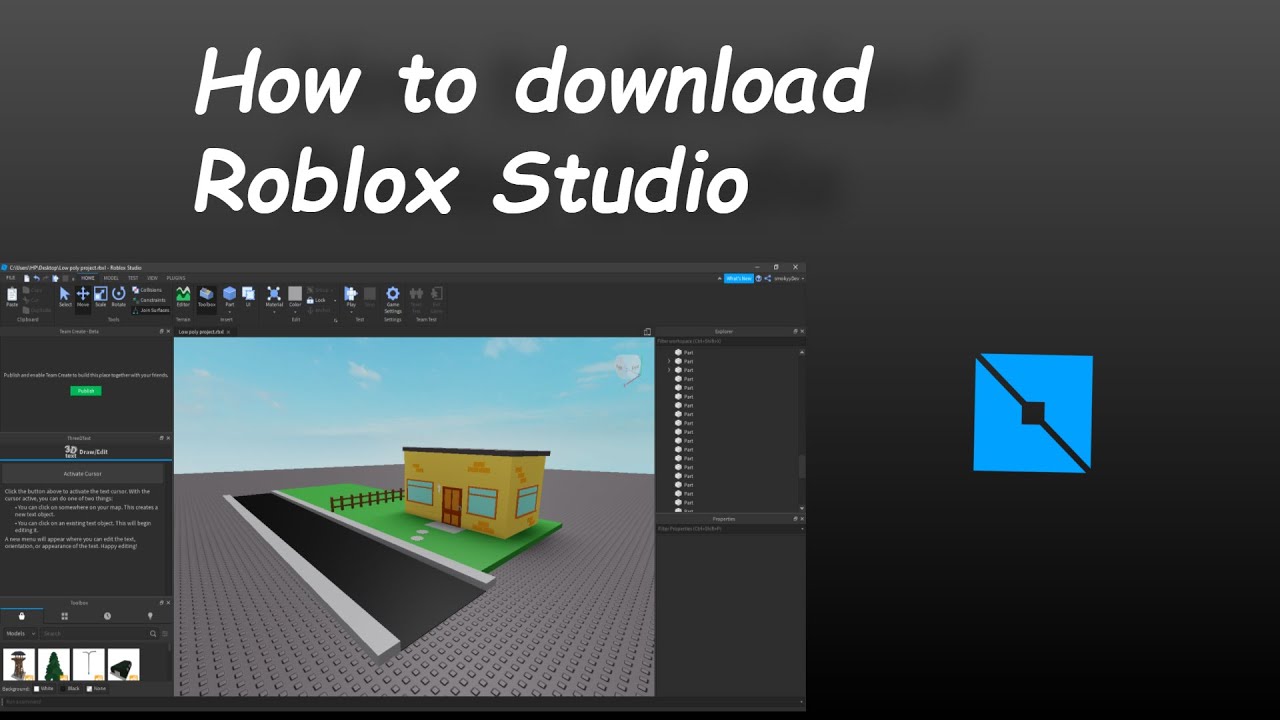
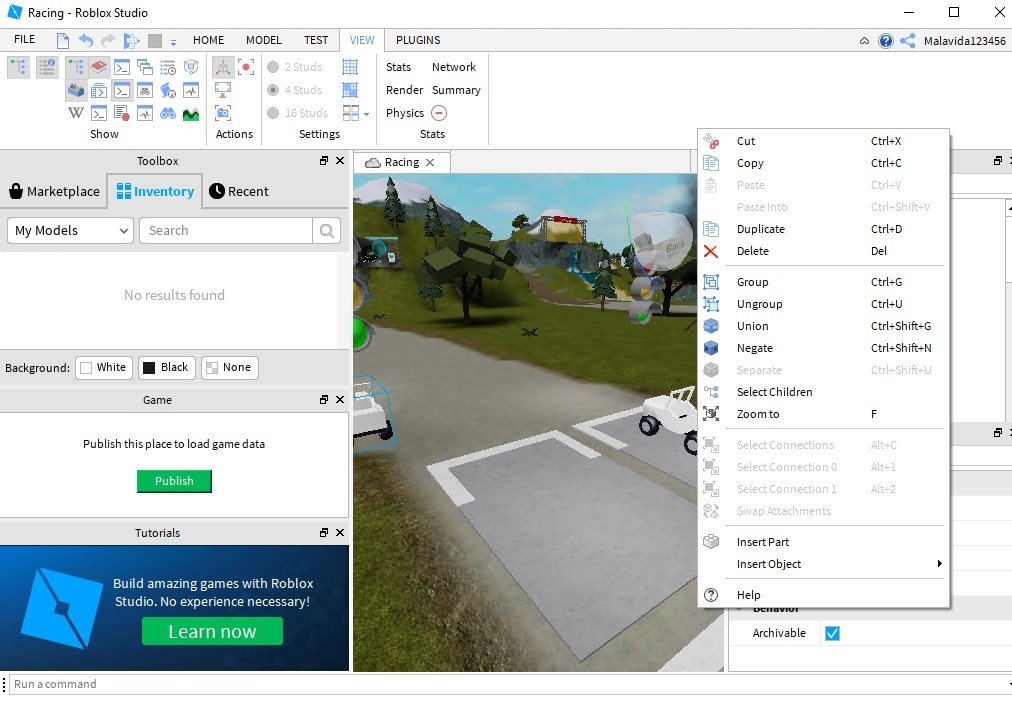


Roblox Studio . Roblox Studio 1 6 1 6880864 Download F R PC Kostenlos Roblox Studio 23812 1 . How To Download Apps Roblox.PNG. Roblox Studio For PC Windows 1 6 0 7211107 Download Screen 6 . How To Download Roblox Studio In 2026 Beginner Setup What Actually O


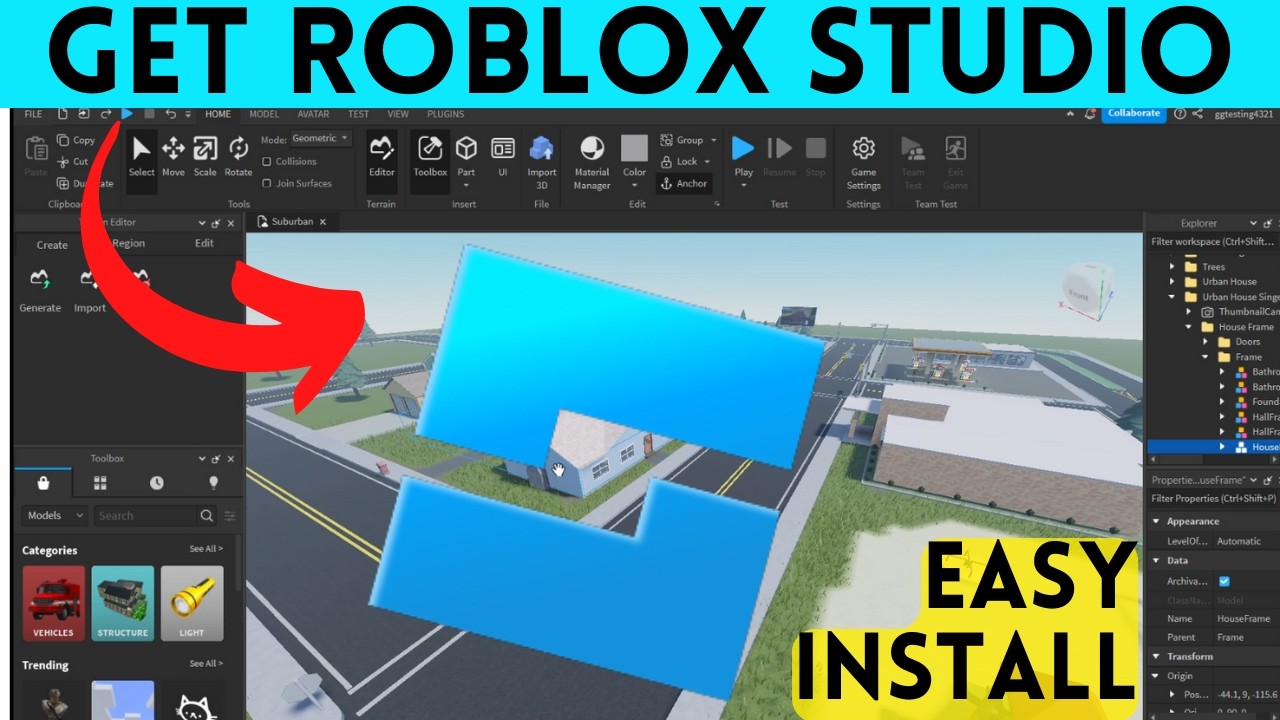
Roblox Studio Tutorial How To Install Roblox Studio 2026 UPDATED . Download Roblox Studio Apk V4 4 3 For Android Latest . How To Install Roblox On A Computer Easily 2026 Guide . Download Roblox Studio Apk V4 4 3 For Android Latest Resize. How To Download Roblox Studio On Laptop PC Install Roblox Studio On



Roblox Studio App 2026 Roblox Studio App.webp. How To Install Roblox Studio In 2026 Easy Step By Step Guide YouTube . How To Download Roblox Studio On Tablet Install Roblox Studio How To Download Roblox Studio On Tablet . How To Imstall Roblox Easily In 2026 Your Ultimate Guide Install Roblox Step 30 . Download Roblox MOD APK Game Latest 2026 FileCR Image

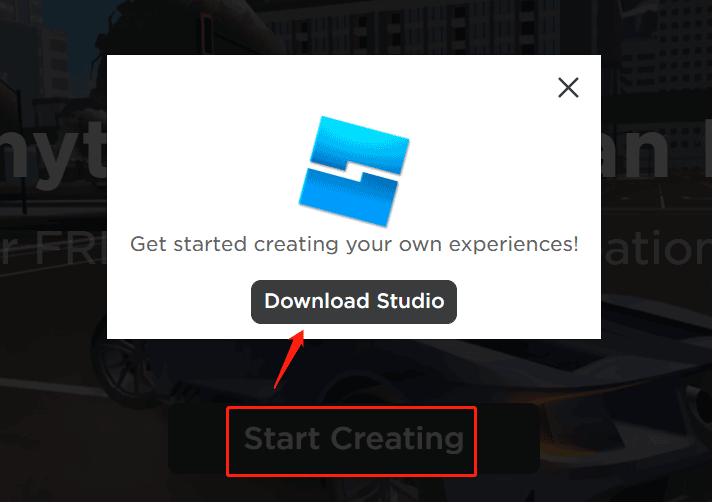
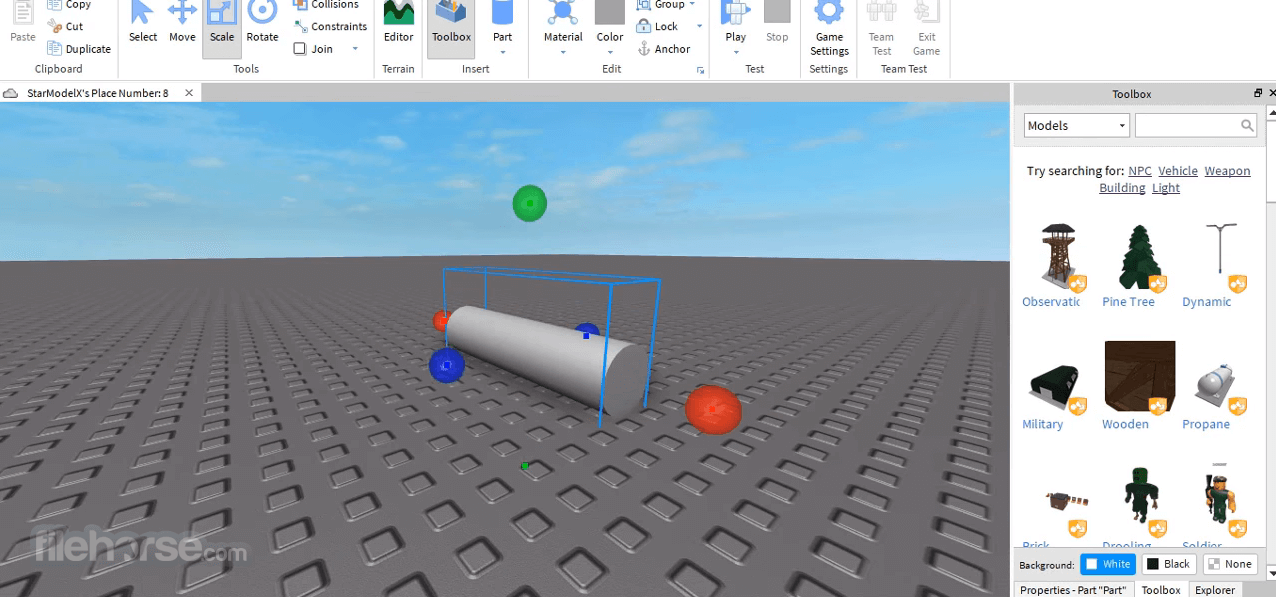

Download Roblox MOD APK Game Latest 2026 FileCR Roblox. Roblox Studio Download For PC Mac And Install For Games Creation MiniTool Roblox Studio Download 1 . How To Install Roblox Studio Ksesip Roblox Studio Screenshot 03 . A User Guide On How To Download Roblox Studio App For All Platforms B1. Download Roblox Studio Apk V4 4 3 For Android Latest Resize